Slide 4 of 6 from 1 Input & 3 Outputs Diagram Concept for PowerPoint
PowerPoint Process Diagram with Multiple Outputs
1 Input & 3 Output Diagram Concept for Presentations
- Diagram
- Process Flow
- Process Slide
- 16:9
- 100% Editable
The 1 Input & 3 Output Diagram slide from the 1 Input & 3 Outputs Diagram Concept for PowerPoint template offers a clear process flow layout ideal for business presentations. This editable slide template visually represents a single input branching into multiple outcomes, making it useful for illustrating workflows, project results, or decision paths. Its design includes editable shapes and vector icons, supporting customization within corporate presentation slide decks or pitch deck templates.
What’s on This Slide
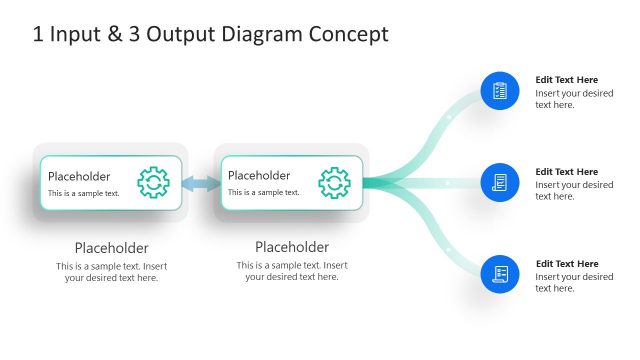
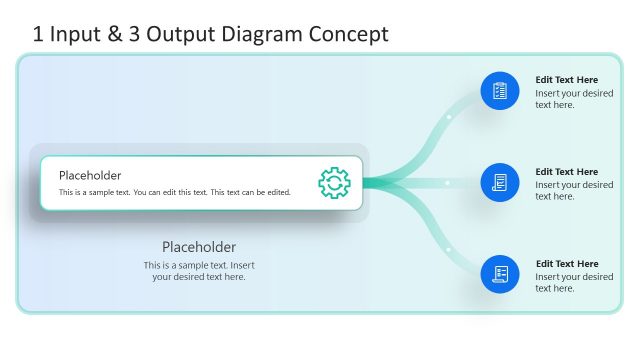
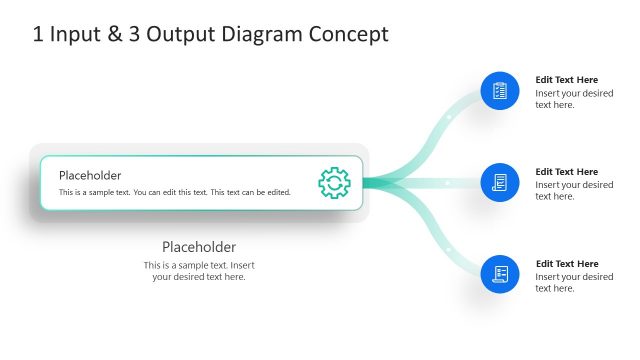
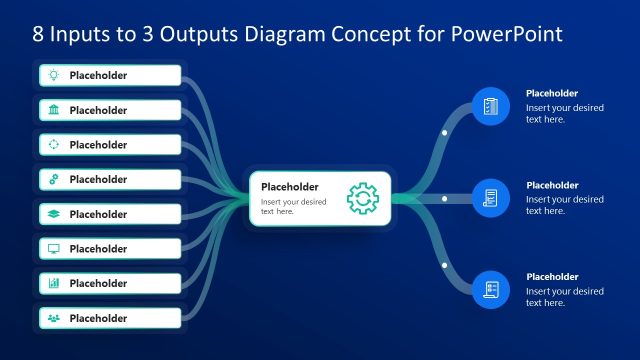
The layout features a central rectangular node positioned at the center, labeled with a placeholder for text. This node connects to three output nodes on the right, each also rectangular and aligned vertically. Arrows extend from the central node to each output node, indicating directionality. Below the central node, there is a placeholder for additional text. The background has a gradient color scheme, transitioning from light to darker shades. Text placeholders are centered within their respective shapes, maintaining a clear visual hierarchy.
How to Use It
This layout serves as a process diagram, illustrating a single input leading to multiple outputs. It is suitable for presentations that require a clear depiction of processes or workflows. This structure can be used to explain business processes, project outcomes, or decision-making paths. It fits well in a sequence following a problem statement, providing clarity on solutions or results. The design allows for easy customization of text to fit various contexts.
Text Placeholders & Capacity
Keep your copy within these limits so it fits without resizing. Node body slots can hold about 40 characters each.
| Placeholder | Count | Max characters (approx.) |
|---|---|---|
| Item body | 4 | 40 |
Slide Keywords
Download unlimited PowerPoint templates, charts and graphics for your presentations with our annual plan.
DOWNLOADReturn to 1 Input & 3 Outputs Diagram Concept for PowerPoint.