Slide 6 of 8 from Innovative PowerPoint Themes Layouts
Checklist PowerPoint Themes for PowerPoint
Checklist Slide with Icons and Text
- Text Layout
- List Blocks
- Process Slide
- 16:9
- 100% Editable
The Checklist with Icons and Text slide from the Innovative PowerPoint Themes Layouts template offers a structured format for presenting task lists and project updates. This slide layout includes editable shapes and vector icons to visually enhance business presentations, making it suitable for highlighting key features or action items in a corporate presentation or pitch deck template.
What’s on This Slide
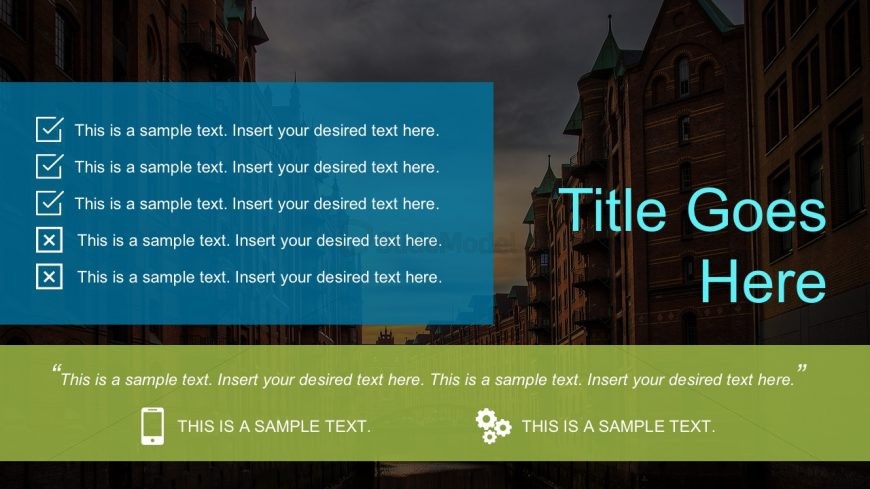
The slide features a large title area at the top center, with a blue rectangular background. Below, there are five checklist items arranged vertically on the left side, each accompanied by a checkmark icon. These items are in a lighter blue container. At the bottom, a green rectangular area contains a quote and two icons, one of a smartphone and another of a gear. The overall layout is structured with a clear visual hierarchy, emphasizing the title and checklist items. There are text placeholders for all elements, indicating where content can be inserted.
How to Use It
This layout serves as a checklist or task list, ideal for summarizing key points or action items in a presentation. It fits well in a sequence after introducing a problem or topic, guiding the audience through steps or considerations. This structure is useful in business contexts, such as project management updates, team tasks, or product feature highlights, where clarity and organization are essential.
Text Placeholders & Capacity
Keep your copy within these limits so it fits without resizing. Node labels can hold about 10 words each, while the callout can accommodate a longer text.
| Placeholder | Count | Max characters (approx.) |
|---|---|---|
| Slide title | 1 | 30 |
| Item heading | 5 | 50 |
| Callout | 1 | 150 |
| Image caption | 2 | 30 |
Slide Keywords
Download unlimited PowerPoint templates, charts and graphics for your presentations with our annual plan.
DOWNLOADReturn to Innovative PowerPoint Themes Layouts.