Slide 1 of 1 from Infographic Data Visualization Slide Free
Data Visualization PowerPoint Slide
Infographic Data Visualization Slide
- Chart
- Other
- Evaluation Slide
- 16:9
- 100% Editable
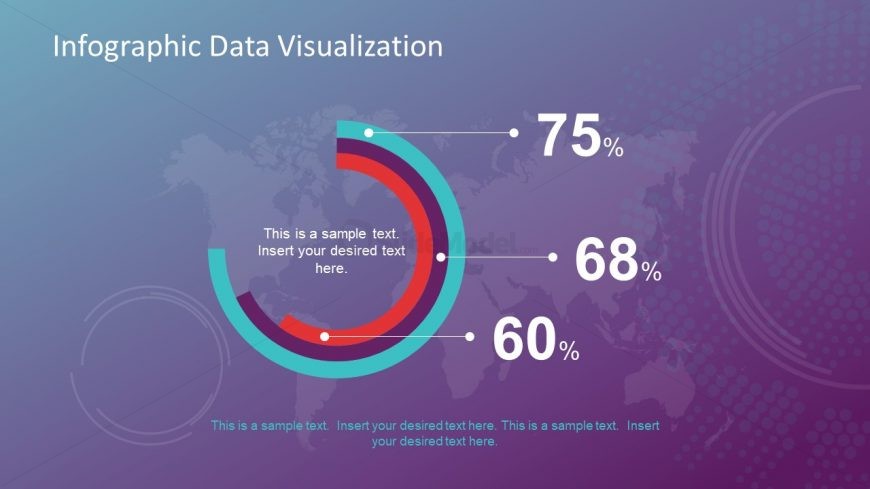
The Infographic Data Visualization slide from the Infographic Data Visualization Slide Free template offers a clear and editable slide layout ideal for showcasing performance metrics and survey results. Featuring circular progress indicators over a world map background, this slide supports business presentations and pitch decks requiring concise data representation with editable shapes and vector icons.
About This Slide
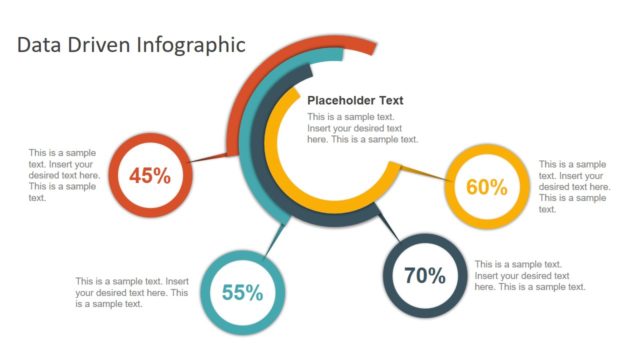
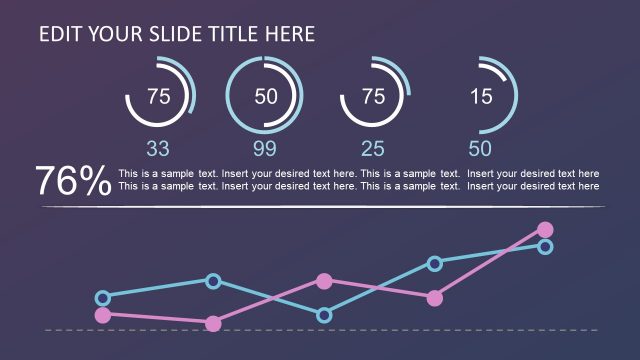
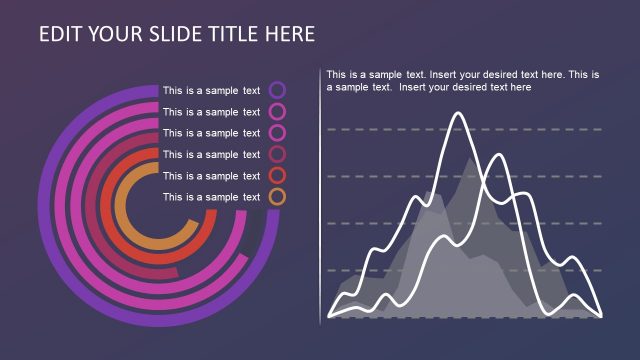
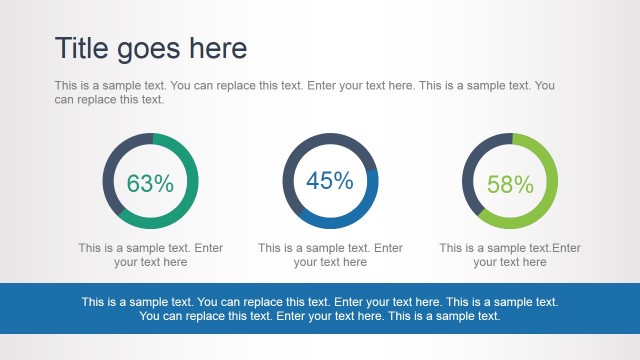
The free Data Visualization PowerPoint Slide template is an amazing dashboard style infographic presentation. This is a three-level circular template in the crescent shape which helps present three different data variables. For example, show the statistical analysis of sales or revenue generation for multiple products. Also, create the PowerPoint to represent various key performance indicators to evaluate the employee’s growth in the organization. This free PowerPoint has an incredible background of map and data visualization shapes. Also, the gradient effect of blue and plum makes gives the idea of modern technology and science fiction.
What’s on This Slide
The slide features a world map background with a gradient color scheme transitioning from purple to blue. Three circular progress indicators are displayed, each showing a percentage: 75%, 68%, and 60%. These indicators are positioned in a semi-circular layout, with the largest circle at the bottom and two smaller circles above it. Each percentage is accompanied by a text placeholder aligned below the indicators, allowing for additional descriptive text. The overall composition is balanced, with visual elements grouped centrally, creating a cohesive design.
How to Use It
This layout serves as a data visualization tool, effectively presenting key metrics in a visually engaging manner. It is suitable for business presentations where performance metrics or survey results need to be highlighted. The slide can be used in contexts such as quarterly reports, project updates, or marketing analytics. It fits well at the beginning of a presentation to introduce data-driven insights or as a summary slide to encapsulate key findings.
Text Placeholders & Capacity
Keep your copy within these limits so it fits without resizing. Text slots are moderate, roughly 10-15 words each.
| Placeholder | Count | Max characters (approx.) |
|---|---|---|
| Chart title | 1 | 30 |
| Item body | 3 | 50 |
| Body paragraph | 3 | 80 |
Slide Keywords
Download unlimited PowerPoint templates, charts and graphics for your presentations with our annual plan.
DOWNLOADReturn to Infographic Data Visualization Slide Free.