Slide 10 of 11 from Free Vision and Mission Business PowerPoint Template
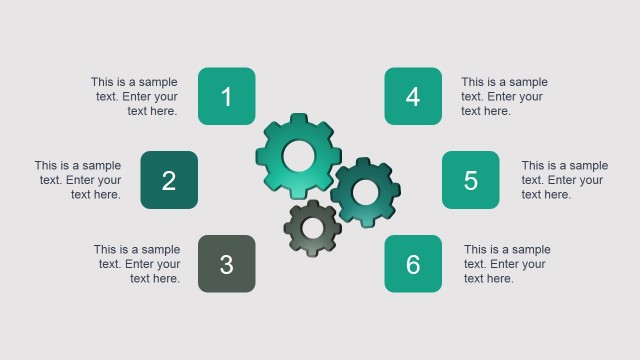
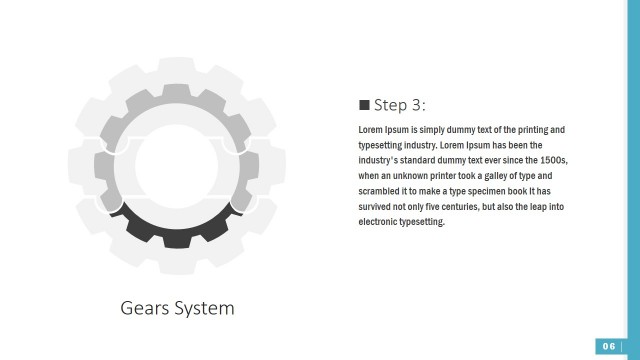
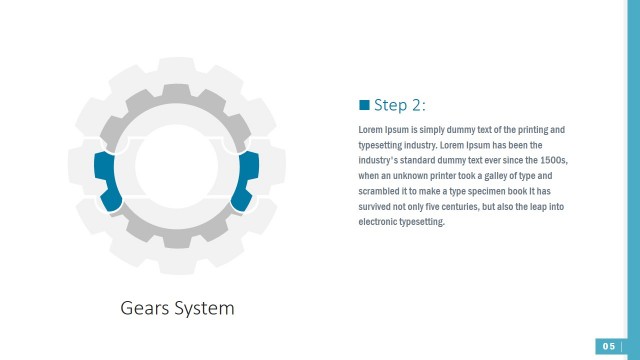
System of Gears In PowerPoint
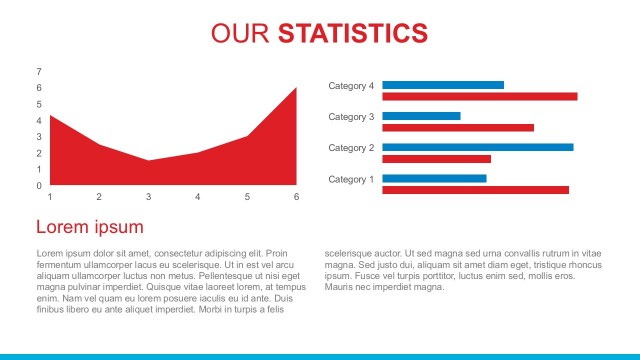
Statistics Slide with Gears and Percentages
- Diagram
- Other
- Statistics Slide
- 16:9
- 100% Editable
The Statistics with Gears slide from the Free Vision and Mission Business PowerPoint Template offers a clear visual method to present key metrics and market research findings. Featuring editable shapes in the form of interconnected gears, this slide template supports business presentations by illustrating performance statistics effectively within a professional slide deck.
What’s on This Slide
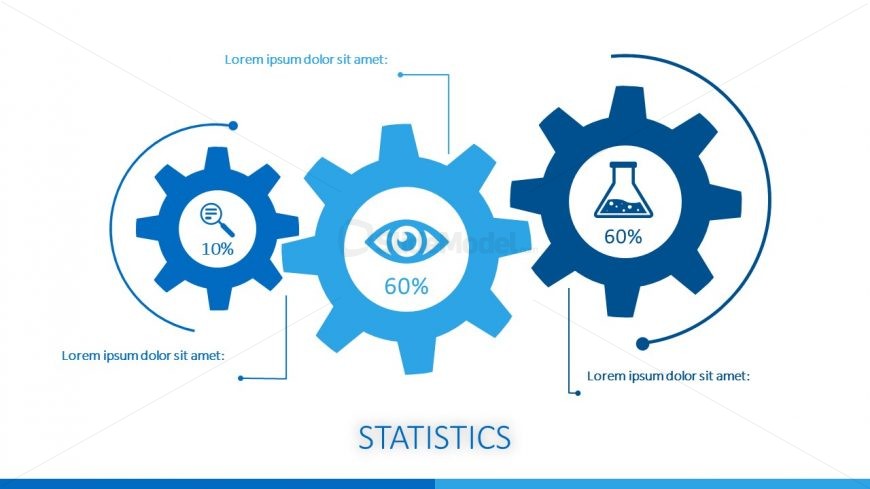
The layout features three large gears arranged horizontally across the center. Each gear displays a percentage inside, with the left gear showing 10%, the middle gear showing 60%, and the right gear also showing 60%. Connecting lines extend from the gears to text placeholders positioned above and below them, indicating additional information. The title 'STATISTICS' is centered at the bottom in a bold font. The background is white, with blue accents used for the gears and text, creating a clear visual hierarchy.
How to Use It
This layout serves to present statistical data visually, making it suitable for business presentations that require highlighting key metrics or performance indicators. It fits well after problem identification slides and before strategic discussions, helping to summarize data effectively. Scenarios include reporting on project outcomes, showcasing market research findings, or illustrating performance statistics in a company overview. The gear design symbolizes processes or systems, enhancing the context of the statistics presented.
Text Placeholders & Capacity
Keep your copy within these limits so it fits without resizing. Node body slots can accommodate roughly 30 characters each.
| Placeholder | Count | Max characters (approx.) |
|---|---|---|
| Slide title | 1 | 20 |
| Item body | 3 | 30 |
Slide Keywords
Download unlimited PowerPoint templates, charts and graphics for your presentations with our annual plan.
DOWNLOADReturn to Free Vision and Mission Business PowerPoint Template.