Slide 4 of 38 from Free Timeline Infographics
Three Events -Free Timeline Infographics Slide
Timeline Infographics for Presentations
- Diagram
- Timeline Horizontal
- Timeline Slide
- 16:9
- 100% Editable
The Timeline Infographics slide from the Free Timeline Infographics template offers a clear visual representation of project timelines and key milestones. With editable shapes and vector icons, this layout is ideal for event planning and strategic overviews, allowing for easy customization to suit various business presentations.
What’s on This Slide
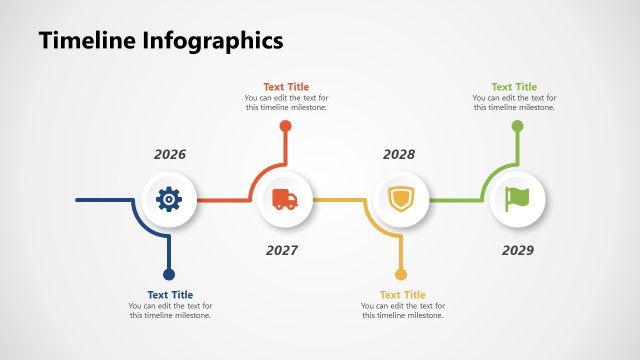
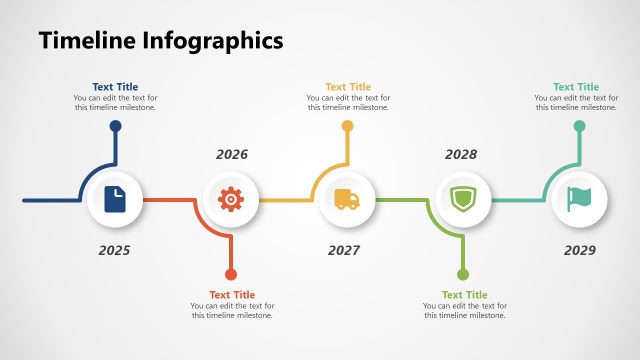
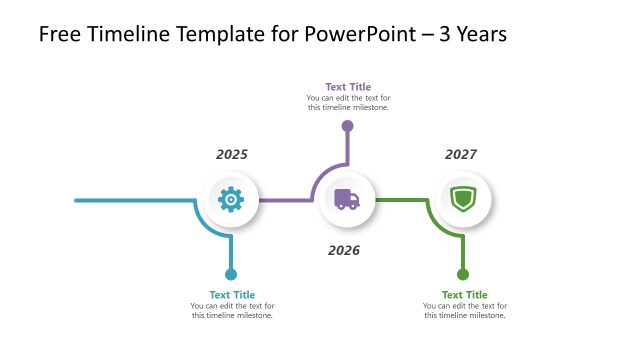
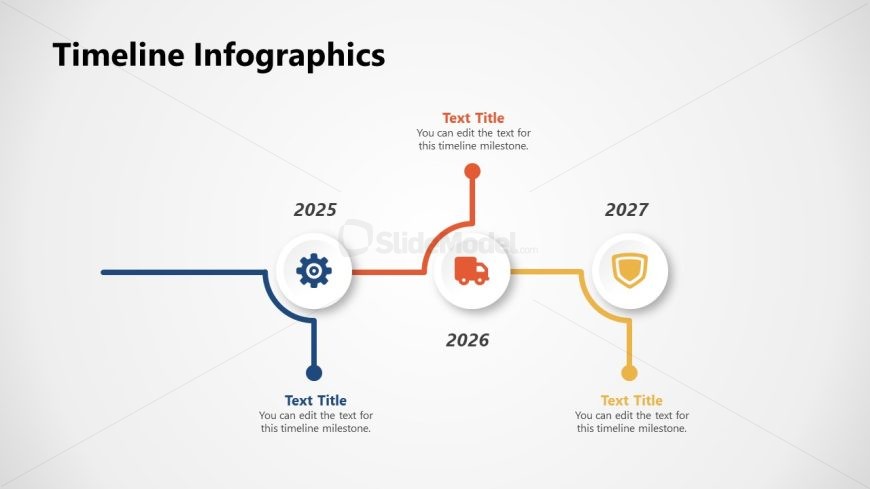
The layout features a horizontal timeline with three key milestones positioned along a central line. Each milestone is represented by a circular node, with icons indicating different themes: a gear for 2025, a truck for 2026, and a shield for 2027. The nodes are connected by colored lines, with the year labels placed above each milestone. Text placeholders are aligned below each node, allowing for customization. The background is light, enhancing the visibility of the colored elements and icons, which are arranged symmetrically.
How to Use It
This layout serves as a chronological timeline to illustrate key events or milestones in a project or strategy. It is suitable for presentations that require a clear visual representation of progress over time. This format is effective in business contexts, such as project management updates, product launches, or strategic planning sessions. It fits well after problem identification slides and before detailed action plans, providing a clear overview of timelines.
Text Placeholders & Capacity
Keep your copy within these limits so it fits without resizing. Node body slots can hold roughly 10-12 words each.
| Placeholder | Count | Max characters (approx.) |
|---|---|---|
| Slide title | 1 | 30 |
| Item heading | 3 | 10 |
| Item body | 3 | 60 |
Slide Keywords
Download unlimited PowerPoint templates, charts and graphics for your presentations with our annual plan.
DOWNLOADReturn to Free Timeline Infographics.