Slide 1 of 38 from Free Timeline Infographics
Cover Slide – Free Timeline Infographics
Free Timeline Infographics Overview Slide
- Diagram
- Timeline Horizontal
- Context Slide
- 16:9
- 100% Editable
What’s on This Slide
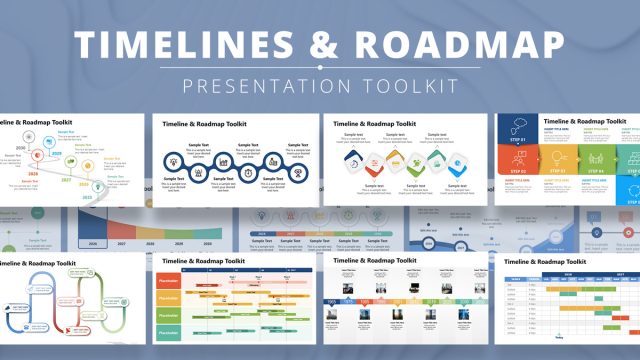
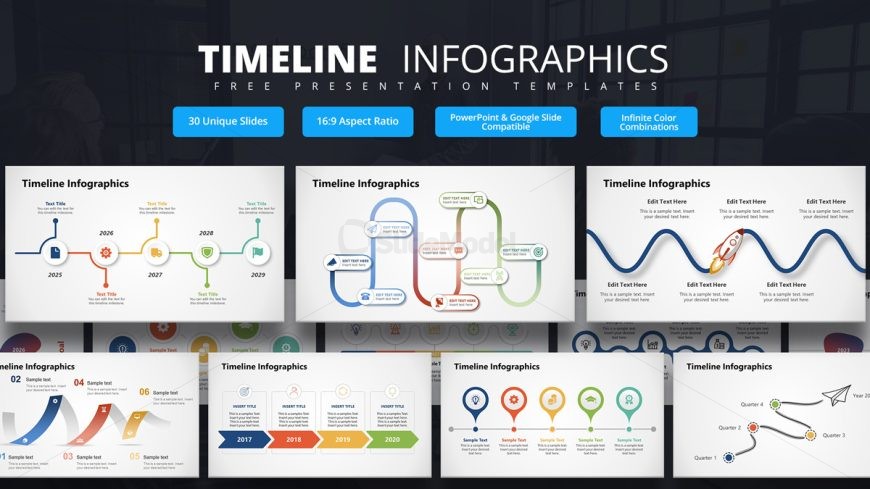
The slide features a prominent title at the top center, labeled 'Timeline Infographics.' Below, there are multiple visual elements arranged in a grid layout. Each element contains placeholders for text, with titles and sample text positioned in various shapes. The shapes include circles and arrows, indicating a flow or sequence. The background is dark, enhancing the visibility of the colorful elements. Text placeholders are aligned centrally within their respective shapes, creating a clear visual hierarchy. The overall composition is balanced and organized, with distinct sections for different timeline elements.
How to Use It
This layout serves as an introductory overview for a timeline presentation, suitable for outlining key milestones or events. It fits well at the beginning of a presentation, setting the stage for detailed discussions on each timeline element. Ideal scenarios include project timelines, historical overviews, or strategic planning sessions. This layout can be used to summarize complex information in a visually engaging manner, making it easier for audiences to grasp the sequence of events or milestones being presented.
Text Placeholders & Capacity
Keep your copy within these limits so it fits without resizing. Node labels can hold about 20 characters each, while body text can accommodate around 50 characters.
| Placeholder | Count | Max characters (approx.) |
|---|---|---|
| Slide title | 1 | 30 |
| Item heading | 6 | 20 |
| Item body | 6 | 50 |
Slide Keywords
Download unlimited PowerPoint templates, charts and graphics for your presentations with our annual plan.
DOWNLOADReturn to Free Timeline Infographics.