Slide 7 of 8 from Free Simple Presentation Template
Simple Presentation PowerPoint QA Slide
Questions & Answers Slide for Presentations
- Text Layout
- Other
- Questions Slide
- 16:9
- 100% Editable
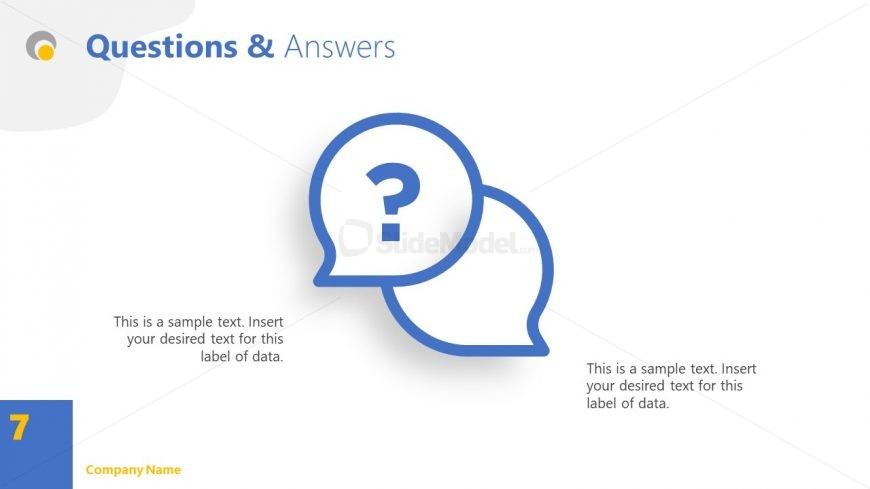
The Questions & Answers slide layout from the Free Simple Presentation Template offers a clear and organized design ideal for Q&A sessions and audience engagement. Featuring editable shapes like speech bubbles and a prominent question mark icon, this slide supports interactive business presentations and pitch deck templates by facilitating feedback collection and discussion.
What’s on This Slide
The layout features a large question mark icon centered between two speech bubble shapes. The speech bubbles are outlined in blue and contain text placeholders for questions and answers, positioned on the left and right sides respectively. The title 'Questions & Answers' is prominently displayed at the top in blue font. A footer placeholder is located at the bottom left, indicating the company name. The background is predominantly white with a subtle gray shape in the upper left corner, creating a clean and organized appearance.
How to Use It
This layout serves as a dedicated space for addressing audience inquiries at the end of a presentation. It fits well in a sequence after presenting key content, allowing for interaction and clarification. Ideal for Q&A sessions in business meetings, educational presentations, or webinars, this format encourages engagement and provides a structured way to address questions. It can also be adapted for feedback collection or discussion prompts in various contexts.
Text Placeholders & Capacity
Keep your copy within these limits so it fits without resizing. Body slots can accommodate about 15-20 words each.
| Placeholder | Count | Max characters (approx.) |
|---|---|---|
| Slide title | 1 | 30 |
| Body paragraph | 2 | 80 |
| Footer | 1 | 20 |
Slide Keywords
Download unlimited PowerPoint templates, charts and graphics for your presentations with our annual plan.
DOWNLOADReturn to Free Simple Presentation Template.