Slide 2 of 2 from Free Security Combination Lock Shapes for PowerPoint
FF0028-01-combination-lock-shapes-2
Combination Lock Shapes for Presentations
- Text Layout
- Numbered List
- Context Slide
- 16:9
- 100% Editable
The Combination Lock Shapes slide from the Free Security Combination Lock Shapes for PowerPoint template offers a structured numbered list layout ideal for security briefings and training sessions. This slide integrates editable shapes and vector icons to visually support key points, making it suitable for business presentations focused on confidentiality and compliance. Its clear separation of text and graphics enhances communication in corporate presentations and pitch deck templates.
What’s on This Slide
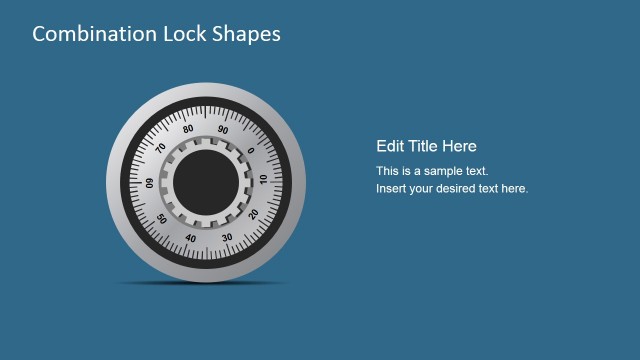
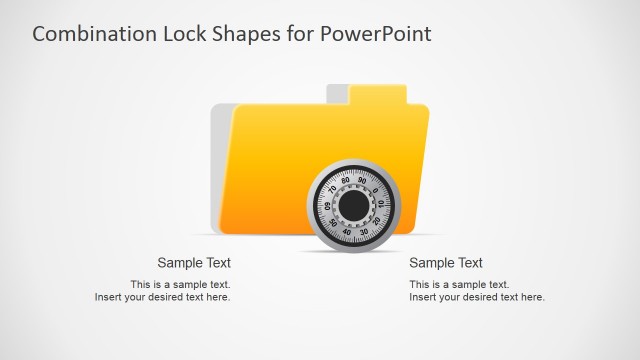
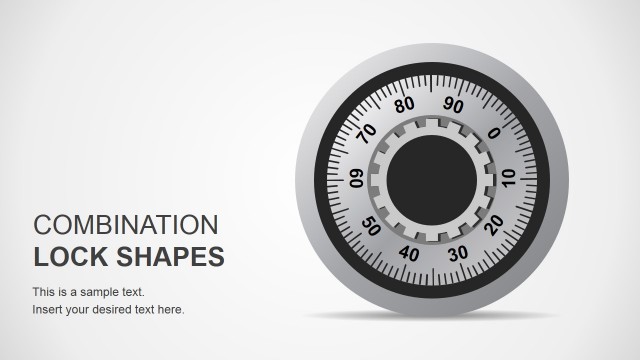
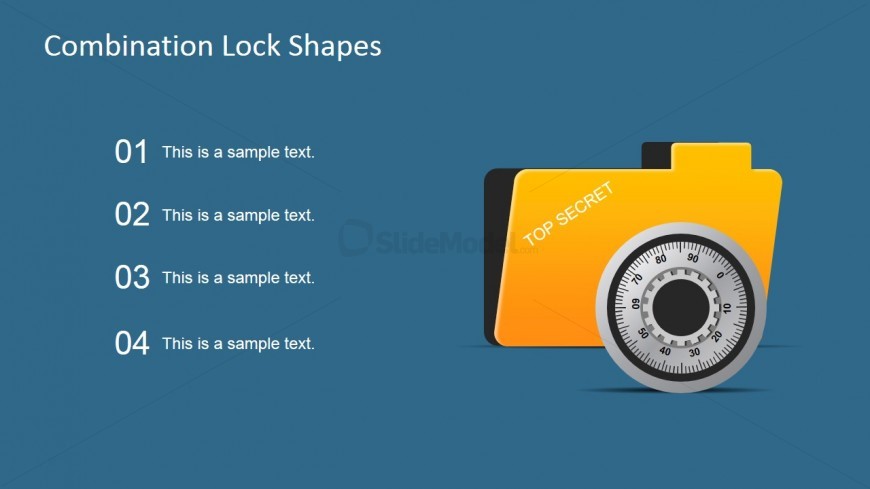
The layout features a left-aligned title reading 'Combination Lock Shapes' at the top. Below, there are four numbered text placeholders arranged vertically on the left side, each containing sample text. The numbers are bold and prominent, with the first placeholder at the top and the fourth at the bottom. On the right side, there is an illustration of a combination lock and a yellow folder labeled 'TOP SECRET.' The background is a solid blue color, creating a clear visual separation between the text and the graphic elements.
How to Use It
This layout serves as a numbered list format, ideal for presenting key points or features related to security topics. It fits well in a presentation sequence following an introductory slide. This structure is useful in business contexts where confidentiality and security measures are discussed, such as in compliance training or product feature overviews. Each numbered point can highlight essential information or steps in a process.
Text Placeholders & Capacity
Keep your copy within these limits so it fits without resizing. Node body slots can hold roughly 8-10 words each.
| Placeholder | Count | Max characters (approx.) |
|---|---|---|
| Slide title | 1 | 30 |
| Item heading | 4 | 25 |
| Item body | 4 | 50 |
Slide Keywords
Download unlimited PowerPoint templates, charts and graphics for your presentations with our annual plan.
DOWNLOADReturn to Free Security Combination Lock Shapes for PowerPoint.