Slide 1 of 2 from Free Security Combination Lock Shapes for PowerPoint
FF0028-01-combination-lock-shapes-1
Combination Lock Shapes for Presentations
- Media Layout
- Other
- Cover Slide
- 16:9
- 100% Editable
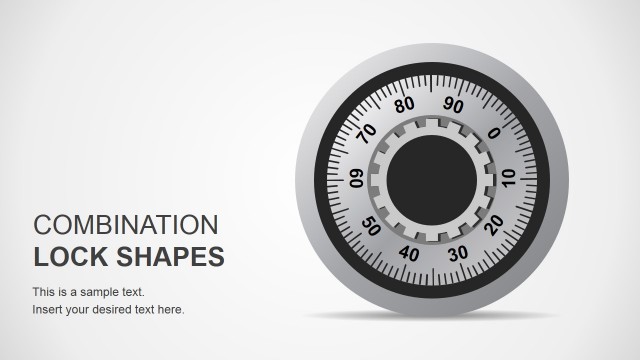
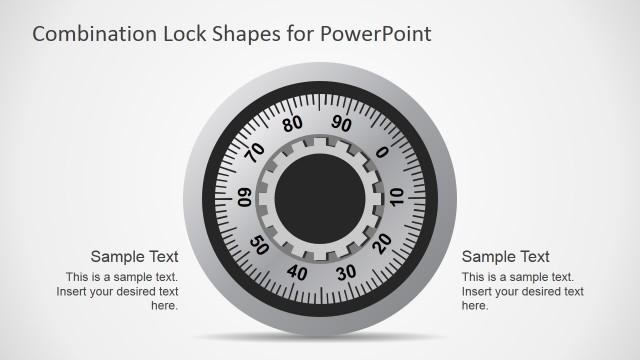
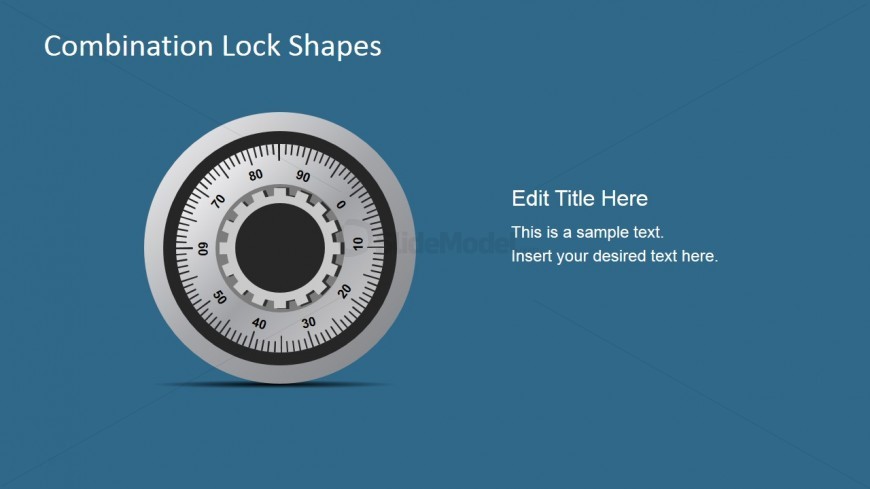
The Combination Lock Shapes slide from the Free Security Combination Lock Shapes for PowerPoint template offers a focused cover layout ideal for security presentations. Featuring a detailed combination lock graphic alongside editable text placeholders, this slide supports clear communication in privacy training, product launches, and confidentiality discussions. It integrates well within business presentation slide decks that require professional and thematic visuals emphasizing protection and security.
What’s on This Slide
The layout features a combination lock graphic centered on the left side, with a circular shape and detailed markings. To the right, there are text placeholders arranged vertically, including a title placeholder at the top and two body text placeholders below it. The background is a solid blue color, providing contrast to the lock graphic. The visual hierarchy emphasizes the lock image, while the text placeholders are aligned to the right, creating a balanced composition. The overall design is simple and focused on the theme of security.
How to Use It
This layout serves as a title slide for presentations focused on security or privacy topics. It is suitable for introducing themes related to confidentiality, safety, or protection. This slide fits at the beginning of a presentation, establishing context before delving into detailed content. It can be used in business scenarios such as security training, product launches related to security devices, or discussions on privacy policies. The clear visual focus on the combination lock symbolizes security effectively.
Text Placeholders & Capacity
Keep your copy within these limits so it fits without resizing. Body slots can hold about 8-10 words each.
| Placeholder | Count | Max characters (approx.) |
|---|---|---|
| Slide title | 1 | 30 |
| Body paragraph | 2 | 50 |
Slide Keywords
Download unlimited PowerPoint templates, charts and graphics for your presentations with our annual plan.
DOWNLOADReturn to Free Security Combination Lock Shapes for PowerPoint.