Slide 1 of 2 from Free Rabbit Hole Infographic Slide Template for PowerPoint
Editable Free Rabbit Hole Infographic Presentation Slide Template
Rabbit Hole Infographic Slide Template
- Diagram
- Process Flow
- Process Slide
- 16:9
- 100% Editable
What’s on This Slide
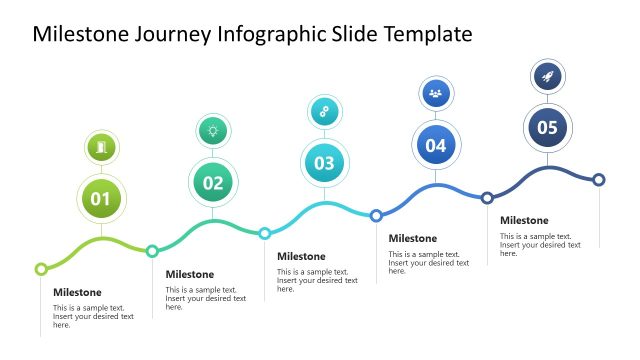
The layout features a flowing wave design that guides the viewer from left to right. Five circular nodes are positioned above the wave, each containing a placeholder for text, numbered one to five. Below the wave, there are four rectangular placeholders for additional text. The wave transitions from green to yellow, orange, and red, creating a gradient effect. Arrows within the wave indicate movement towards the goal, represented by a flag at the end of the wave. Each node is visually distinct, with icons representing different concepts.
How to Use It
This layout serves as a sequential process diagram, illustrating steps leading to a goal. It is suitable for presentations that outline a journey or process, such as project milestones or strategic plans. The design effectively communicates progression and can be used in business contexts to explain workflows, customer journeys, or implementation strategies. It fits well at the beginning of a presentation to set the stage for detailed discussions.
Text Placeholders & Capacity
Keep your copy within these limits so it fits without resizing. Node body slots are tight, roughly 10 words each.
| Placeholder | Count | Max characters (approx.) |
|---|---|---|
| Item heading | 5 | 30 |
| Item body | 5 | 50 |
| Body paragraph | 4 | 50 |
Slide Keywords
Download unlimited PowerPoint templates, charts and graphics for your presentations with our annual plan.
DOWNLOADReturn to Free Rabbit Hole Infographic Slide Template for PowerPoint.