Slide 1 of 4 from Free Quadrant Strategy Slide Template for PowerPoint
Free Quadrant Strategy Slide Template for Presentation
Quadrant Strategy Slide Layout for Presentations
- Diagram
- Matrix Quadrant
- Strategic Analysis Slide
- 16:9
- 100% Editable
What’s on This Slide
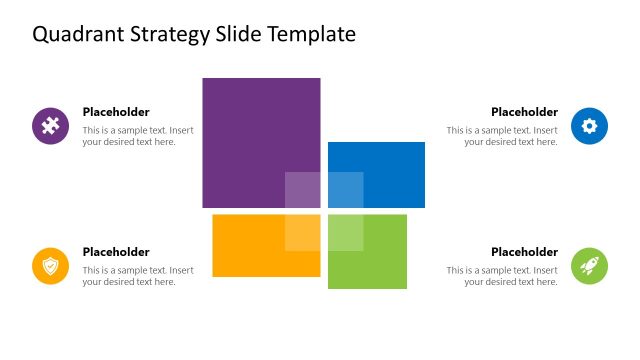
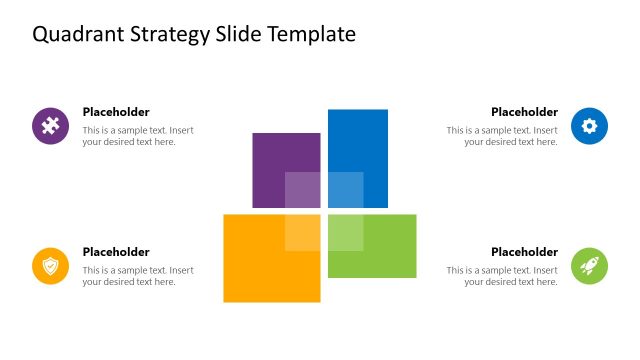
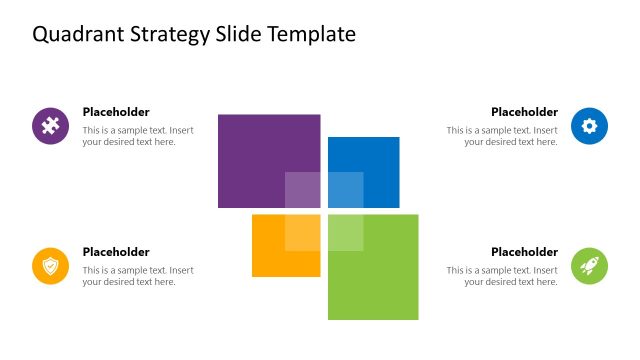
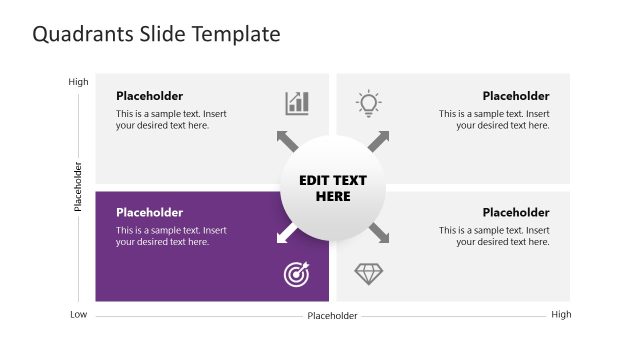
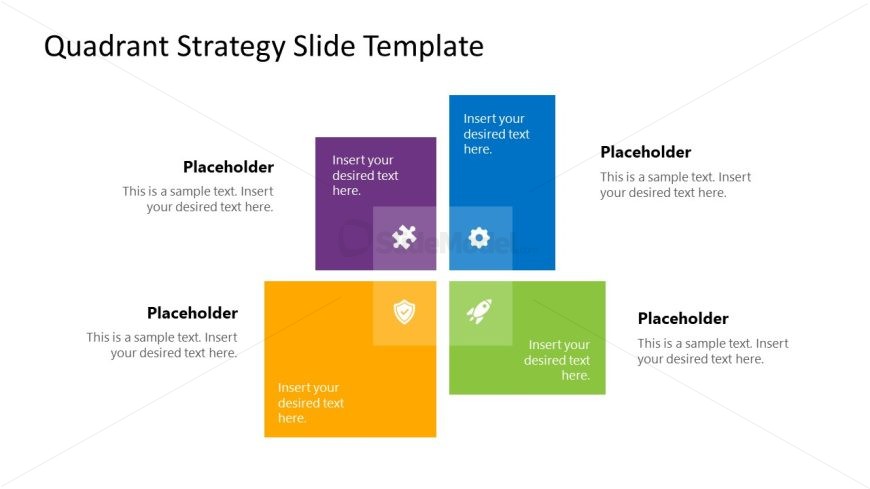
The slide features a four-quadrant layout with distinct colored sections. The top left quadrant is purple, the top right is blue, the bottom left is orange, and the bottom right is green. Each quadrant contains a text placeholder aligned to the center, with additional icons positioned within the quadrants. The overall background is white, providing contrast to the colored sections. The visual hierarchy emphasizes the quadrants equally, with no additional images or media present. Each quadrant is clearly defined with boundaries, creating a structured appearance.
How to Use It
This layout serves as a quadrant analysis tool, ideal for comparing four distinct strategies or categories. It fits well in presentations discussing strategic planning, market analysis, or competitive positioning. The slide can be used to visually represent different aspects of a business strategy, such as strengths, weaknesses, opportunities, and threats. It is suitable for business meetings, workshops, or educational contexts where clear visual representation of concepts is necessary.
Text Placeholders & Capacity
Keep your copy within these limits so it fits without resizing. Each node can hold a moderate amount of text, roughly 30-50 words each.
| Placeholder | Count | Max characters (approx.) |
|---|---|---|
| Item heading | 4 | 30 |
| Item body | 4 | 50 |
Slide Keywords
Download unlimited PowerPoint templates, charts and graphics for your presentations with our annual plan.
DOWNLOADReturn to Free Quadrant Strategy Slide Template for PowerPoint.