Slide 4 of 4 from Free Quadrant Strategy Slide Template for PowerPoint
Free Quadrant Strategy PowerPoint Template
Quadrant Strategy Slide Layout for Presentations
- Diagram
- Matrix Quadrant
- Strategy Slide
- 16:9
- 100% Editable
What’s on This Slide
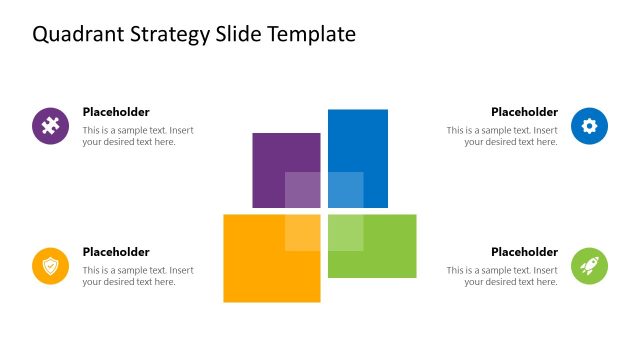
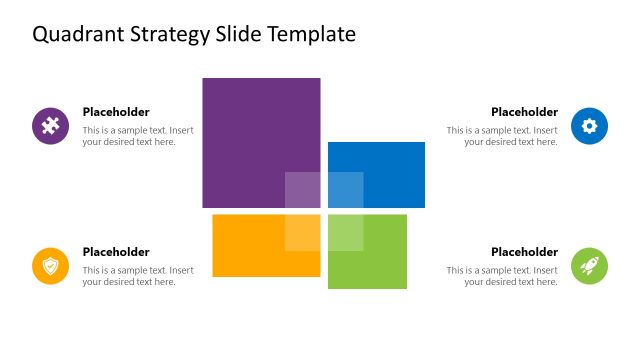
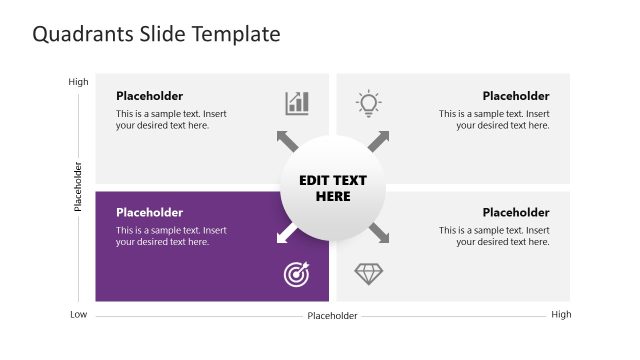
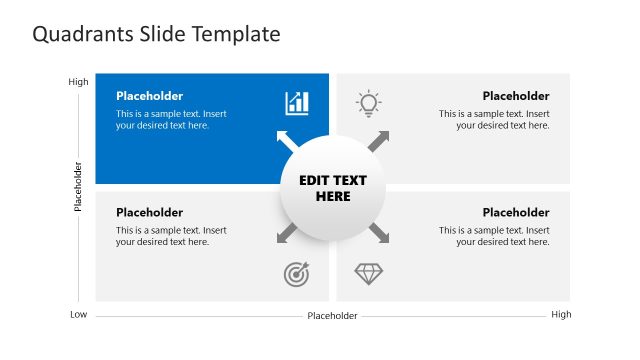
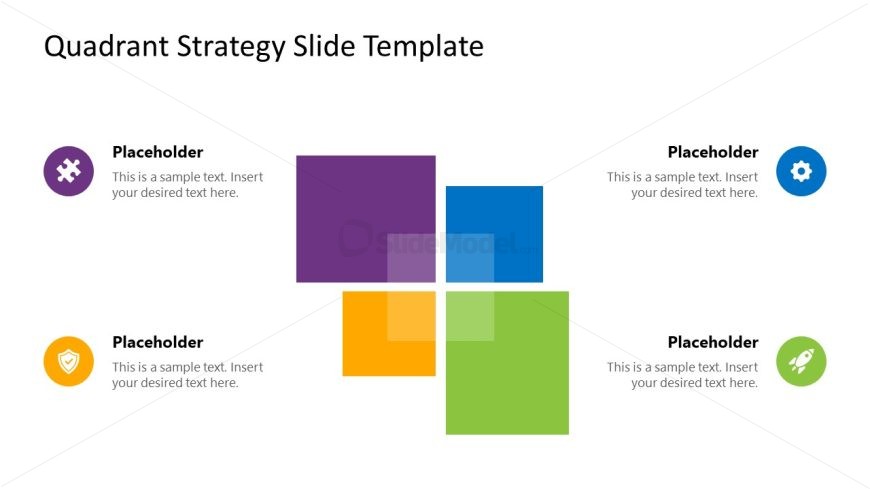
The layout consists of four colored quadrants arranged in a 2x2 grid. Each quadrant contains a circular icon positioned in the top left corner, with a text placeholder aligned to the right. The quadrants feature distinct colors: purple, blue, orange, and green. The text placeholders are centrally aligned within each quadrant, allowing for clear visibility. The overall composition is balanced, with equal spacing between the quadrants. The background is white, enhancing the contrast of the colored shapes and icons, creating a structured visual hierarchy.
How to Use It
This layout serves as a matrix for comparing four distinct strategies or concepts. It is suitable for presentations that require a visual breakdown of options, such as SWOT analysis or strategic planning. Positioned at the end of a presentation, it can summarize key points or highlight strategic choices. This format is effective in business meetings, workshops, or educational settings where clear visual representation aids understanding and decision-making.
Text Placeholders & Capacity
Keep your copy within these limits so it fits without resizing. Each text slot can accommodate roughly 40 characters comfortably.
| Placeholder | Count | Max characters (approx.) |
|---|---|---|
| Item body | 4 | 40 |
Slide Keywords
Download unlimited PowerPoint templates, charts and graphics for your presentations with our annual plan.
DOWNLOADReturn to Free Quadrant Strategy Slide Template for PowerPoint.