Slide 17 of 22 from Free Professional Thesis PowerPoint Templates
Professional Thesis Discussion Presentation
Discussion Points PowerPoint Slide
- Diagram
- Other
- Context Slide
- 16:9
- 100% Editable
The Discussion Points Layout from the Free Professional Thesis PowerPoint Templates offers a structured design with three distinct circular nodes, ideal for organizing key topics in academic presentations or project discussions. This slide layout enhances clarity in thesis outlines by using editable shapes and a balanced composition that supports focused dialogue within a business presentation or slide deck.
What’s on This Slide
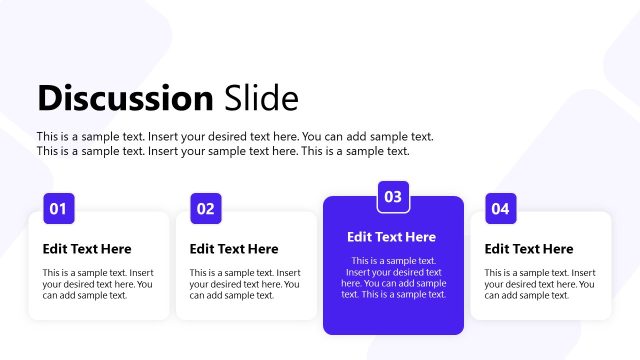
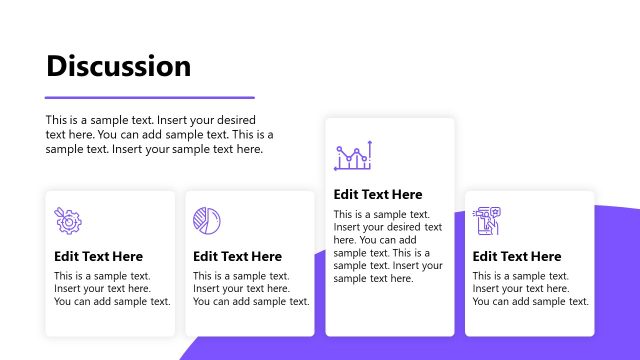
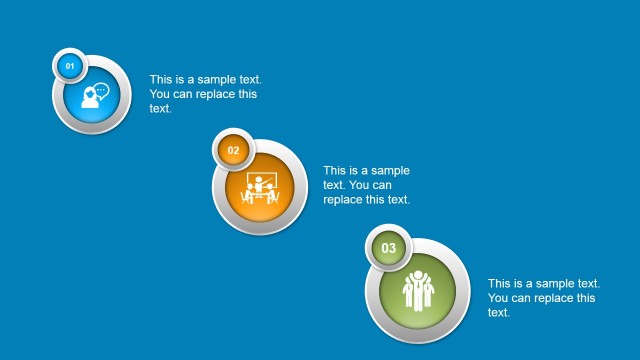
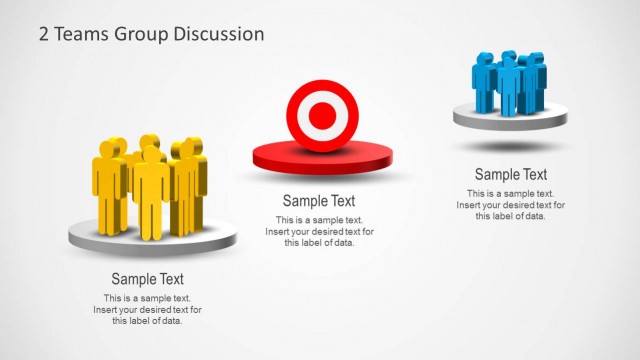
The layout features three circular nodes aligned horizontally across the center. Each node contains a number at the top, followed by the word 'Discussion' and a text placeholder below. The nodes are visually distinct, with the first node in blue, the second in white, and the third in orange. The background is a gradient of dark blue, providing contrast. Text placeholders are centrally aligned within each node, with ample space for additional content. The overall composition is balanced, emphasizing the nodes as key focal points.
How to Use It
This layout serves to present multiple discussion points or topics in a clear, organized manner. It fits well in a presentation sequence following an introduction or problem statement, leading into detailed discussions. Ideal for academic or professional settings, it can be used to outline key discussion areas in a thesis or project. Each node can represent a distinct topic or question, making it suitable for engaging audiences in a structured dialogue.
Text Placeholders & Capacity
Keep your copy within these limits so it fits without resizing. Node body slots can hold approximately 15-20 words each.
| Placeholder | Count | Max characters (approx.) |
|---|---|---|
| Item heading | 3 | 30 |
| Item body | 3 | 100 |
Slide Keywords
Download unlimited PowerPoint templates, charts and graphics for your presentations with our annual plan.
DOWNLOAD