Slide 3 of 4 from Free Milestone Shapes and Timeline PowerPoint
Free Project Timeline With Milestones PowerPoint
PowerPoint Timeline with Milestones
- Diagram
- Timeline Horizontal
- Timeline Slide
- 16:9
- 100% Editable
The Timeline with Milestones slide from the Free Milestone Shapes and Timeline PowerPoint template offers a clear visual tool for tracking project milestones and business timelines. This slide layout is designed for use in corporate presentations and pitch deck templates, featuring editable shapes and vector icons that enhance the clarity of product development stages or project progress. It integrates seamlessly into slide decks focused on business presentations, providing a structured overview of key achievements and upcoming tasks.
What’s on This Slide
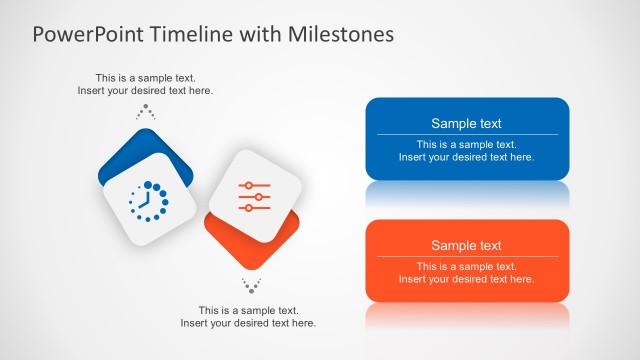
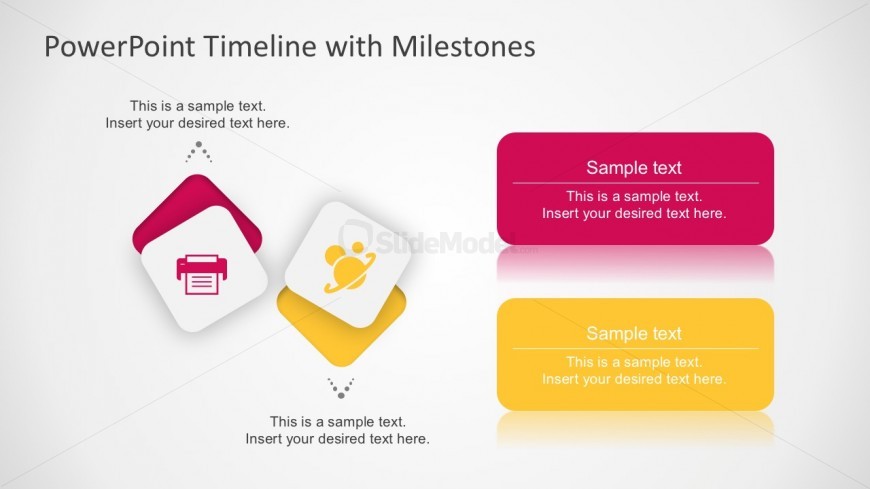
The layout features a title at the top left, stating 'PowerPoint Timeline with Milestones.' Below the title, there is a text placeholder for additional information. On the left side, two diamond-shaped icons are present, one depicting a printer and the other showing a person. These icons are positioned above a smaller text placeholder. On the right side, two rectangular text boxes are displayed, one pink and one yellow, each containing sample text placeholders. The overall composition is balanced, with a light background enhancing visibility.
How to Use It
This layout serves as a timeline presentation, ideal for showcasing milestones in a project or business plan. It fits well in a sequence after an introduction slide, providing a visual representation of progress. This structure is useful for project managers or teams to highlight key achievements and upcoming tasks. It can also be adapted for marketing presentations to outline product development stages or campaign timelines.
Text Placeholders & Capacity
Keep your copy within these limits so it fits without resizing. Body slots can hold roughly 10-12 words each.
| Placeholder | Count | Max characters (approx.) |
|---|---|---|
| Slide title | 1 | 30 |
| Body paragraph | 1 | 60 |
| Item body | 2 | 40 |
| Item heading | 2 | 20 |
Slide Keywords
Download unlimited PowerPoint templates, charts and graphics for your presentations with our annual plan.
DOWNLOAD