Slide 4 of 4 from Free Milestone Shapes and Timeline PowerPoint
Free Milestone Timeline And Shapes For PowerPoint
PowerPoint Timeline with Milestones Slide
- Diagram
- Timeline Horizontal
- Timeline Slide
- 16:9
- 100% Editable
The Timeline with Milestones slide from the Free Milestone Shapes and Timeline PowerPoint template offers a clear visual format for presenting key project phases and achievements. This slide layout integrates editable shapes and vector icons to highlight milestones effectively, making it suitable for business presentations, strategic planning, and product launch updates. Its balanced design supports concise communication within a professional slide deck.
What’s on This Slide
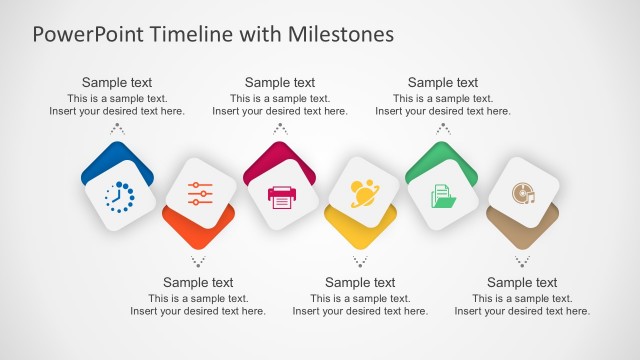
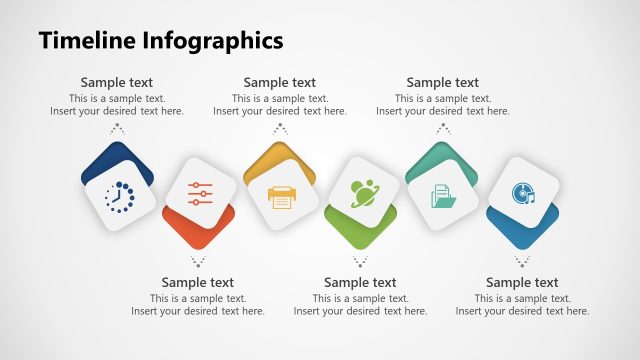
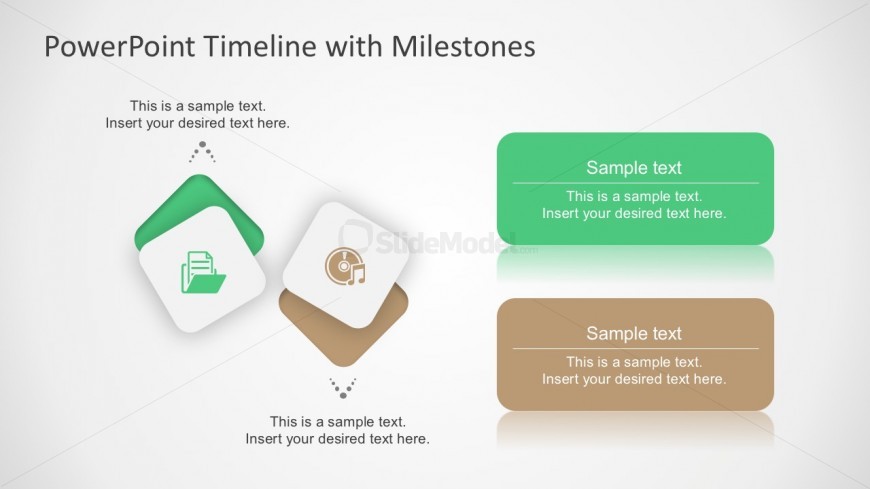
The layout features a central title at the top, stating 'PowerPoint Timeline with Milestones.' Below, there are four diamond-shaped icons arranged in two groups. The left group includes two icons, one depicting a document and the other a music note, both on white backgrounds. The right group has two rectangular text boxes, one green and one brown, each containing sample text placeholders. The text placeholders are aligned centrally within their respective shapes. The overall composition is balanced, with a light background enhancing visibility.
How to Use It
This layout serves as a visual representation of milestones within a timeline, suitable for project updates or planning presentations. It fits well in a sequence following an overview slide, allowing for detailed discussion of key milestones. This slide can be used in business contexts such as project management, product launches, or strategic planning sessions to highlight significant achievements or phases.
Text Placeholders & Capacity
Keep your copy within these limits so it fits without resizing. Node body slots can hold about 10 words each.
| Placeholder | Count | Max characters (approx.) |
|---|---|---|
| Slide title | 1 | 30 |
| Item body | 4 | 50 |
Slide Keywords
Download unlimited PowerPoint templates, charts and graphics for your presentations with our annual plan.
DOWNLOAD