Slide 3 of 4 from Free Orange Shapes for PowerPoint
FF0024-01-orange-shapes-3
Text Layout with Icons for Presentations
- Text Layout
- Other
- Concept Explanation Slide
- 16:9
- 100% Editable
The Text Layout with Icons slide from the Free Orange Shapes for PowerPoint template offers a clear design ideal for training sessions and workshops. Featuring editable shapes and vector icons, this slide supports concept explanations within business presentations and pitch deck templates. Its balanced use of orange and gray elements enhances readability, making it a practical choice for detailed informational presentations using PowerPoint templates or Google Slides templates.
What’s on This Slide
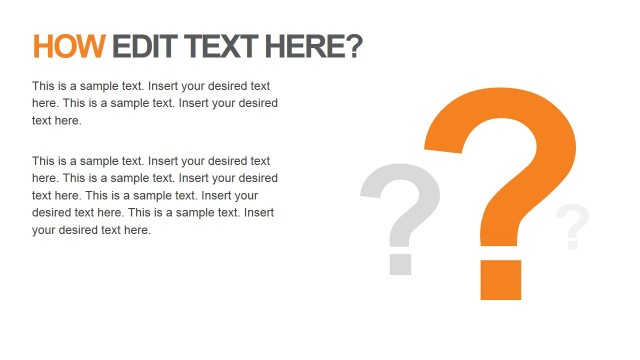
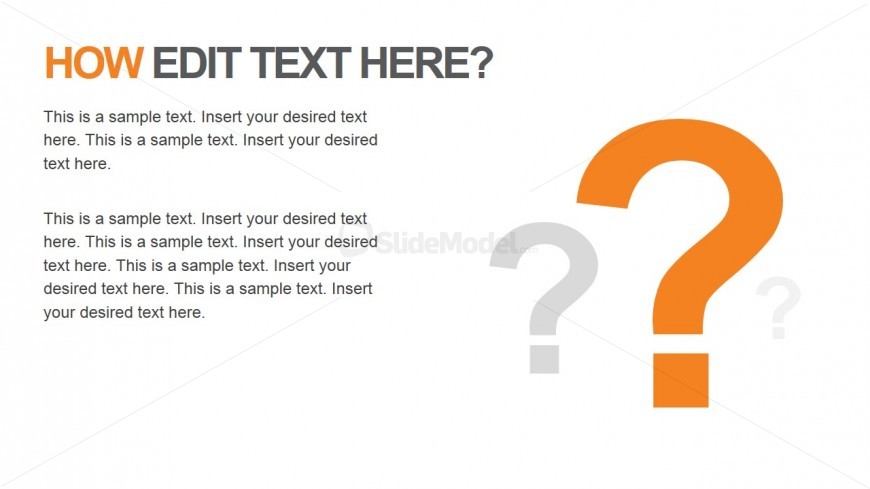
The layout features a large orange question mark icon on the right side, with a gray question mark behind it. The title is positioned at the top left, formatted in bold, with a larger font size. Below the title, there are two text placeholders stacked vertically, aligned to the left. The first placeholder contains sample text, followed by another placeholder with additional sample text. The overall color scheme includes orange and gray elements against a white background, creating a clear visual hierarchy.
How to Use It
This layout serves as a text-focused slide, suitable for explaining concepts or posing questions. It fits well in a presentation sequence after introductory slides, providing a transition to more detailed discussions. Ideal for business scenarios such as training sessions, workshops, or informational presentations, this layout effectively communicates key points while engaging the audience with visual elements.
Text Placeholders & Capacity
Keep your copy within these limits so it fits without resizing. Body slots can accommodate roughly 25-30 words each.
| Placeholder | Count | Max characters (approx.) |
|---|---|---|
| Slide title | 1 | 30 |
| Body paragraph | 2 | 150 |
Slide Keywords
Download unlimited PowerPoint templates, charts and graphics for your presentations with our annual plan.
DOWNLOADReturn to Free Orange Shapes for PowerPoint.