Slide 2 of 4 from Free Orange Shapes for PowerPoint
FF0024-01-orange-shapes-2
Text Layout with Gears for Presentations
- Text Layout
- Single Statement
- Context Slide
- 16:9
- 100% Editable
The Text Layout with Gears slide from the Free Orange Shapes for PowerPoint template offers a clean and organized design ideal for business presentations. This slide template features editable shapes and vector icons that visually support explanations of processes, project objectives, or summarized findings. Its balanced composition and clear hierarchy make it a practical choice for enhancing corporate presentation slide decks with concise, focused content.
What’s on This Slide
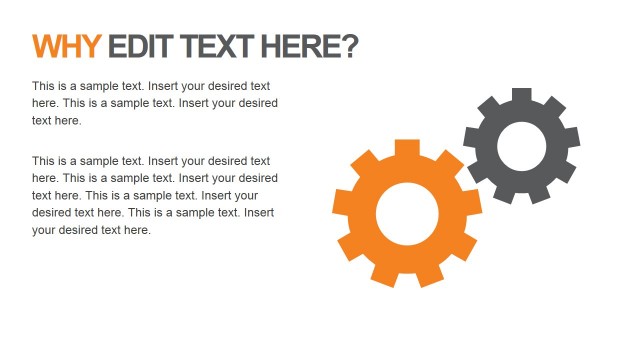
The layout features a large title at the top left, reading 'WHY EDIT TEXT HERE?' in orange and gray. Below the title, there are three text placeholders arranged vertically on the left side, each with a similar width. To the right, two gear icons are positioned, one orange and one gray, creating a visual balance. The gears are larger than the text placeholders, emphasizing their presence. The background is white, enhancing readability and contrast. The overall composition is clean and organized, with a clear visual hierarchy.
How to Use It
This layout serves as a text-focused slide, ideal for presenting key points or explanations. It fits well in a presentation sequence after an introductory slide, providing context or elaboration. Business scenarios include explaining processes, detailing project objectives, or summarizing findings. The layout allows for easy customization of text, making it suitable for various topics. It is particularly useful when visual elements like icons can enhance the message.
Text Placeholders & Capacity
Keep your copy within these limits so it fits without resizing. Body slots can hold approximately 25-30 words each.
| Placeholder | Count | Max characters (approx.) |
|---|---|---|
| Slide title | 1 | 30 |
| Body paragraph | 3 | 150 |
Slide Keywords
Download unlimited PowerPoint templates, charts and graphics for your presentations with our annual plan.
DOWNLOADReturn to Free Orange Shapes for PowerPoint.