Slide 1 of 1 from Free Opposite Arrows Quadrant PowerPoint Template
Free Opposite Arrows Quadrant Presentation Template
Opposite Arrows Quadrant Slide Template
- Diagram
- Matrix Quadrant
- Comparison Slide
- 16:9
- 100% Editable
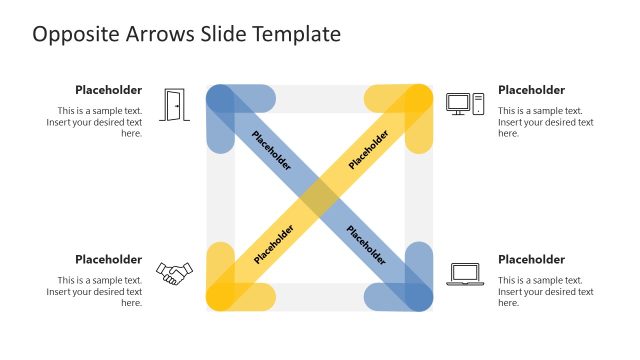
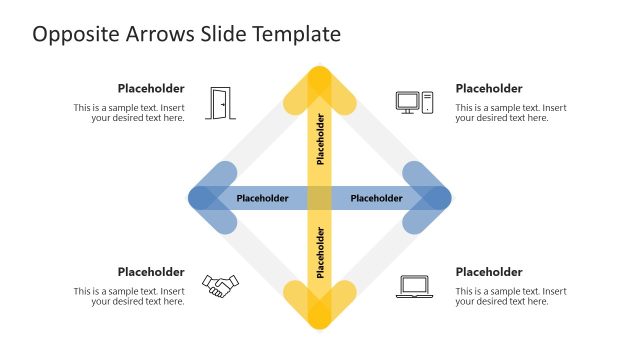
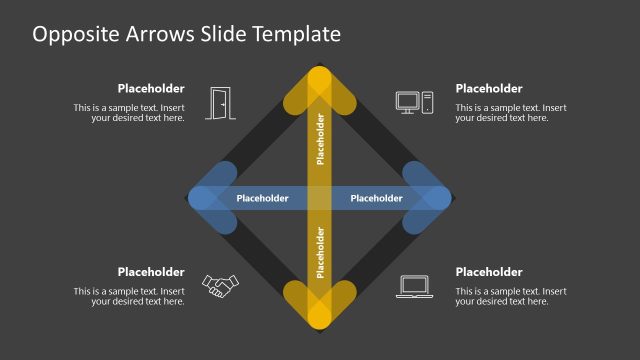
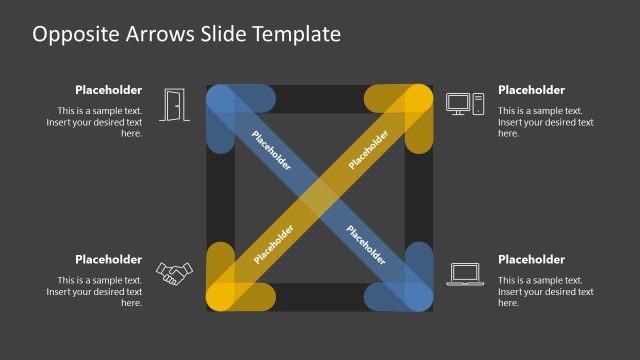
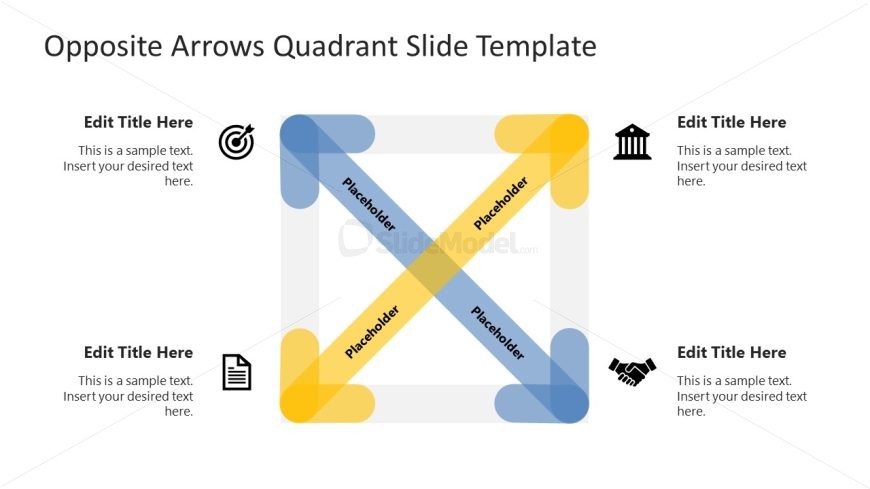
The Opposite Arrows Quadrant slide from the Free Opposite Arrows Quadrant PowerPoint Template is designed for effective comparison and strategic analysis. This editable slide features a central quadrant diagram with four sections, ideal for presenting contrasting concepts or strategies in a clear and visually appealing manner. Perfect for business presentations, this layout enhances decision-making frameworks and SWOT analyses.
What’s on This Slide
The layout features a central quadrant diagram with four sections, each containing a placeholder for text. The top left and bottom right sections have blue arrows pointing inward, while the top right and bottom left sections feature yellow arrows. Each section is bordered by rounded corners, enhancing the visual appeal. Text placeholders are positioned in each quadrant, aligned centrally, and labeled for title and body text. The overall background is light, providing contrast against the colored arrows and ensuring clarity for the content.
How to Use It
This layout serves as a quadrant analysis tool, ideal for comparing two opposing concepts or strategies. It fits well in presentations discussing strategic decisions, competitive analysis, or SWOT assessments. The quadrant format allows for clear visual segmentation of ideas, making it suitable for business meetings or educational contexts. Use this slide to present contrasting viewpoints or to illustrate a decision-making framework effectively, ensuring that each quadrant is filled with relevant information to support the discussion.
Text Placeholders & Capacity
Keep your copy within these limits so it fits without resizing. Each node can hold a title and body text, roughly 20 and 50 words respectively.
| Placeholder | Count | Max characters (approx.) |
|---|---|---|
| Slide title | 1 | 30 |
| Item heading | 4 | 20 |
| Item body | 4 | 50 |
Slide Keywords
Download unlimited PowerPoint templates, charts and graphics for your presentations with our annual plan.
DOWNLOADReturn to Free Opposite Arrows Quadrant PowerPoint Template.