Slide 2 of 6 from Free Multiple Diagrams for PowerPoint
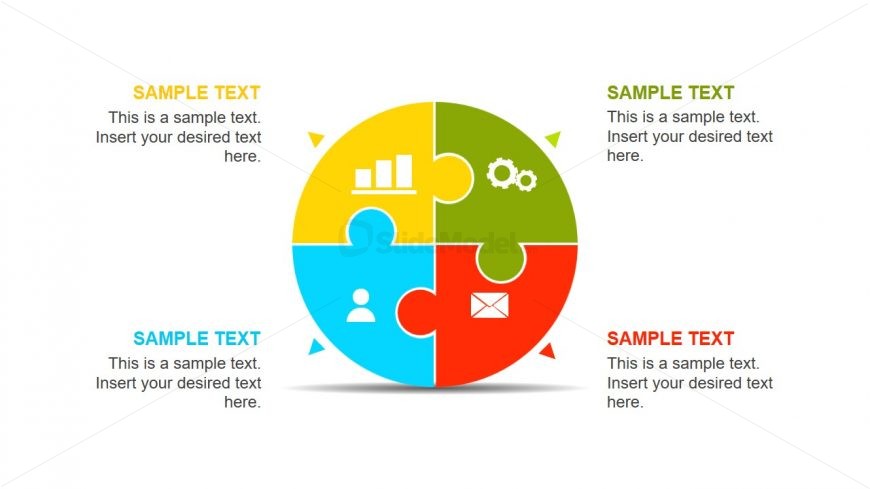
4 Steps Circular Jigsaw Puzzle Slide
Puzzle Diagram for Presentations
- Diagram
- Segmented Wheel
- Concept Explanation Slide
- 16:9
- 100% Editable
The Puzzle Diagram with Icons slide from the Free Multiple Diagrams for PowerPoint template offers a segmented wheel layout ideal for illustrating team roles, project components, or service offerings. This slide uses editable shapes and vector icons arranged in a circular puzzle format, making it suitable for business presentations and pitch deck templates that require clear visualization of interconnected concepts.
What’s on This Slide
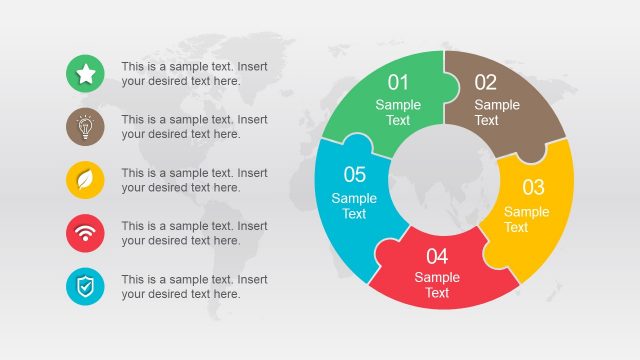
The slide features a circular puzzle diagram divided into four equal segments, each in distinct colors: blue, yellow, green, and red. Each segment contains an icon representing different concepts, such as a bar chart, gears, a user, and an envelope. Text placeholders are positioned within each segment, aligned centrally, allowing for content insertion. The overall layout is symmetrical, with a shadow effect beneath the diagram enhancing its visual depth. The segments are clearly defined, creating a cohesive structure while maintaining individual identity.
How to Use It
This layout serves as a visual representation of interconnected ideas or components, ideal for illustrating relationships or processes. It fits well in a presentation sequence after introducing a concept and before delving into details. Suitable scenarios include team roles, project components, or service offerings. This format can effectively communicate how different elements contribute to a larger goal, making it useful in business, education, or marketing contexts.
Text Placeholders & Capacity
Keep your copy within these limits so it fits without resizing. Each segment can hold a moderate amount of text, roughly 50 characters each.
| Placeholder | Count | Max characters (approx.) |
|---|---|---|
| Item body | 4 | 50 |
| Item heading | 4 | 20 |
Slide Keywords
Download unlimited PowerPoint templates, charts and graphics for your presentations with our annual plan.
DOWNLOADReturn to Free Multiple Diagrams for PowerPoint.