Slide 6 of 8 from Free Multi Option PowerPoint Slides
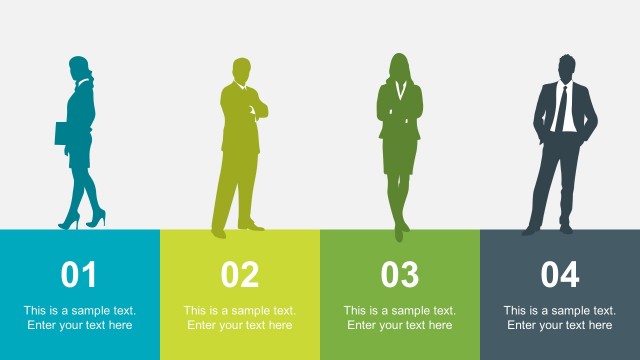
Comparison Presentation of Silhouette Icons
Multi Option Process Diagram for Presentations
- Diagram
- Comparison Split
- Process Slide
- 16:9
- 100% Editable
The Multi Option Process Diagram slide from the Free Multi Option PowerPoint Slides template offers a structured layout for presenting sequential steps or choices. Designed for business presentations, this slide uses editable shapes and vector icons to clearly compare multiple options, supporting project planning and strategic decision-making within a professional slide deck.
What’s on This Slide
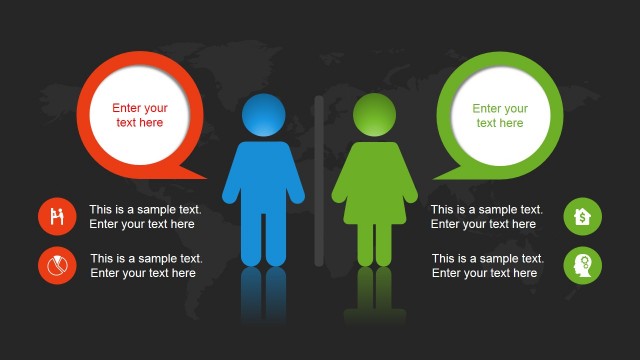
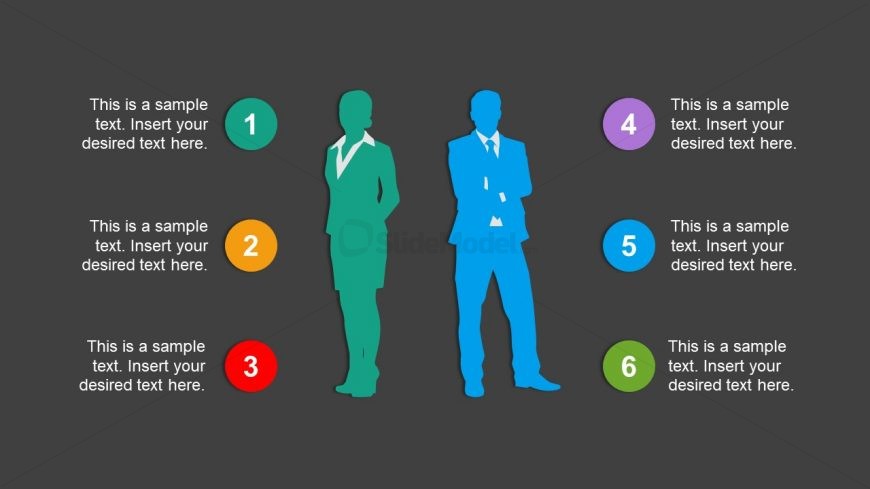
The slide features a dark gray background with six circular nodes arranged in two vertical columns. Each node contains a number from 1 to 6, with corresponding text placeholders below. The left column has three nodes, while the right column has three nodes. The nodes are colored differently: red, orange, green, blue, purple, and teal. Silhouette figures are positioned between the columns, with one on the left and one on the right, both in contrasting colors. The text placeholders are centrally aligned within each node, providing a clear visual hierarchy.
How to Use It
This layout serves as a multi-option process diagram, ideal for illustrating sequential steps or options in a presentation. It fits well after introductory slides, providing a clear visual breakdown of concepts. This structure is useful in business scenarios such as project planning, decision-making processes, or outlining strategies. It allows for easy comparison of different options or steps, making it effective for team discussions or client presentations.
Text Placeholders & Capacity
Keep your copy within these limits so it fits without resizing. Node labels can hold about 40 characters each, while body text can hold around 60 characters.
| Placeholder | Count | Max characters (approx.) |
|---|---|---|
| Item heading | 6 | 40 |
| Item body | 6 | 60 |
Slide Keywords
Download unlimited PowerPoint templates, charts and graphics for your presentations with our annual plan.
DOWNLOADReturn to Free Multi Option PowerPoint Slides.