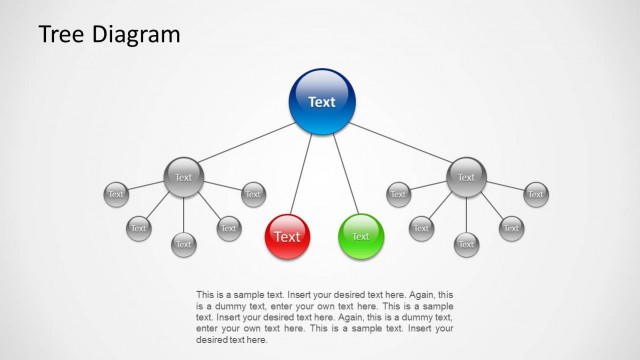
Slide 5 of 6 from Free Modern Tree Diagram for PowerPoint
Problem Solving Tree Diagram Slide
Modern Tree Diagram for Presentations
- Diagram
- Tree Hierarchy
- Concept Explanation Slide
- 16:9
- 100% Editable
What’s on This Slide
The layout features a central circular node labeled 'Modern Tree Diagram' at the top center. Below, five hexagonal nodes are arranged in two rows, with three nodes in the first row and two in the second. Each hexagon contains a placeholder for text and an icon, positioned centrally within the shape. Connecting lines extend from the central node to each hexagon. The overall color scheme is light with blue accents, and the background is white. Text placeholders are present in each hexagon, aligned centrally.
How to Use It
This layout serves as a hierarchical diagram to illustrate relationships or options. It is useful for brainstorming sessions, decision-making processes, or presenting a work breakdown structure. Positioned after an introductory slide, it can effectively summarize key concepts or options. This structure is suitable for business presentations, educational contexts, or project planning discussions, allowing for clear visual communication of ideas.
Text Placeholders & Capacity
Keep your copy within these limits so it fits without resizing. Node body slots can accommodate roughly 10-12 words each.
| Placeholder | Count | Max characters (approx.) |
|---|---|---|
| Slide title | 1 | 30 |
| Item heading | 5 | 20 |
| Item body | 5 | 50 |
Slide Keywords
Download unlimited PowerPoint templates, charts and graphics for your presentations with our annual plan.
DOWNLOADReturn to Free Modern Tree Diagram for PowerPoint.