Slide 3 of 8 from Free Modern Professional Slides for PowerPoint
Staged Diagram for PowerPoint
Step Diagram with Icons for Presentations
- Diagram
- Process Flow
- Process Slide
- 16:9
- 100% Editable
What’s on This Slide
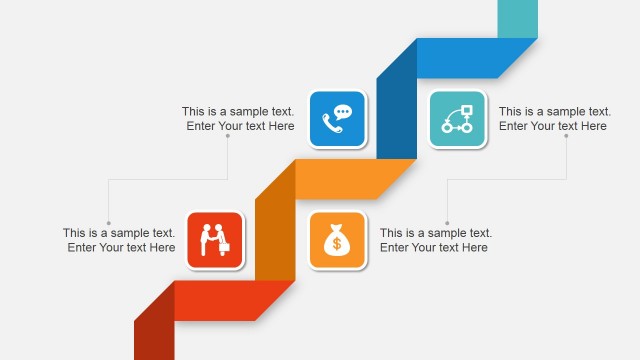
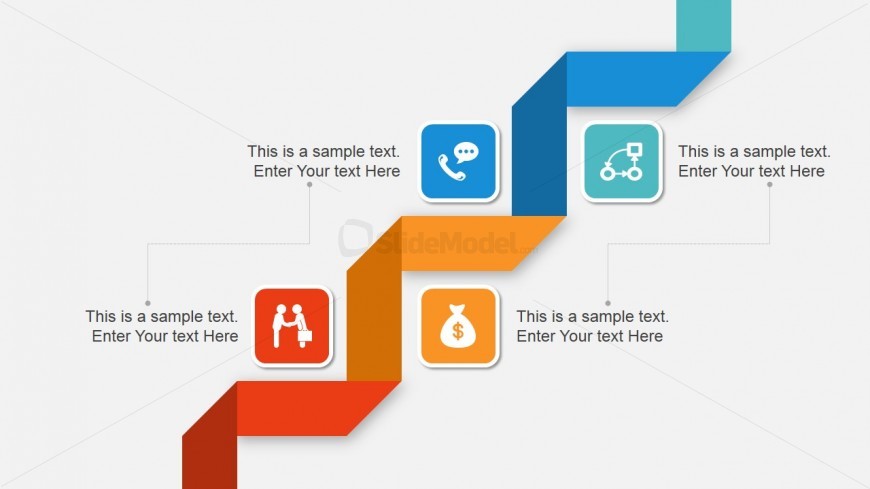
The layout features a zigzag step diagram with five segments, each containing an icon and a text placeholder. The segments alternate in color, with orange, blue, and teal shapes creating a visual flow from left to right. Each segment has a circular icon positioned centrally above a rectangular text box, which is aligned beneath. The icons represent various concepts, such as communication and finance, while the text placeholders are evenly distributed and provide space for additional information. The background is light, enhancing the visibility of the colored shapes.
How to Use It
This layout serves as a step diagram, ideal for illustrating processes or stages in a presentation. It fits well after problem framing slides and before solution proposals, providing clarity on sequential steps. Business scenarios include project timelines, product development phases, or customer journey mapping. This structure effectively communicates progression and relationships between different elements, making it suitable for both internal and external presentations.
Text Placeholders & Capacity
Keep your copy within these limits so it fits without resizing. Node text slots can hold about 10 words each.
| Placeholder | Count | Max characters (approx.) |
|---|---|---|
| Item body | 5 | 50 |
Slide Keywords
Download unlimited PowerPoint templates, charts and graphics for your presentations with our annual plan.
DOWNLOAD