Slide 6 of 8 from Free Modern Professional Slides for PowerPoint
Venn Diagram Design for PowerPoint
Venn Diagram Slide for Presentations
- Diagram
- Venn
- Comparison Slide
- 16:9
- 100% Editable
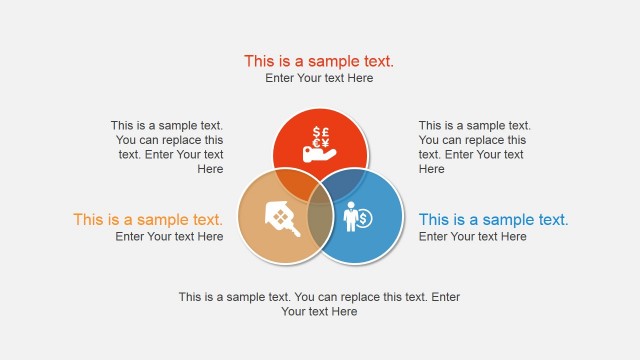
The Venn Diagram with Text Placeholders slide from the Free Modern Professional Slides for PowerPoint template offers a clear visual tool for comparing overlapping concepts. This diagram layout uses editable shapes and text placeholders to highlight relationships among three categories, making it ideal for business presentations and strategic pitch decks that require clear illustration of shared and distinct elements.
About This Slide
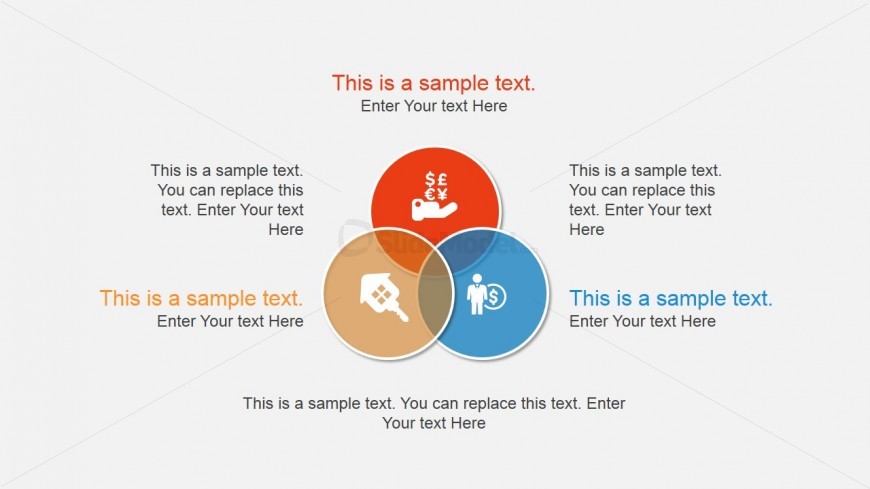
The Venn diagram in this PowerPoint template is ideal for the emphasis of differences and similarities of three distinct elements, such as presentation of different focus groups in a market analysis. Distinction between roles in set operations may likewise be discussed using the diagram. PowerPoint graphics include three interlocking circles colored red, blue, and yellow, at the center of the PowerPoint slide. The circles contain standard business icons and accompanied by text placeholders, where descriptions of each element may be inserted. The PowerPoint objects can be modified to suit the presenter’s need or preference. Below the Venn diagram is a placeholder where a description of the PowerPoint slide may be inserted.
What’s on This Slide
The layout features three overlapping circles arranged in a Venn diagram format. Each circle is positioned to intersect with the others, creating a central area where all three overlap. The circles are colored orange, blue, and a light brown shade, with corresponding text placeholders located inside each circle. Below the circles, there is a larger text placeholder for additional information. The background is a light gray, providing contrast to the colorful circles. The visual hierarchy emphasizes the central intersection, guiding the viewer's focus.
How to Use It
This layout serves as a Venn diagram to illustrate relationships among three concepts or categories. It is suitable for presentations that require a visual representation of overlapping ideas or themes. This slide fits well in a sequence discussing comparisons or integrations of different strategies, products, or market segments. It can be used in business contexts such as strategic planning, marketing analysis, or project management discussions to highlight synergies or commonalities.
Text Placeholders & Capacity
Keep your copy within these limits so it fits without resizing. Node body slots can hold about 10 words each, while the body paragraph slot can accommodate around 20 words.
| Placeholder | Count | Max characters (approx.) |
|---|---|---|
| Item body | 3 | 50 |
| Body paragraph | 1 | 100 |
Slide Keywords
Download unlimited PowerPoint templates, charts and graphics for your presentations with our annual plan.
DOWNLOAD