Slide 2 of 29 from Free Modern Multi Purpose PowerPoint Template
Welcome Message Slide – Multi-Purpose Template
Welcome Message Slide Design
- Text Layout
- Single Statement
- Context Slide
- 16:9
- 100% Editable
What’s on This Slide
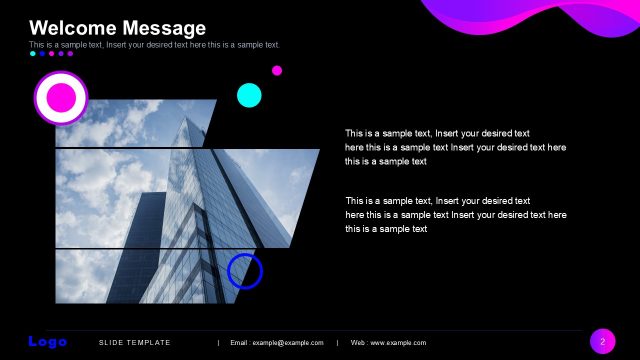
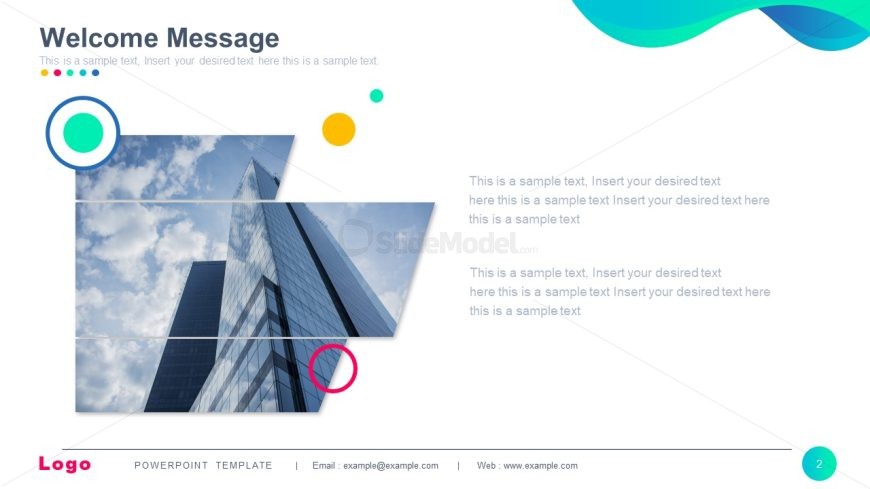
The layout features a large image of a building on the left side, occupying most of the slide. Text placeholders are arranged in three horizontal sections on the right side, with a title at the top and two additional text areas below. Circular icons in green, yellow, and blue are positioned near the top left and bottom right corners, adding visual interest. The overall composition is balanced, with the image and text placeholders creating a clear visual hierarchy. The background is predominantly white, allowing the elements to stand out.
How to Use It
This layout serves as an introductory slide, ideal for welcoming an audience or presenting key messages. It fits well in the early part of a presentation, following a title slide. Suitable scenarios include corporate presentations, event kick-offs, or team introductions. The structure allows for a blend of visual and textual content, making it effective for engaging viewers while conveying important information.
Text Placeholders & Capacity
Keep your copy within these limits so it fits without resizing. Body slots can accommodate roughly 20-30 words each.
| Placeholder | Count | Max characters (approx.) |
|---|---|---|
| Slide title | 1 | 30 |
| Body paragraph | 3 | 150 |
Slide Keywords
Download unlimited PowerPoint templates, charts and graphics for your presentations with our annual plan.
DOWNLOAD