Slide 3 of 29 from Free Modern Multi Purpose PowerPoint Template
Table of Contents Slide – Modern Multi-Purpose PPT Template
Table of Content Slide for Presentations
- Text Layout
- List Blocks
- Agenda Slide
- 16:9
- 100% Editable
The Table of Content slide layout from the Free Modern Multi Purpose PowerPoint Template effectively outlines presentation sections, providing a clear agenda for your audience. With its visually appealing design featuring colorful icons and a balanced text-image composition, this slide enhances business presentations and educational lectures alike.
What’s on This Slide
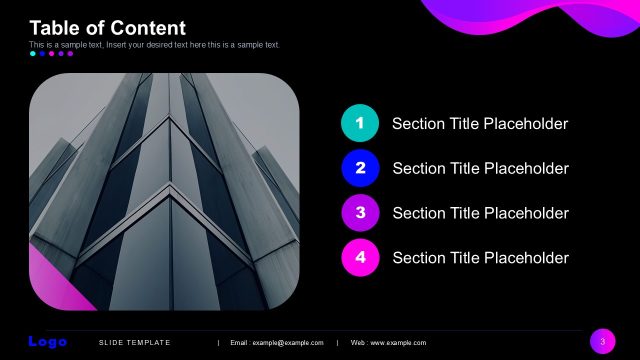
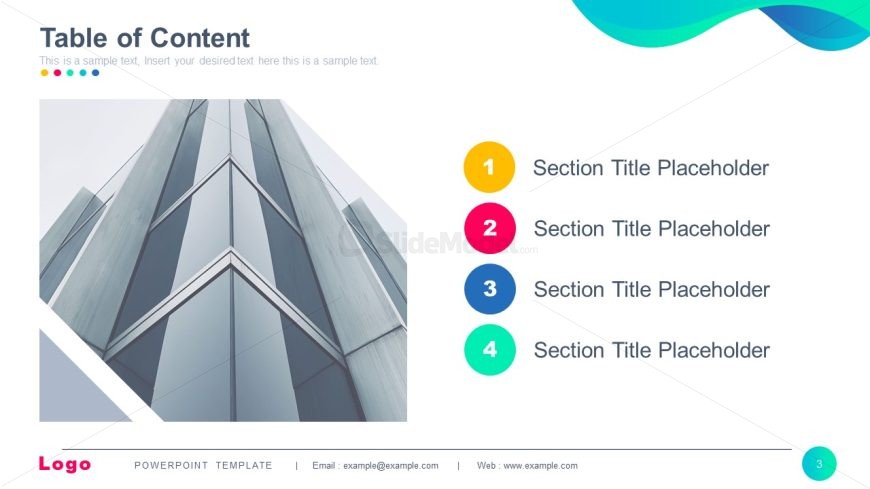
The layout features a large title placeholder at the top left, labeled 'Table of Content,' with a subtitle placeholder directly beneath it. On the right side, there are four numbered sections, each with a circular icon in different colors, arranged vertically. The first section is yellow, the second is pink, the third is blue, and the fourth is green. Each section has a corresponding title placeholder aligned to the right of the icons. The background includes a large image of a building, creating a visual contrast with the text elements. The overall composition is balanced between text and imagery.
How to Use It
This layout serves as a table of contents, providing an overview of the presentation's sections. It is typically used early in a presentation to outline key topics. This format is suitable for business meetings, educational lectures, or any structured presentation where clarity on content flow is essential. It helps the audience anticipate the structure and navigate through the presentation effectively.
Text Placeholders & Capacity
Keep your copy within these limits so it fits without resizing. Node labels can accommodate roughly 5-6 words each.
| Placeholder | Count | Max characters (approx.) |
|---|---|---|
| Slide title | 1 | 30 |
| Subtitle | 1 | 100 |
| Item heading | 4 | 30 |
Slide Keywords
Download unlimited PowerPoint templates, charts and graphics for your presentations with our annual plan.
DOWNLOAD