Slide 18 of 29 from Free Modern Multi Purpose PowerPoint Template
Slide with Two Columns – Multi-Purpose Template
Two Column Layout for Presentations
- Text Layout
- Two Column Text
- Context Slide
- 16:9
- 100% Editable
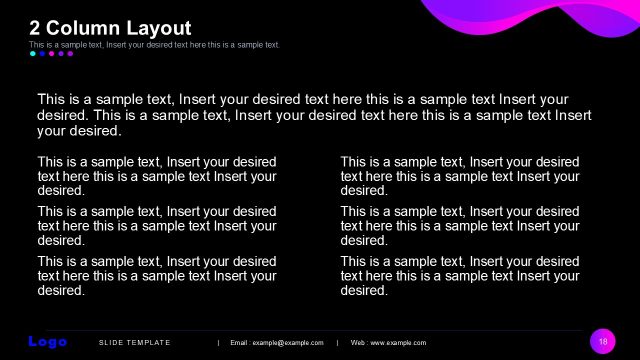
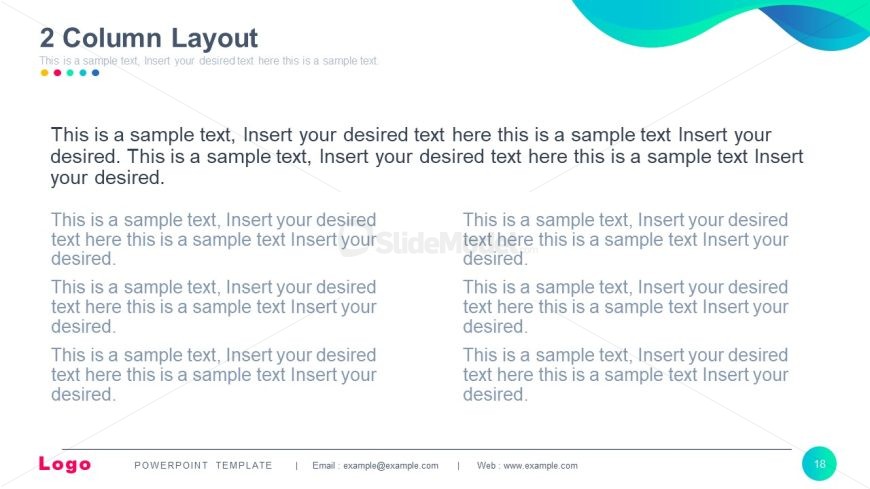
The 2 Column Layout from the Free Modern Multi Purpose PowerPoint Template is designed for effective product comparisons and feature lists. This editable slide provides a structured format with two text columns, allowing for clear organization of key points. Ideal for business presentations, it enhances audience engagement with its visually appealing gradient background and well-placed text placeholders.
What’s on This Slide
The layout features two columns, each containing text placeholders. The left column has four text placeholders stacked vertically, while the right column mirrors this arrangement. The title is positioned at the top center, with a subtitle directly beneath it. Each text placeholder is aligned to the left within its column, allowing for clear separation of content. The background is a light color with a gradient effect, enhancing visual appeal. A logo placeholder is located at the bottom left, and a footer spans the bottom of the slide.
How to Use It
This layout serves as a two-column text arrangement, ideal for comparing ideas or presenting parallel information. It fits well in a presentation sequence after introducing concepts or topics. This structure is useful in business scenarios such as product comparisons, feature lists, or summarizing key points. It allows for organized content delivery, making it easy for the audience to follow along.
Text Placeholders & Capacity
Keep your copy within these limits so it fits without resizing. Body slots can accommodate roughly 15-20 words each.
| Placeholder | Count | Max characters (approx.) |
|---|---|---|
| Slide title | 1 | 30 |
| Body paragraph | 8 | 100 |
| Footer | 1 | 50 |
Slide Keywords
Download unlimited PowerPoint templates, charts and graphics for your presentations with our annual plan.
DOWNLOAD