Slide 3 of 5 from Free Meet the Team Slide Template for PowerPoint
Image Slide for Team Presentation
Meet the Team Slide for Presentations
- Media Layout
- Other
- Context Slide
- 16:9
- 100% Editable
What’s on This Slide
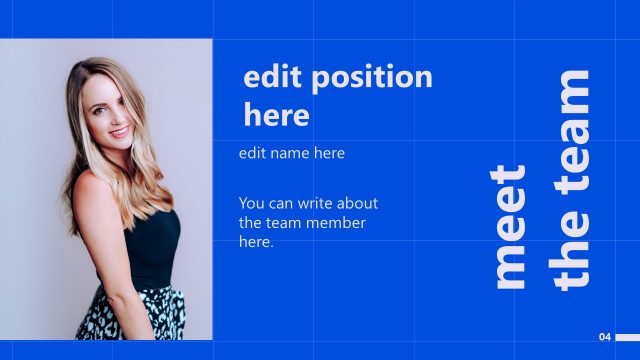
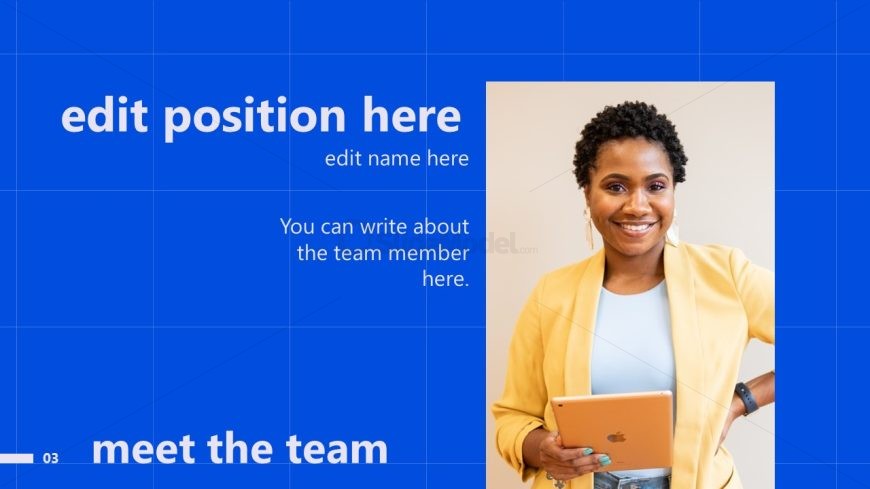
The layout features a blue background with a prominent image placeholder on the right. A team member's name and position are displayed in large, bold text on the left side, with smaller text for a description below. The title 'meet the team' is positioned at the bottom left, using a bold font. The visual hierarchy emphasizes the name and position, while the description area allows for additional information. The overall composition balances text and imagery, creating a clear focus on the individual being introduced.
How to Use It
This layout serves as a dedicated introduction for individual team members within a larger presentation. It fits well in a sequence where team roles and contributions are highlighted, following a general overview or introduction slide. Ideal scenarios include team presentations, onboarding sessions, or project introductions where individual contributions are discussed. It allows for personalization while maintaining a consistent design across multiple team member slides.
Text Placeholders & Capacity
Keep your copy within these limits so it fits without resizing. Body slots are spacious, roughly 25 words each.
| Placeholder | Count | Max characters (approx.) |
|---|---|---|
| Slide title | 1 | 30 |
| Item heading | 1 | 30 |
| Item body | 1 | 150 |
| Image caption | 1 | 30 |
Slide Keywords
Download unlimited PowerPoint templates, charts and graphics for your presentations with our annual plan.
DOWNLOAD