Slide 1 of 4 from Free Journey Concept for PowerPoint
Free Project Milestone Journey Slides
Journey Concept Diagram for Presentations
- Diagram
- Roadmap
- Process Slide
- 16:9
- 100% Editable
The Journey Concept Diagram slide from the Free Journey Concept for PowerPoint template offers a clear visual roadmap ideal for strategic planning and milestone tracking. This slide layout uses editable shapes and vector icons to represent project phases, making it a practical choice for business presentations and pitch deck templates that require a forward-moving process overview.
What’s on This Slide
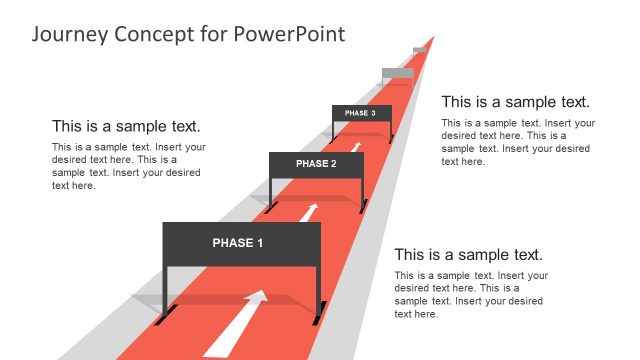
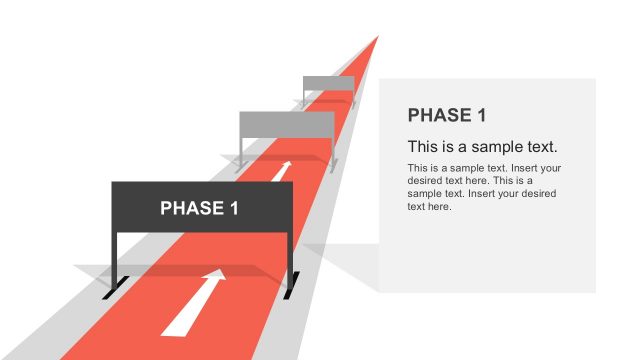
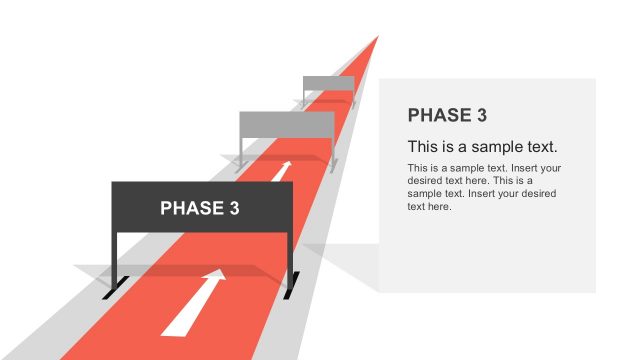
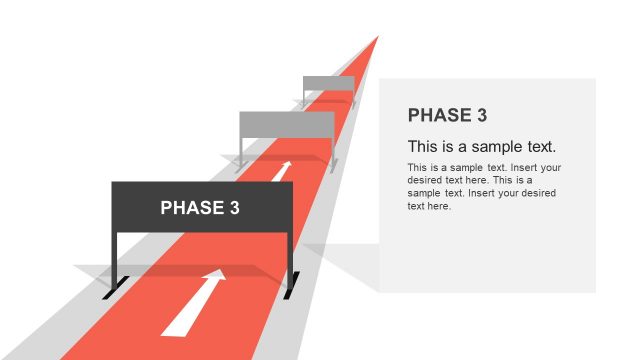
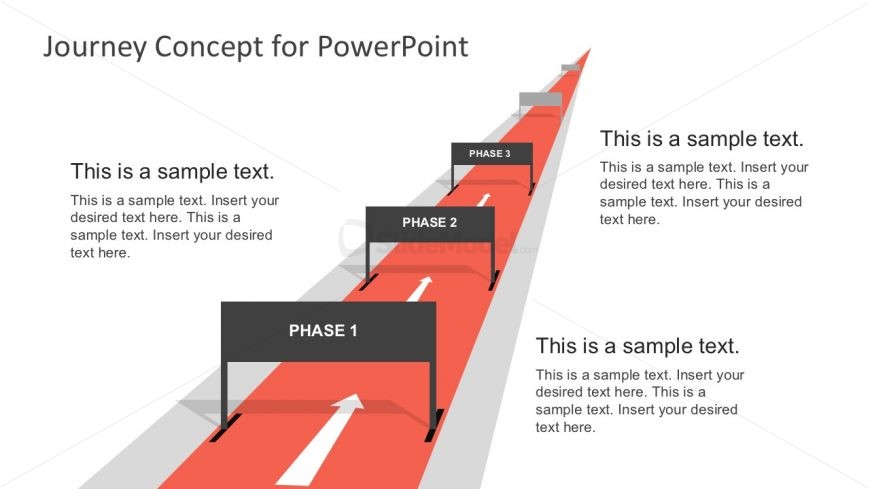
The slide features a journey concept diagram with a red road background. Three phases are represented by rectangular labels positioned along the road, each with an upward arrow indicating direction. The labels are aligned horizontally, with Phase 1 on the left, Phase 2 in the center, and Phase 3 on the right. Each label contains a text placeholder for descriptions. Below the labels, additional text placeholders are present, aligned to the left and right sides of the slide. The overall layout emphasizes a forward-moving journey, with a clear visual hierarchy.
How to Use It
This layout serves as a visual representation of a journey or process, ideal for outlining phases in a project or strategy. It fits well at the beginning of a presentation to introduce key stages. Common scenarios include project management updates, strategic planning discussions, or milestone tracking. This slide effectively communicates progress and direction, making it suitable for business presentations focused on development or implementation.
Text Placeholders & Capacity
Keep your copy within these limits so it fits without resizing. Node labels can hold about 20 characters each, while body text slots can accommodate roughly 150 characters.
| Placeholder | Count | Max characters (approx.) |
|---|---|---|
| Item heading | 3 | 20 |
| Body paragraph | 3 | 150 |
Slide Keywords
Download unlimited PowerPoint templates, charts and graphics for your presentations with our annual plan.
DOWNLOADReturn to Free Journey Concept for PowerPoint.