Slide 1 of 1 from Free Innovation Funnel Diagram for PowerPoint
FF0003-01-free-innovation-funnel-diagram-1
Free Innovation Funnel Diagram for PowerPoint
- Diagram
- Funnel
- Process Slide
- 16:9
- 100% Editable
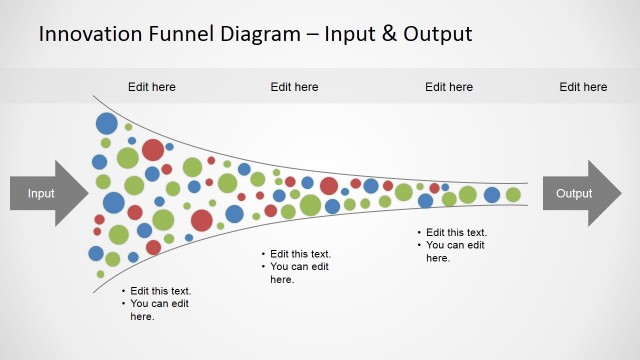
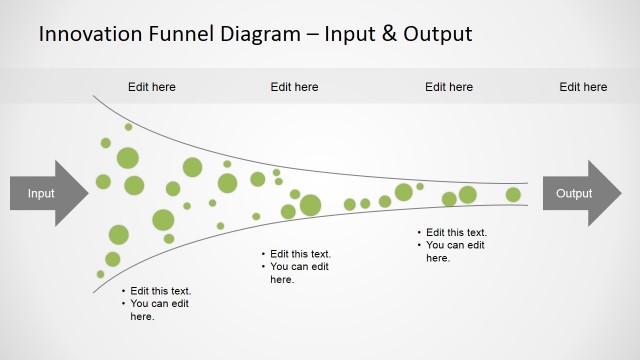
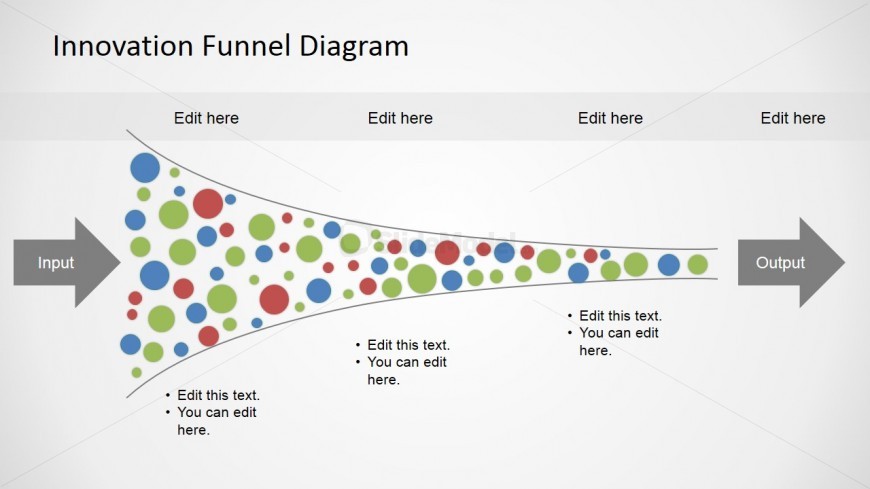
The Innovation Funnel Diagram slide from the Free Innovation Funnel Diagram for PowerPoint template offers a clear visual process flow ideal for innovation presentations and strategy meetings. This editable slide features a horizontal funnel with colorful vector icons representing idea progression, making it suitable for business presentations and project development discussions. Its clean layout enhances communication of complex innovation stages within a corporate presentation or pitch deck template.
What’s on This Slide
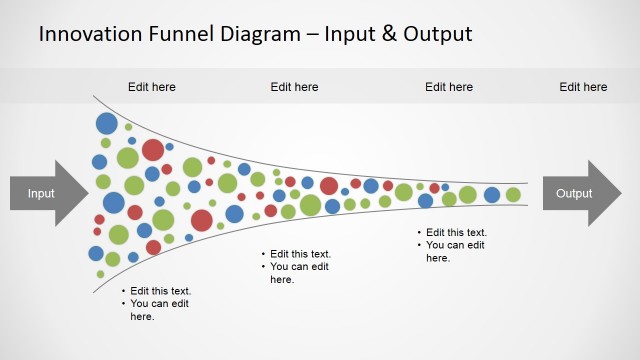
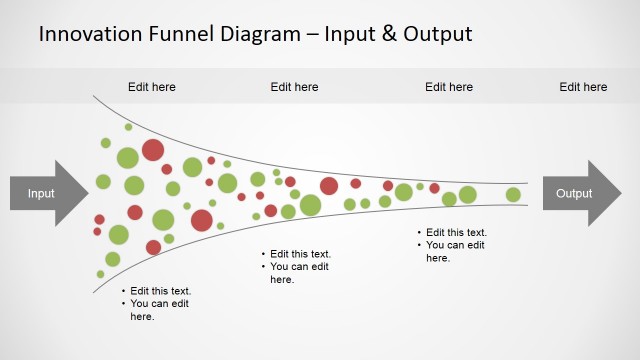
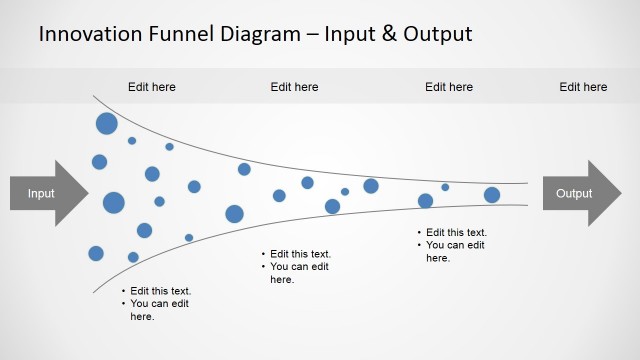
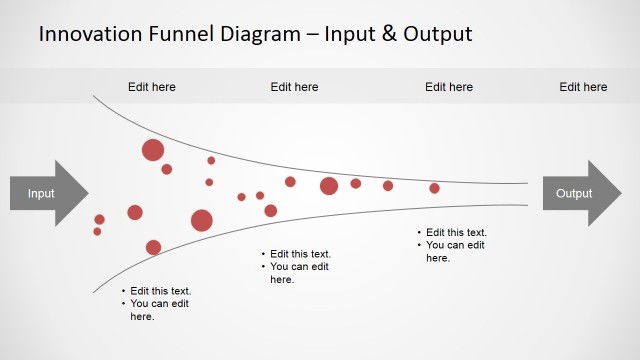
The slide features a horizontal funnel diagram with input and output arrows on the left and right. The funnel is filled with colorful circles in various sizes, representing the flow of ideas. Above the funnel, there are four text placeholders aligned horizontally for stage labels. Below the funnel, two bullet callouts are positioned on either side, each containing text placeholders. The overall layout is centered, with a light background that enhances visibility. The visual hierarchy emphasizes the funnel's shape and flow direction.
How to Use It
This layout serves as a process flow diagram, illustrating the transition of ideas from input to output through various stages. It fits well in presentations discussing innovation strategies or project development processes. This structure is useful for business scenarios such as brainstorming sessions, product development discussions, or strategy meetings. It can effectively communicate the stages of innovation, making it easier for audiences to grasp complex processes visually.
Text Placeholders & Capacity
Keep your copy within these limits so it fits without resizing. Node labels can hold about 20 characters each, while callouts can accommodate around 50 characters.
| Placeholder | Count | Max characters (approx.) |
|---|---|---|
| Item heading | 4 | 20 |
| Callout | 4 | 50 |
Slide Keywords
Download unlimited PowerPoint templates, charts and graphics for your presentations with our annual plan.
DOWNLOAD