Slide 1 of 2 from Free Horizontal Timeline Bar Template for PowerPoint
Editable Free Horizontal Timeline Bar Template Slide
Free Horizontal Timeline Bar Template for PowerPoint
- Diagram
- Timeline Horizontal
- Timeline Slide
- 16:9
- 100% Editable
What’s on This Slide
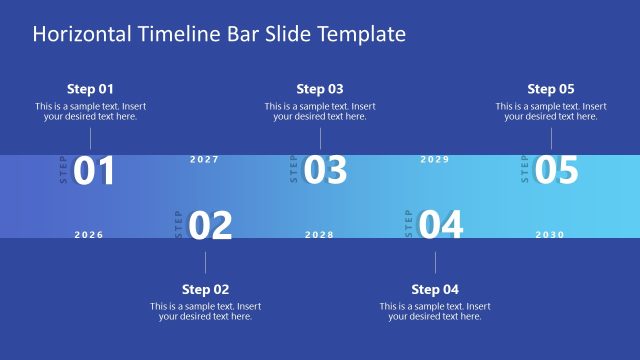
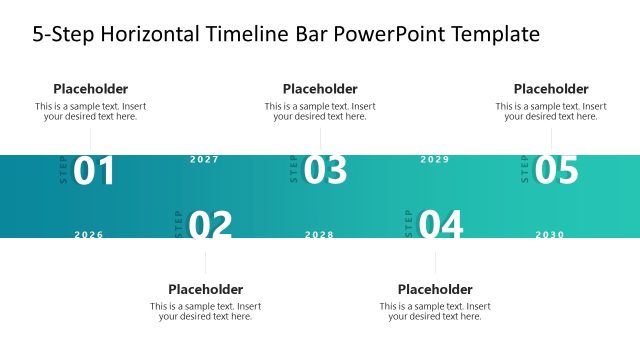
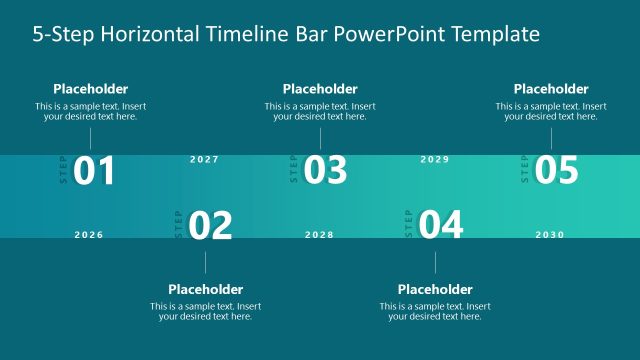
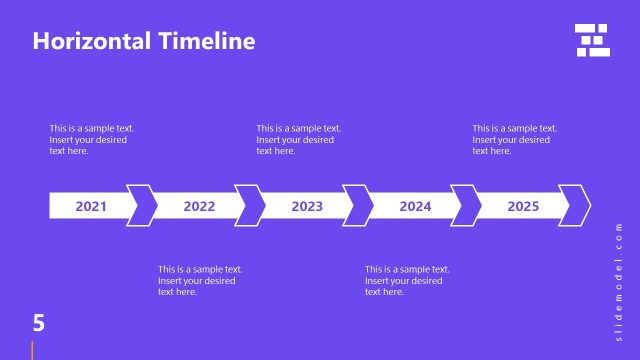
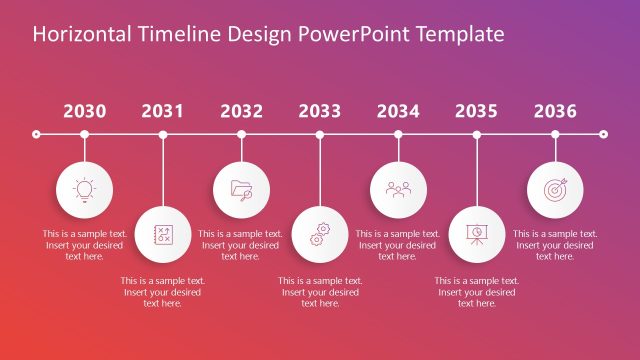
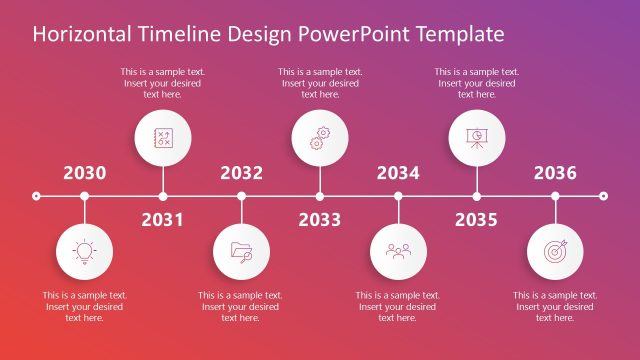
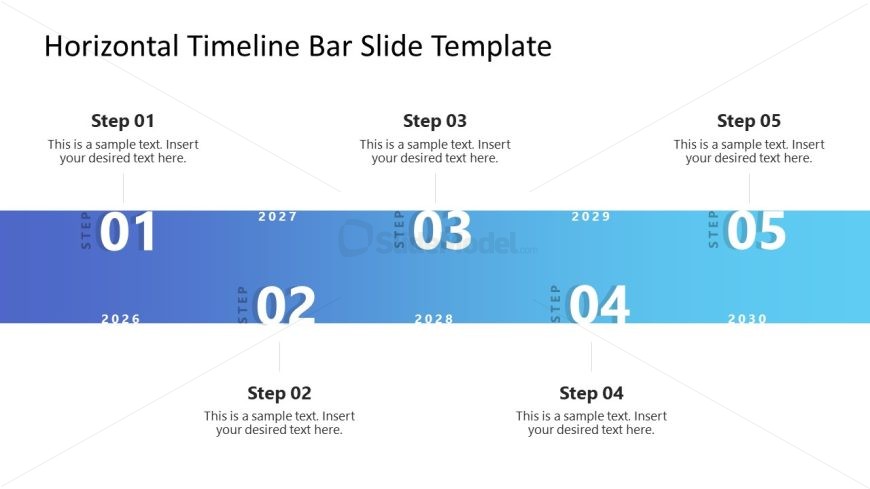
The layout features a horizontal timeline with five distinct steps, each represented by a circular node. Nodes are evenly spaced along a gradient background transitioning from dark blue to light blue. Each step is labeled with a number and a corresponding text placeholder below it. The text placeholders are centrally aligned beneath each node, allowing for clear visibility. The timeline is anchored at the bottom of the slide, with a title positioned at the top center. The overall composition emphasizes a linear progression through time, with a clean and organized structure.
How to Use It
This layout serves as a chronological process visualization, ideal for detailing project timelines or milestones. It fits well at the beginning of a presentation to outline key phases or steps in a plan. In business contexts, it can be used to showcase product development timelines, marketing strategies, or project management phases. This slide is suitable for presentations that require a clear depiction of sequential events or processes, allowing audiences to follow along easily.
Text Placeholders & Capacity
Keep your copy within these limits so it fits without resizing. Node labels can hold about 10 characters each, while body text can accommodate around 50 characters.
| Placeholder | Count | Max characters (approx.) |
|---|---|---|
| Slide title | 1 | 50 |
| Item heading | 5 | 10 |
| Item body | 5 | 50 |
Slide Keywords
Download unlimited PowerPoint templates, charts and graphics for your presentations with our annual plan.
DOWNLOADReturn to Free Horizontal Timeline Bar Template for PowerPoint.