Slide 2 of 6 from Free Horizontal Checklist Slide Template
Editable Free Horizontal Checklist PPT Template
Free Horizontal Checklist Slide Design
- Text Layout
- List Blocks
- Process Slide
- 16:9
- 100% Editable
What’s on This Slide
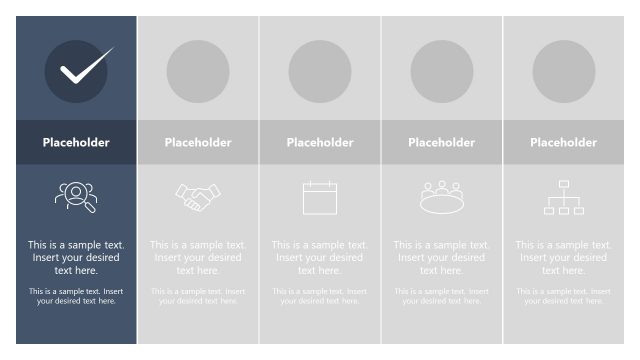
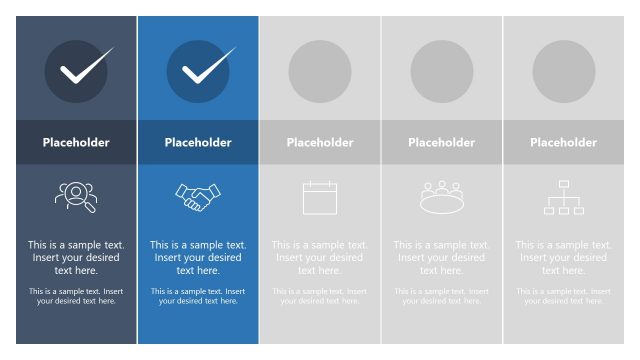
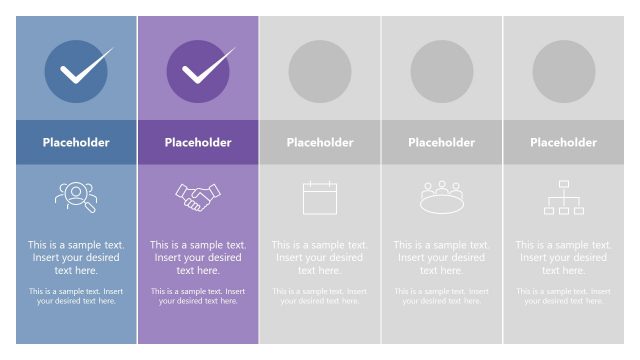
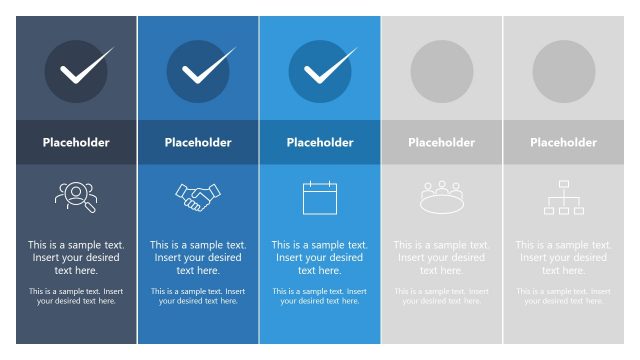
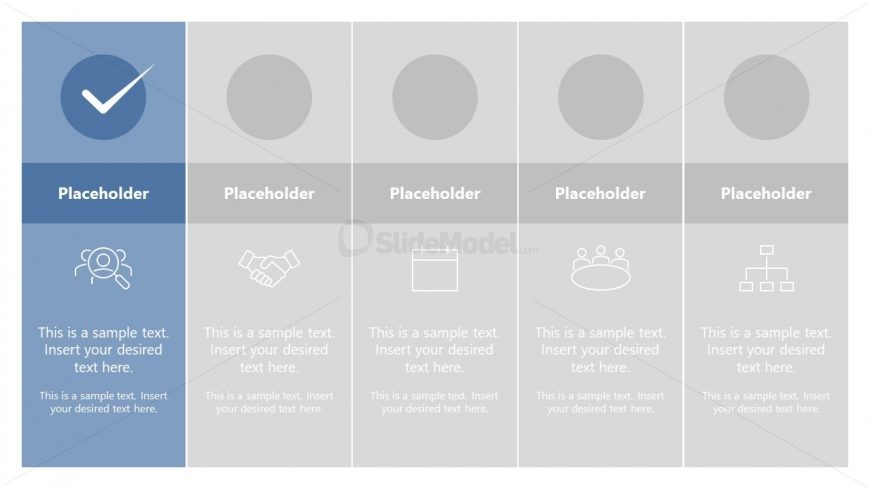
The layout features a horizontal checklist with five sections. The first section on the left contains a blue background with a checkmark icon and a text placeholder. The remaining four sections are arranged in a row with circular placeholders for icons above additional text placeholders. Each section has a light gray background. Text placeholders are aligned centrally within each section, with consistent spacing. The overall composition is structured for clarity, with visual hierarchy established through color contrast and icon placement.
How to Use It
This layout serves as a checklist or comparison tool, ideal for outlining tasks, features, or steps in a process. It fits well after an introduction or problem-framing slide, guiding the audience through key points. Suitable for project management, product feature comparisons, or strategic planning discussions, this structure allows for clear visual communication of multiple items in a linear format, enhancing audience understanding and retention.
Text Placeholders & Capacity
Keep your copy within these limits so it fits without resizing. Node labels can hold about 40 characters each, while body text can accommodate around 80 characters.
| Placeholder | Count | Max characters (approx.) |
|---|---|---|
| Item heading | 5 | 40 |
| Item body | 5 | 80 |
Slide Keywords
Download unlimited PowerPoint templates, charts and graphics for your presentations with our annual plan.
DOWNLOADReturn to Free Horizontal Checklist Slide Template.