Slide 5 of 5 from Free Highlighted Event Timeline Template for PowerPoint
Timeline PowerPoint Highlighted Event PPT
Highlighted Event Timeline Template Overview
- Diagram
- Timeline Horizontal
- Timeline Slide
- 16:9
- 100% Editable
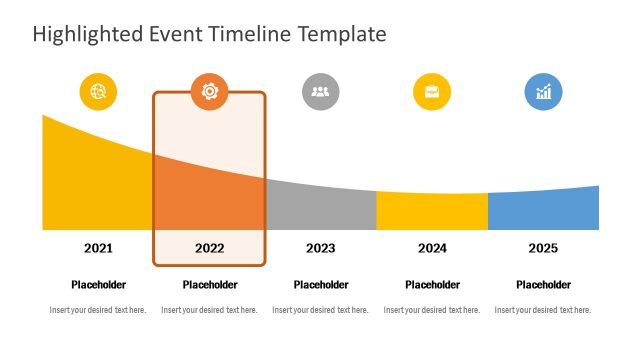
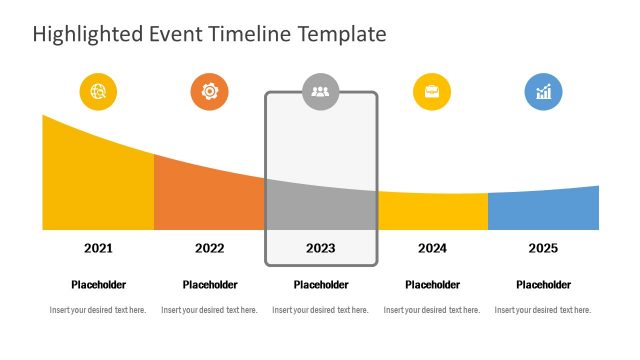
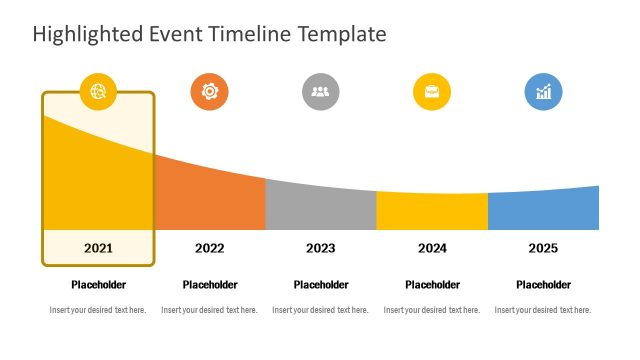
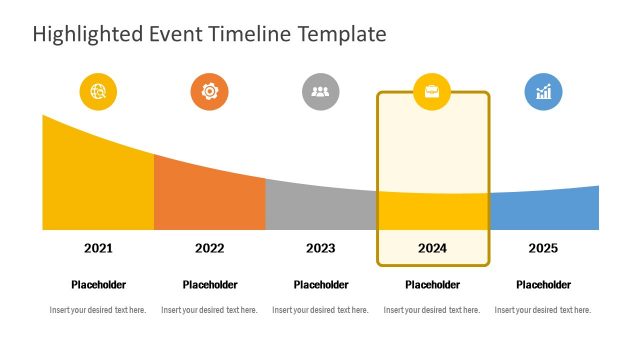
The Highlighted Event Timeline slide from the Free Highlighted Event Timeline Template for PowerPoint offers a clean, curved horizontal timeline ideal for business presentations. This slide template features editable shapes and vector icons to visually map project milestones or strategic goals from 2021 to 2025. Its design supports clear communication in corporate presentations, making it a practical choice for event planning or yearly reviews within a professional slide deck.
What’s on This Slide
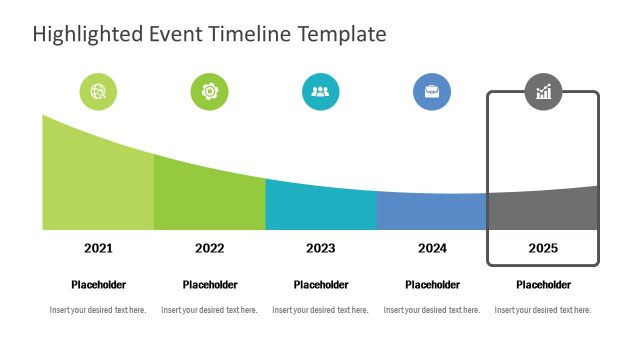
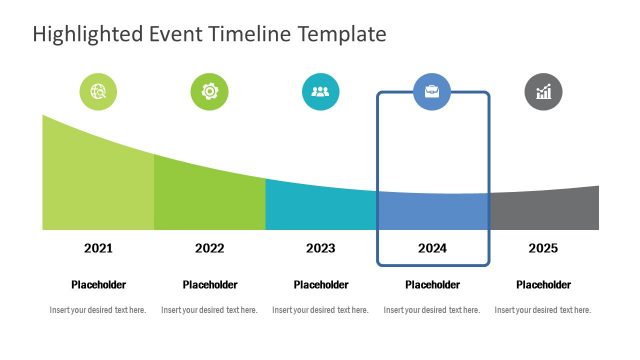
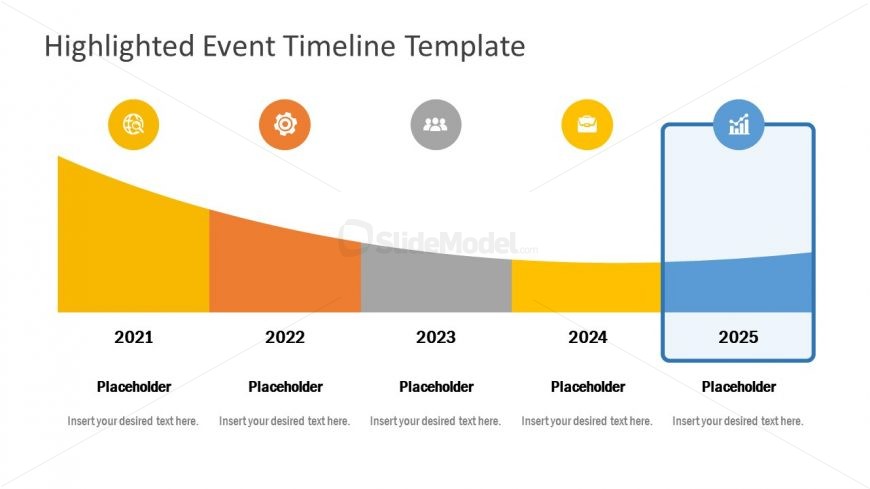
The layout features a curved timeline with five distinct segments representing the years 2021 to 2025. Each segment is filled with a different color, transitioning from yellow to orange, gray, yellow, and blue. Above the timeline, there are circular icons representing various themes. Below each year, there are text placeholders aligned centrally, indicating where to insert specific details. The visual hierarchy emphasizes the 2025 segment, which is highlighted with a blue outline, while the other segments are more subdued. The overall composition is clean and organized.
How to Use It
This layout serves as a chronological timeline to illustrate events or milestones over five years. It is suitable for presentations that require a clear visual representation of progress or future plans. The highlighted segment allows for emphasis on a specific year, making it ideal for showcasing key developments or goals. This structure fits well in a sequence following a problem statement or introduction, leading into future projections or strategic planning discussions.
Text Placeholders & Capacity
Keep your copy within these limits so it fits without resizing. Node body slots can hold roughly 30 characters each.
| Placeholder | Count | Max characters (approx.) |
|---|---|---|
| Item heading | 5 | 10 |
| Item body | 5 | 30 |
Slide Keywords
Download unlimited PowerPoint templates, charts and graphics for your presentations with our annual plan.
DOWNLOADReturn to Free Highlighted Event Timeline Template for PowerPoint.