Slide 4 of 4 from Free Go to Market Strategy PowerPoint Template
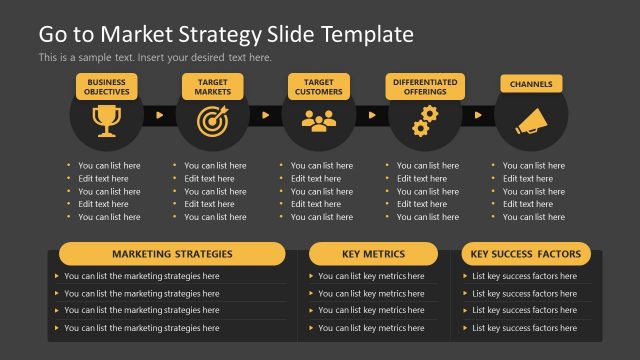
Dark Background Slide Layout for Go to Market Strategy Presentation
Go to Market Strategy Slide Template
- Diagram
- Circular Cycle
- Strategy Slide
- 16:9
- 100% Editable
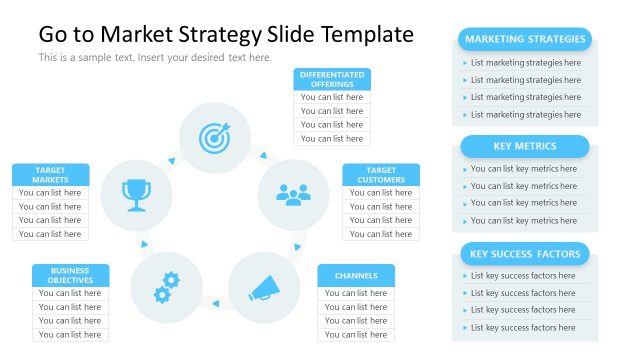
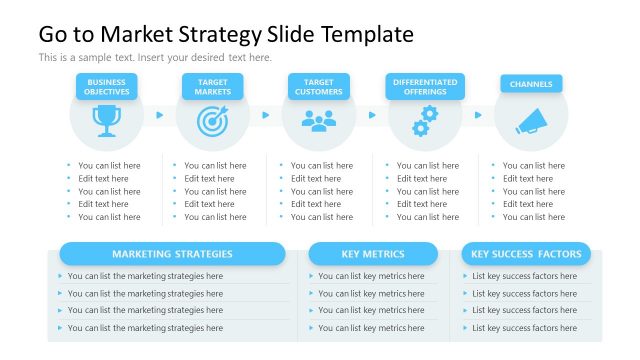
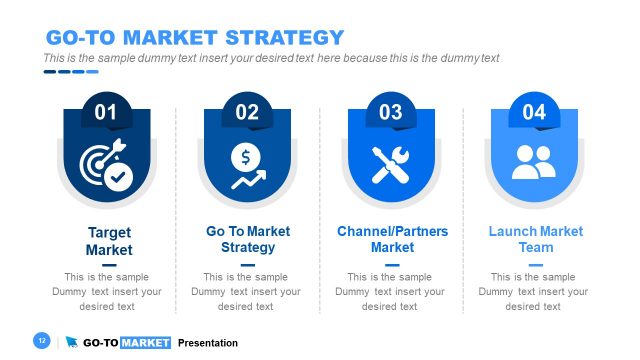
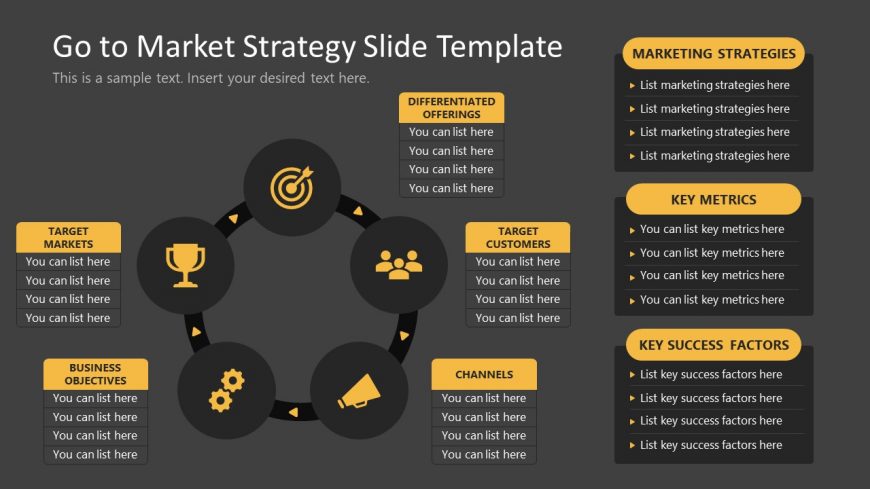
The Go to Market Strategy Diagram, part of the Free Go to Market Strategy PowerPoint Template, effectively visualizes marketing strategies through a circular layout. This slide features editable shapes that represent key components such as target markets and success factors, making it ideal for team brainstorming sessions and strategic planning. The dark gray background enhances the visibility of the diagram, ensuring clear communication of interconnected concepts in business presentations.
What’s on This Slide
The slide features a circular diagram with six nodes arranged in a cycle. Each node is a rounded shape containing text placeholders, positioned equidistantly around a central target icon. The nodes are labeled as 'Target Markets,' 'Differentiated Offerings,' 'Target Customers,' 'Channels,' 'Key Metrics,' and 'Key Success Factors.' Text placeholders are aligned within each node and provide space for listing items. The background is dark gray, enhancing the visibility of the yellow and white elements. The overall layout emphasizes a cohesive flow among the nodes.
How to Use It
This layout serves as a visual representation of a go-to-market strategy, illustrating key components in a circular format. It fits well in a presentation sequence after outlining market challenges or opportunities. This structure is suitable for business scenarios where teams need to present strategic elements like target markets and success factors. It can be used to summarize strategies in marketing meetings or strategic planning sessions, allowing for clear communication of interconnected concepts.
Text Placeholders & Capacity
Keep your copy within these limits so it fits without resizing. Node labels can hold about 5-6 words each.
| Placeholder | Count | Max characters (approx.) |
|---|---|---|
| Item heading | 6 | 30 |
| Item body | 6 | 50 |
| Slide title | 1 | 50 |
Slide Keywords
Download unlimited PowerPoint templates, charts and graphics for your presentations with our annual plan.
DOWNLOAD