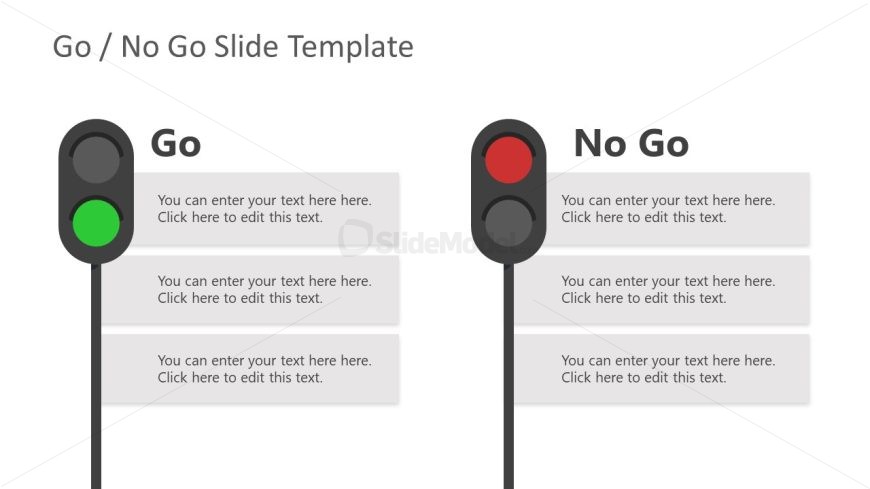
Slide 2 of 4 from Free Go No Go Slide Template for PowerPoint
Traffic Signal Metaphor for Go No Go Presentation
Go No Go Decision Slide Template
- Text Layout
- Other
- Decision Making Slide
- 16:9
- 100% Editable
What’s on This Slide
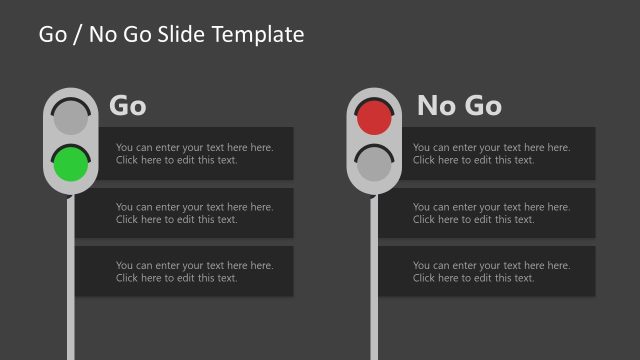
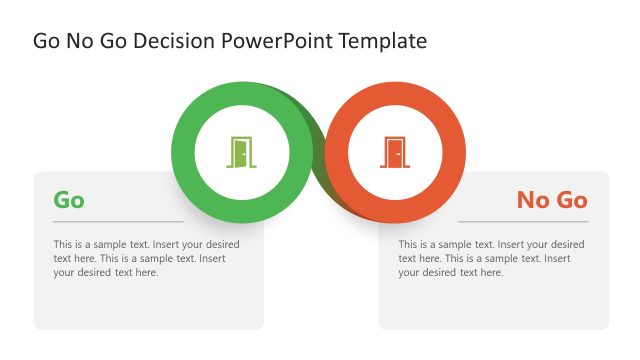
The layout features two vertical sections labeled 'Go' and 'No Go.' On the left, a green traffic light icon is positioned above three text placeholders, each aligned centrally. On the right, a red traffic light icon is similarly placed above three corresponding text placeholders. The background is light, enhancing contrast with the icons and text. The visual hierarchy emphasizes the icons, which are larger than the text placeholders. Each section is clearly defined, with ample spacing between the elements for clarity.
How to Use It
This layout serves as a decision-making tool, ideal for presenting options in a Go/No Go scenario. It fits well in a presentation sequence following a problem statement and before a conclusion or recommendation. This structure is useful in business contexts such as project evaluations, investment decisions, or product launches, where clear choices need to be communicated effectively.
Text Placeholders & Capacity
Keep your copy within these limits so it fits without resizing. Body slots can accommodate roughly 10-12 words each.
| Placeholder | Count | Max characters (approx.) |
|---|---|---|
| Slide title | 1 | 30 |
| Item heading | 2 | 10 |
| Item body | 6 | 50 |
Slide Keywords
Download unlimited PowerPoint templates, charts and graphics for your presentations with our annual plan.
DOWNLOADReturn to Free Go No Go Slide Template for PowerPoint.