Slide 2 of 6 from Free Forest Shapes Roadmap PowerPoint Template
Uphill Layout Guideline Plan
Forest Shapes Roadmap Slide
- Diagram
- Roadmap
- Process Slide
- 16:9
- 100% Editable
The Forest Shapes Roadmap slide from the Free Forest Shapes Roadmap PowerPoint Template offers a clear visual process layout ideal for project planning and strategic initiatives. This editable slide uses natural imagery and vector icons to guide audiences through key milestones, making it a practical choice for business presentations and team updates within a professional slide deck.
About This Slide
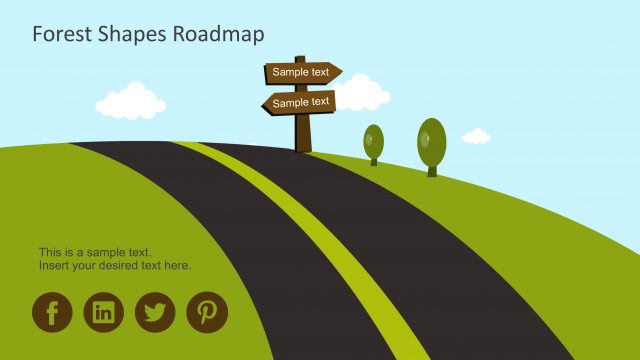
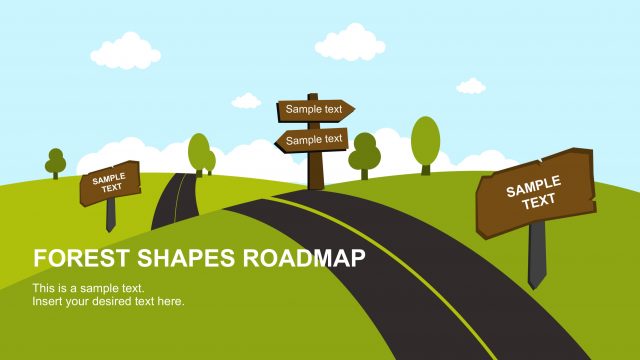
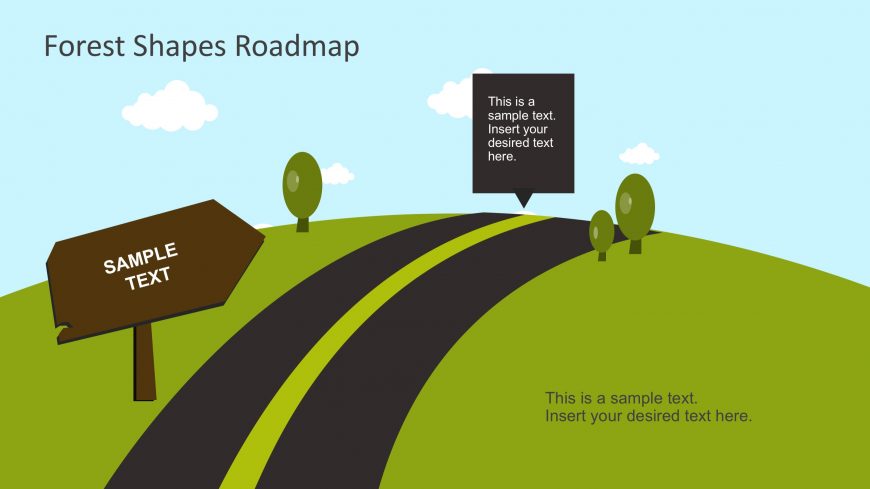
The Free slide of Forest Roadmap PowerPoint template shows Hill view with road. The green shapes how a green hill slope. Whereas, the images of trees give the additional effects of forest. The template is editable and users can copy or delete several shapes and icons to the slide. The sideboard represents milestones with places holder to add text. There is one extra placeholder for more details of the milestone and a speech callout box to add notes. Although it is a planning presentation slide for projects, it is also suitable for displaying procedures and protocols.
What’s on This Slide
The slide features a winding road that runs diagonally from the bottom left to the center. On the left, there is a brown signpost with a placeholder for text, positioned at an angle. To the right, two green trees are placed on a grassy hill. A speech bubble containing sample text is positioned above the road, directing attention to the center. The background is a light blue sky with a few white clouds scattered throughout. The overall layout emphasizes a journey or progression, with a clear visual hierarchy focusing on the road and text elements.
How to Use It
This layout serves as a roadmap visualization, suitable for illustrating a project timeline or strategic plan. It fits well in a presentation sequence after introducing a problem or goal, guiding the audience through the steps or phases of a project. This slide is ideal for business contexts such as project planning, team updates, or strategic initiatives, where a clear visual representation of progress is necessary. It can be used individually to highlight specific milestones or phases in a broader project narrative.
Text Placeholders & Capacity
Keep your copy within these limits so it fits without resizing. Body slots can accommodate roughly 10-15 words each.
| Placeholder | Count | Max characters (approx.) |
|---|---|---|
| Slide title | 1 | 30 |
| Callout | 1 | 50 |
| Body paragraph | 2 | 50 |
Slide Keywords
Download unlimited PowerPoint templates, charts and graphics for your presentations with our annual plan.
DOWNLOAD