Slide 1 of 7 from Free Flat SWOT Analysis Presentation Template
Free Swot Analysis Powerpoint Template
Flat SWOT Analysis PowerPoint Template
- Diagram
- Matrix Quadrant
- Strategic Analysis Slide
- 16:9
- 100% Editable
The Flat SWOT Analysis Diagram slide from the Free Flat SWOT Analysis Presentation Template offers a clear, four-quadrant matrix layout ideal for strategic planning and stakeholder presentations. This slide template includes editable shapes and vector icons to visually distinguish strengths, weaknesses, opportunities, and threats, making it a practical choice for business presentations and team brainstorming sessions.
What’s on This Slide
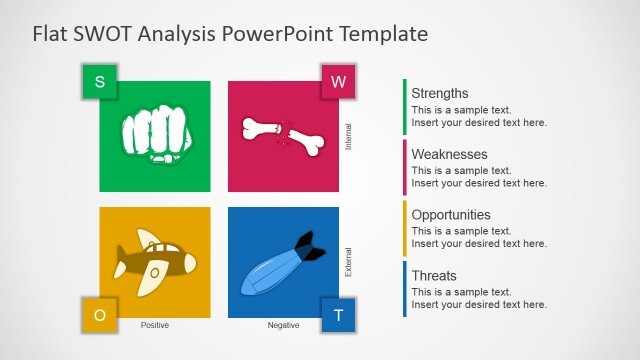
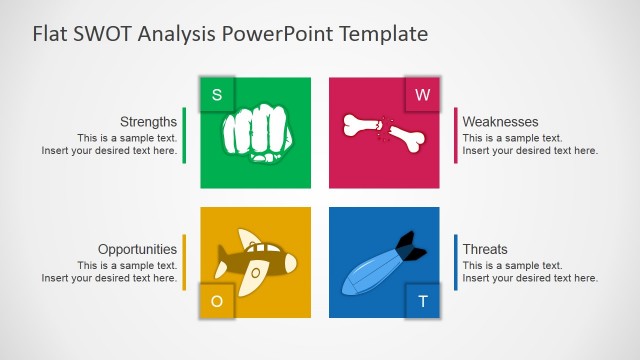
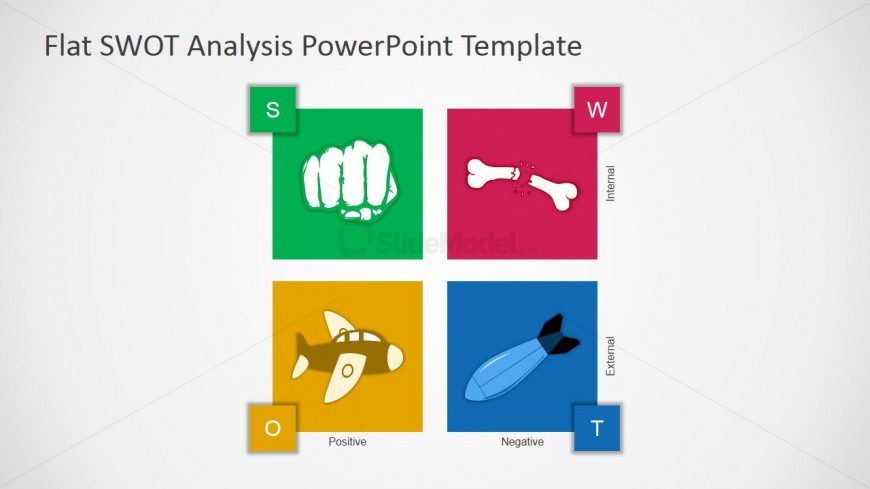
The slide features a four-quadrant SWOT analysis layout. Each quadrant is colored distinctly: green for Strengths, red for Weaknesses, yellow for Opportunities, and blue for Threats. Icons representing each category are centered within their respective quadrants. The letters S, W, O, and T are positioned at the top of each quadrant, with labels indicating Internal or External status. Text placeholders for titles and descriptions are present but not filled. The overall design is clean, with a light background enhancing the visibility of the colored sections.
How to Use It
This layout serves as a visual representation of a SWOT analysis, ideal for summarizing strengths, weaknesses, opportunities, and threats in a business context. It fits well at the beginning of a presentation to introduce strategic analysis. This structure is useful for team discussions, strategic planning sessions, or stakeholder presentations. It can be used to facilitate decision-making by clearly displaying key factors affecting a project or organization.
Text Placeholders & Capacity
Keep your copy within these limits so it fits without resizing. Node slots can hold concise phrases, roughly 5-10 words each.
| Placeholder | Count | Max characters (approx.) |
|---|---|---|
| Slide title | 1 | 30 |
| Item heading | 4 | 10 |
| Item body | 4 | 50 |
Slide Keywords
Download unlimited PowerPoint templates, charts and graphics for your presentations with our annual plan.
DOWNLOAD