Slide 2 of 2 from Free Flat Speedometer Gauges for PowerPoint
FF0013-01-speedometer-gauges-2
Flat Speedometer Gauges for Presentations
- Diagram
- Comparison Split
- Evaluation Slide
- 16:9
- 100% Editable
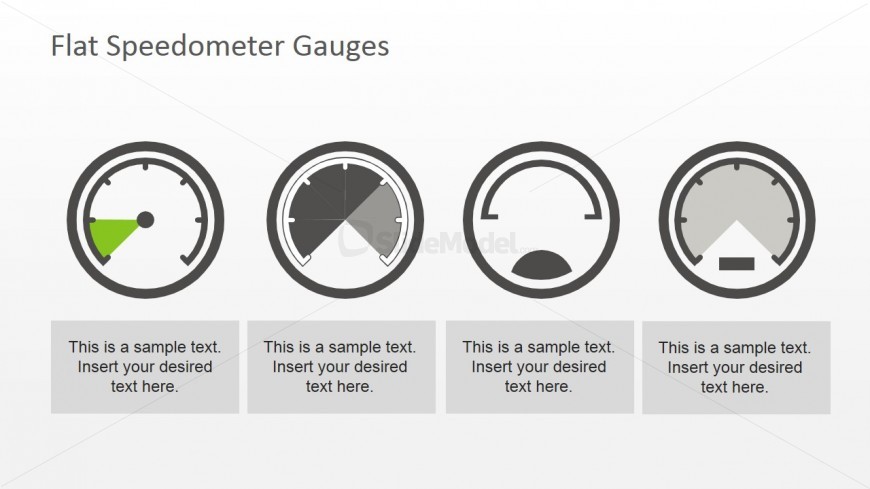
The Flat Speedometer Gauges slide from the Free Flat Speedometer Gauges for PowerPoint template offers a clear visual tool for KPI dashboards and project status updates. This slide layout uses editable shapes and vector icons to present multiple performance metrics side by side, making it suitable for business presentations and performance reviews. Its design supports concise comparison and evaluation within corporate slide decks and pitch deck templates.
What’s on This Slide
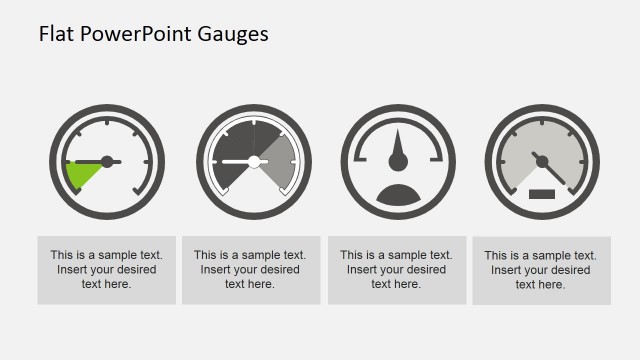
The layout features four circular speedometer gauges arranged horizontally. Each gauge is distinct, displaying different needle positions and segments. The first gauge on the left shows a green needle pointing to a section, while the second gauge has a divided arc. The third gauge features a semi-circular design, and the fourth gauge has a downward-pointing needle. Below each gauge, there are text placeholders aligned centrally, indicating where users can insert their desired text. The background is light, creating a neutral space for the gauges.
How to Use It
This layout serves as a comparative dashboard, ideal for displaying multiple performance metrics or KPIs. It fits well in presentations that require visual summaries of data, such as progress reports or performance evaluations. Business professionals can use this structure to highlight different aspects of project status, risk levels, or operational performance. It is effective in both team meetings and client presentations, providing a clear visual representation of key indicators.
Text Placeholders & Capacity
Keep your copy within these limits so it fits without resizing. Each text slot can hold about 8 words comfortably.
| Placeholder | Count | Max characters (approx.) |
|---|---|---|
| Item body | 4 | 40 |
Slide Keywords
Download unlimited PowerPoint templates, charts and graphics for your presentations with our annual plan.
DOWNLOADReturn to Free Flat Speedometer Gauges for PowerPoint.