Slide 7 of 15 from Free Flat Project Management PowerPoint Templates
Project Management Flat PowerPoint
Text Block with Icons for Project Management
- Text Layout
- Single Statement
- Context Slide
- 16:9
- 100% Editable
The Text Block with Icons slide from the Free Flat Project Management PowerPoint Templates offers a balanced design combining a large text area with visual icons, ideal for project updates and team introductions. This slide layout supports clear communication of key points within a corporate presentation or business presentation, utilizing editable shapes and vector icons to enhance visual engagement in slide decks.
What’s on This Slide
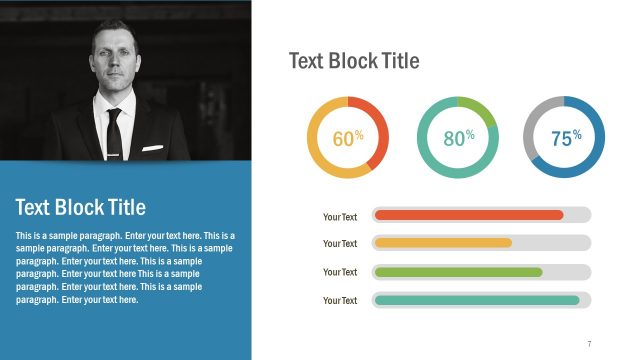
The layout features a large text block on the right side, containing a title and several paragraphs of placeholder text. To the left, there is a black-and-white image of a woman using a smartphone. Below the text block, three colored icons are arranged horizontally, each within a square shape. The icons represent different concepts, with the first icon in orange, the second in green, and the third in teal. The overall composition balances text and visual elements, with a clear division between the image and the text area.
How to Use It
This layout serves as a text-focused slide, ideal for presenting information alongside visual elements. It fits well in a presentation sequence after introducing a topic and before discussing details or specific points. Suitable for business scenarios such as project updates, team introductions, or summarizing key points. The structured layout allows for easy readability and visual engagement, making it effective for conveying important information succinctly.
Text Placeholders & Capacity
Keep your copy within these limits so it fits without resizing. Body slots can accommodate around 25-30 words each.
| Placeholder | Count | Max characters (approx.) |
|---|---|---|
| Slide title | 1 | 30 |
| Body paragraph | 5 | 150 |
| Item heading | 3 | 10 |
Slide Keywords
Download unlimited PowerPoint templates, charts and graphics for your presentations with our annual plan.
DOWNLOADReturn to Free Flat Project Management PowerPoint Templates.