Slide 6 of 8 from Free Flat Elements for PowerPoint Infographics
Timeline and Roadmap Label Presentation
Timeline Slide with Year Labels
- Diagram
- Timeline Vertical
- Timeline Slide
- 16:9
- 100% Editable
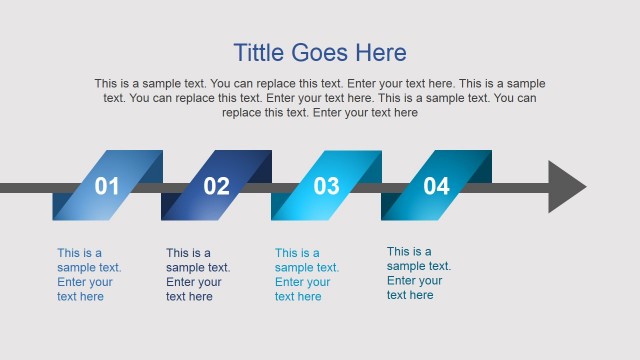
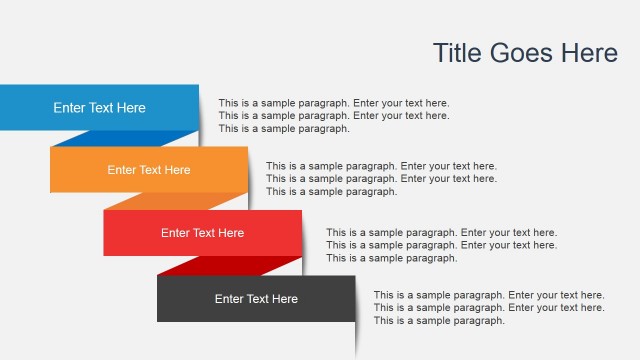
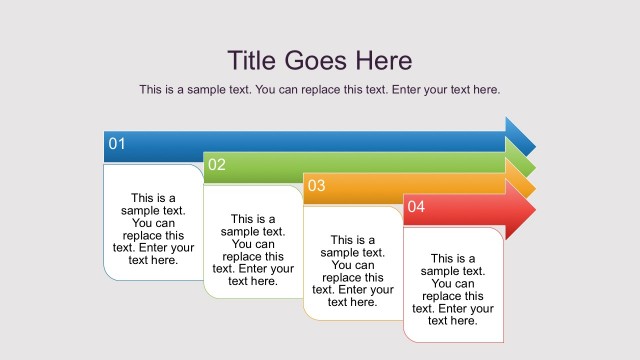
The Timeline with Years and Text slide from the Free Flat Elements for PowerPoint Infographics template offers a vertical timeline layout ideal for project timelines and annual reports. This slide template features editable shapes and color-coded ribbons to clearly present chronological data, making it suitable for business presentations and slide decks that require a clean and structured timeline visualization.
What’s on This Slide
The layout features a vertical arrangement of five horizontal ribbons, each representing a year from 2012 to 2015. The ribbons are color-coded: gray for 2015, orange for 2014, blue for 2013, and yellow for 2012. Each ribbon contains a year label on the left and a text placeholder on the right, aligned centrally within the ribbon. The overall composition is clean, with a clear visual hierarchy emphasizing the years. Text placeholders are present, allowing for content insertion without altering the layout.
How to Use It
This layout serves as a chronological timeline, ideal for presenting historical data or project milestones. It fits well in a presentation sequence after a problem slide, providing context or a roadmap. Suitable scenarios include annual reports, project updates, or progress tracking. The design allows for easy comparison of events across years, making it effective for business presentations focused on growth or changes over time.
Text Placeholders & Capacity
Keep your copy within these limits so it fits without resizing. Node body slots can hold roughly 10 words each, while the title slot can accommodate about 6 words.
| Placeholder | Count | Max characters (approx.) |
|---|---|---|
| Item heading | 4 | 4 |
| Item body | 4 | 50 |
| Slide title | 1 | 30 |
Slide Keywords
Download unlimited PowerPoint templates, charts and graphics for your presentations with our annual plan.
DOWNLOAD