Slide 4 of 7 from Free Features Shapes Layouts for PowerPoint
Vertical 4-Step Chart Diagrams for PowerPoint
Stacked Steps Layout for Presentations
- Diagram
- Process Flow
- Process Slide
- 16:9
- 100% Editable
The Stacked Steps Layout from the Free Features Shapes Layouts for PowerPoint template offers a clear process flow diagram with editable shapes arranged vertically. This slide template is ideal for illustrating project stages or feature overviews within a business presentation or pitch deck template. Its design supports easy customization, making it a practical choice for corporate presentations requiring structured sequential explanations using professional slide templates.
What’s on This Slide
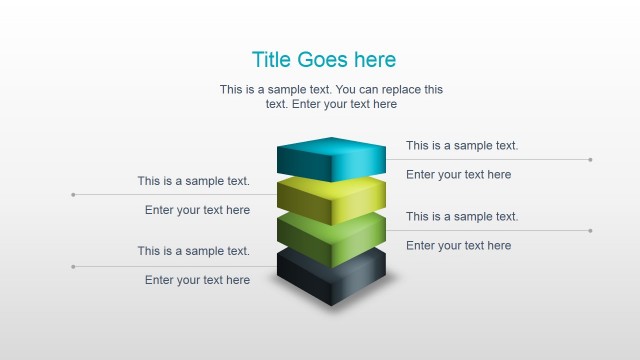
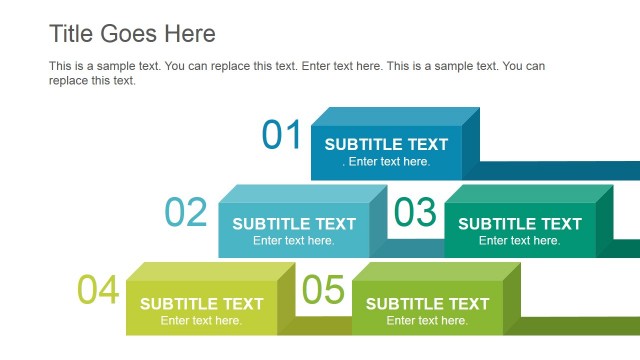
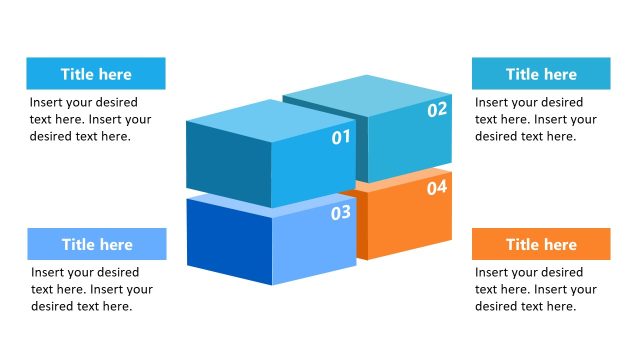
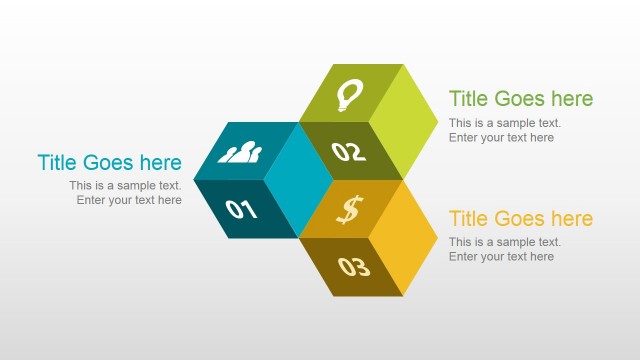
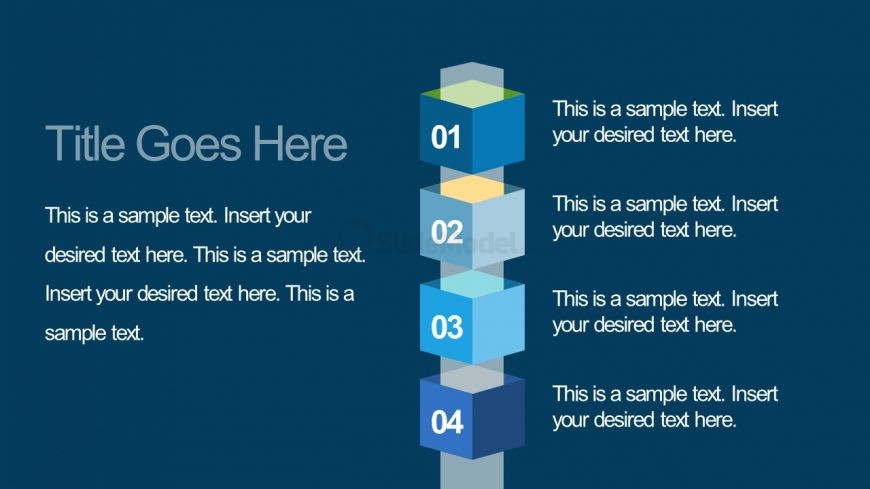
The layout features a vertical arrangement of four stacked hexagonal shapes on the right side. Each shape is labeled with a number from 01 to 04, indicating a sequence. To the left, there is a title placeholder at the top, followed by a body text placeholder that spans the height of the slide. The background is a solid dark blue color, providing contrast to the lighter shades of the hexagons. The visual hierarchy is clear, with the title being the most prominent element, followed by the numbered shapes and the body text. The shapes are evenly spaced, allowing for a clean and organized appearance.
How to Use It
This layout serves as a sequential steps diagram, ideal for outlining processes or stages in a presentation. It fits well in a sequence following a problem statement or introduction, guiding the audience through a structured narrative. Suitable scenarios include project timelines, product features, or strategic initiatives where clarity in progression is essential. The design allows for easy customization of text to fit specific content needs while maintaining visual coherence.
Text Placeholders & Capacity
Keep your copy within these limits so it fits without resizing. Body text slots can hold about 15-20 words each.
| Placeholder | Count | Max characters (approx.) |
|---|---|---|
| Slide title | 1 | 30 |
| Item heading | 4 | 2 |
| Body paragraph | 4 | 100 |
Slide Keywords
Download unlimited PowerPoint templates, charts and graphics for your presentations with our annual plan.
DOWNLOADReturn to Free Features Shapes Layouts for PowerPoint.