Slide 3 of 7 from Free Features Shapes Layouts for PowerPoint
4-Step Flat Process Chart PowerPoint
Icon Grid Layout for Presentations
- Text Layout
- Icon Grid
- Context Slide
- 16:9
- 100% Editable
The Icon Grid with Text Placeholders slide from the Free Features Shapes Layouts for PowerPoint template offers a structured way to present multiple features or concepts using editable shapes and vector icons. This slide layout is well suited for business presentations or educational topics, providing clear visual hierarchy and concise text areas that enhance communication in slide decks and pitch deck templates.
What’s on This Slide
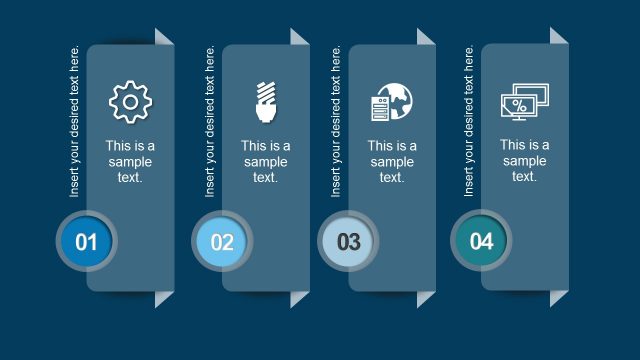
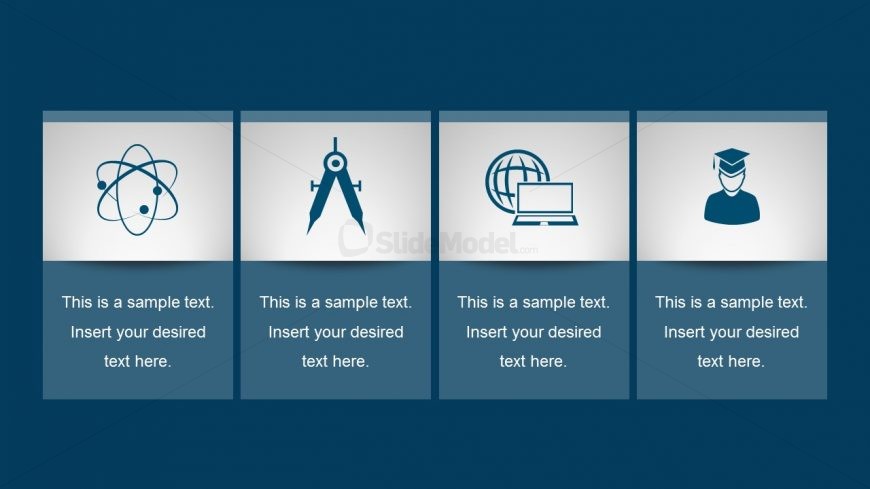
The layout consists of four equally sized rectangular sections arranged horizontally. Each section contains an icon positioned above a text placeholder. The icons include an atom, a compass, a globe with a computer, and a graduation cap, all centrally aligned. The text placeholders are located directly below the icons, with a consistent font size and color. The background is a dark blue gradient, providing contrast to the light-colored sections. The overall composition is clean, with clear visual hierarchy and spacing between elements.
How to Use It
This layout serves as a visual comparison or categorization tool, ideal for showcasing features, benefits, or key points. It fits well in a presentation sequence after an introductory slide, providing a clear structure for presenting multiple ideas. This format is suitable for business scenarios such as product features, educational topics, or service offerings, where concise descriptions accompany relevant icons to enhance understanding.
Text Placeholders & Capacity
Keep your copy within these limits so it fits without resizing. Each text slot can hold about 5-6 words comfortably.
| Placeholder | Count | Max characters (approx.) |
|---|---|---|
| Item body | 4 | 30 |
Slide Keywords
Download unlimited PowerPoint templates, charts and graphics for your presentations with our annual plan.
DOWNLOADReturn to Free Features Shapes Layouts for PowerPoint.