Slide 8 of 10 from Free Editable SWOT Analysis Slide Template for PowerPoint
Creative Opportunities Slide – Free SWOT Analysis Template
Editable SWOT Opportunities Slide for Presentations
- Text Layout
- Other
- Strategic Analysis Slide
- 16:9
- 100% Editable
What’s on This Slide
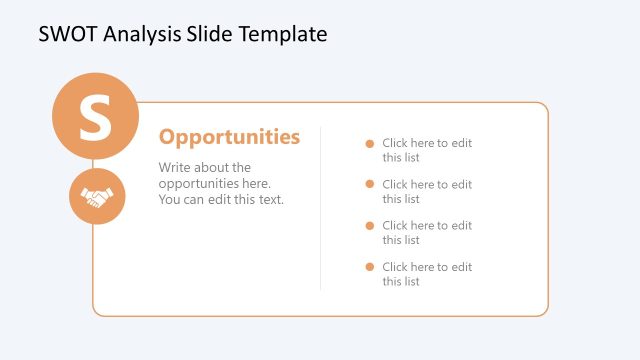
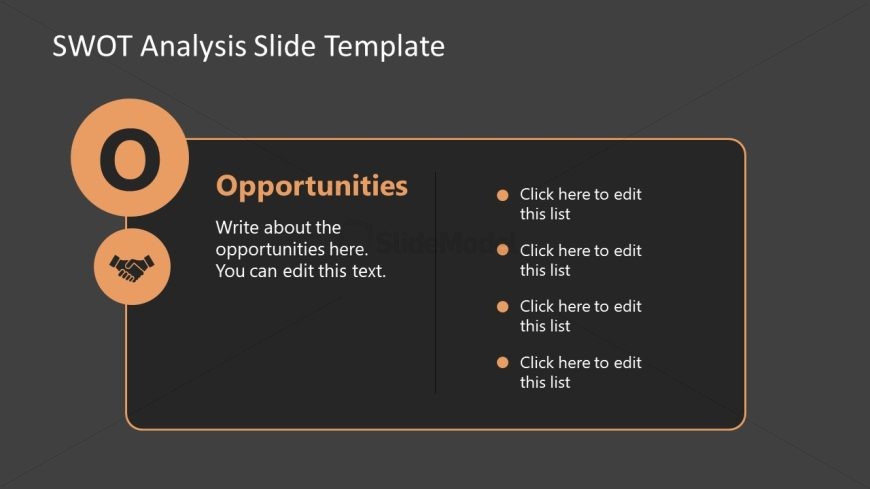
The slide features a circular icon labeled 'O' positioned at the top left, representing opportunities. Below it, the word 'Opportunities' is prominently displayed in a larger font. To the right, there is a text box containing a placeholder for a description of opportunities, followed by four bullet points arranged vertically. Each bullet point is indicated by a circular icon. The background is a dark gray, with an orange accent around the text box and icons, creating a clear visual hierarchy. The layout is structured to guide the viewer's attention from the title to the bullet points.
How to Use It
This layout serves as a dedicated space for discussing opportunities within a SWOT analysis. It fits within a presentation sequence that addresses strengths, weaknesses, opportunities, and threats. This structure is useful in business contexts such as strategic planning sessions, team brainstorming meetings, or project evaluations where identifying growth potential is essential. It allows for clear communication of ideas and encourages audience engagement through editable bullet points.
Text Placeholders & Capacity
Keep your copy within these limits so it fits without resizing. Body slots can hold about 10-15 words each.
| Placeholder | Count | Max characters (approx.) |
|---|---|---|
| Slide title | 1 | 30 |
| Body paragraph | 1 | 80 |
| List item | 4 | 30 |
Slide Keywords
Download unlimited PowerPoint templates, charts and graphics for your presentations with our annual plan.
DOWNLOADReturn to Free Editable SWOT Analysis Slide Template for PowerPoint.