Slide 6 of 10 from Free Editable SWOT Analysis Slide Template for PowerPoint
Dark Background Slide for SWOT Analysis Presentation
Editable SWOT Analysis Slide for Presentations
- Diagram
- Matrix Quadrant
- Strategic Analysis Slide
- 16:9
- 100% Editable
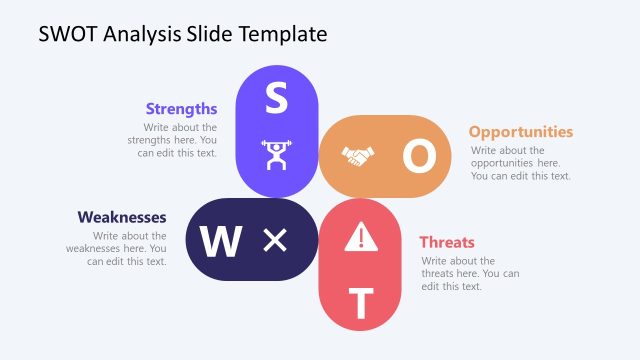
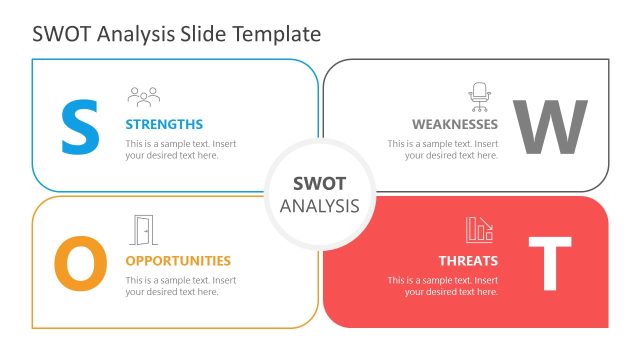
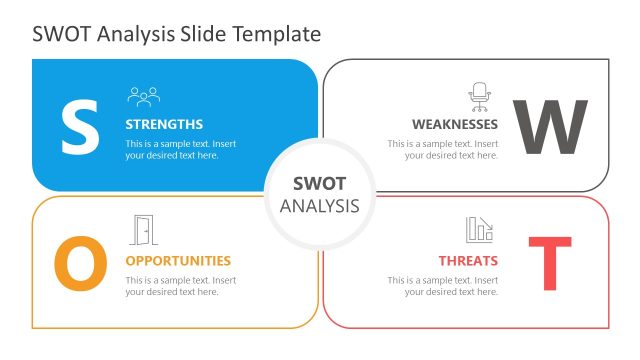
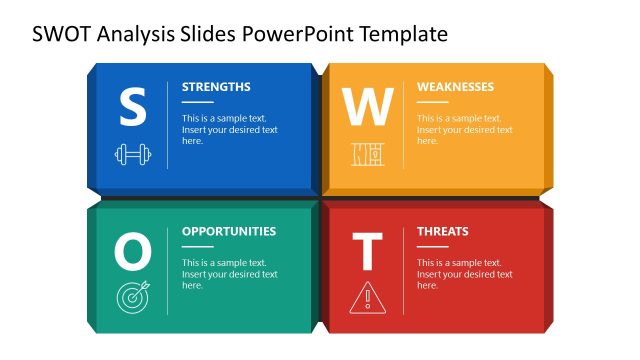
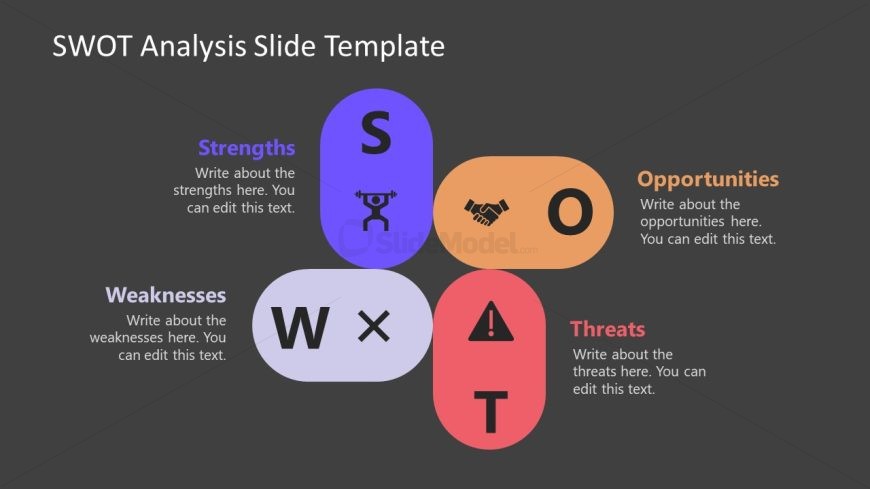
The SWOT Analysis Quadrant with Icons slide from the Free Editable SWOT Analysis Slide Template for PowerPoint provides a structured visual for strategic analysis. This layout features four editable shapes representing Strengths, Weaknesses, Opportunities, and Threats, making it ideal for business strategy meetings and project evaluations. Each section is accompanied by vector icons, enhancing clarity and engagement during presentations.
What’s on This Slide
The layout features four rounded rectangles arranged in a 2x2 grid, each representing a component of SWOT analysis: Strengths, Weaknesses, Opportunities, and Threats. The Strengths and Weaknesses sections are positioned at the top, while Opportunities and Threats are at the bottom. Each rectangle contains an icon, with Strengths showing a weightlifter, Opportunities depicting a handshake, Weaknesses featuring a cross, and Threats displaying an exclamation mark. Text placeholders are centered within each rectangle, allowing for customizable content. The background is a dark gray, enhancing the visibility of the colored shapes.
How to Use It
This layout serves as a matrix for SWOT analysis, effectively categorizing strengths, weaknesses, opportunities, and threats in a visual format. It fits within a presentation sequence that discusses strategic planning or business assessments. This slide is useful for business presentations, strategic planning sessions, or project evaluations where a clear overview of internal and external factors is needed. It allows for easy comparison and analysis of different aspects of a business or project.
Text Placeholders & Capacity
Keep your copy within these limits so it fits without resizing. Body slots can accommodate around 15-20 words each.
| Placeholder | Count | Max characters (approx.) |
|---|---|---|
| Item heading | 4 | 20 |
| Item body | 4 | 80 |
Slide Keywords
Download unlimited PowerPoint templates, charts and graphics for your presentations with our annual plan.
DOWNLOADReturn to Free Editable SWOT Analysis Slide Template for PowerPoint.