Slide 4 of 4 from Free E-Commerce Slides for PowerPoint
FF0033-01-e-commerce-slides-4
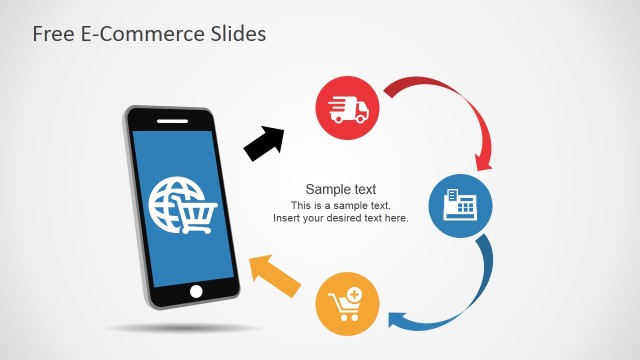
E-Commerce Circular Process Diagram
- Diagram
- Circular Cycle
- Process Slide
- 16:9
- 100% Editable
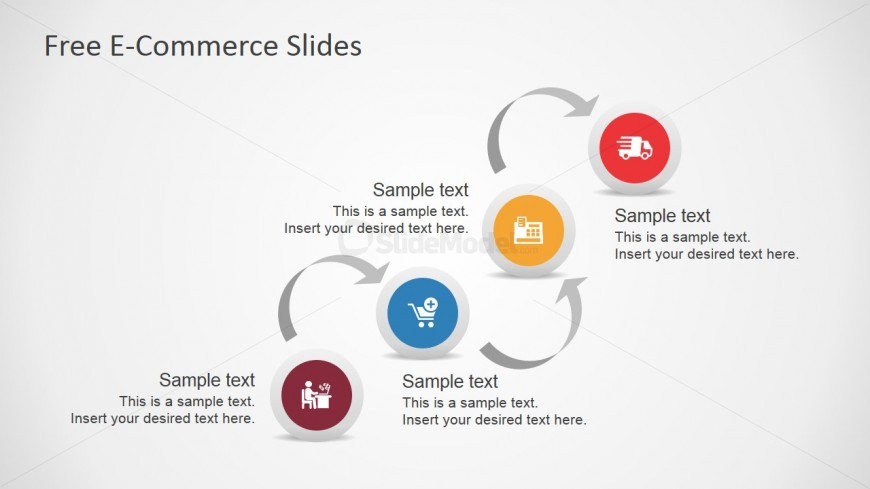
The Circular Process Diagram slide from the Free E-Commerce Slides for PowerPoint template provides a clear visual tool for illustrating workflows and customer journeys. This slide uses editable shapes and vector icons arranged in a circular layout to depict sequential business processes effectively. It is suitable for corporate presentations or pitch deck templates that require a concise summary of operational strategies within a slide deck.
What’s on This Slide
The slide features a circular process diagram with four nodes arranged in a clockwise direction. Each node is represented by a colored circle containing an icon, with connecting arrows indicating the flow between them. The nodes are of equal size and are positioned at the top, right, bottom, and left of the center. Text placeholders are located below each node, aligned centrally, with a larger title at the top of the slide. The background is light gray, providing contrast to the colorful nodes and icons.
How to Use It
This layout serves as a circular process diagram, ideal for illustrating sequential steps in a business process. It fits well in presentations discussing e-commerce workflows, customer journeys, or operational strategies. Use it to visually represent processes such as order fulfillment, customer engagement, or product delivery. This slide is best placed towards the end of a presentation to summarize key steps or processes discussed earlier.
Text Placeholders & Capacity
Keep your copy within these limits so it fits without resizing. Node body slots can hold about 8-10 words each.
| Placeholder | Count | Max characters (approx.) |
|---|---|---|
| Slide title | 1 | 30 |
| Item body | 4 | 40 |
Slide Keywords
Download unlimited PowerPoint templates, charts and graphics for your presentations with our annual plan.
DOWNLOADReturn to Free E-Commerce Slides for PowerPoint.