Slide 1 of 3 from Free Dark Speedometer Shapes for PowerPoint
FF0017-01-dark-speedometer-1
Dark Speedometer for PowerPoint Slide
- Diagram
- Other
- Process Slide
- 16:9
- 100% Editable
The Speedometer Gauge with Text Placeholder slide from the Free Dark Speedometer Shapes for PowerPoint template offers a clear visual for KPI presentations and performance dashboards. This slide template combines editable shapes and numeric placeholders with a focused gauge design, making it suitable for business presentations and status reports requiring precise metric displays.
What’s on This Slide
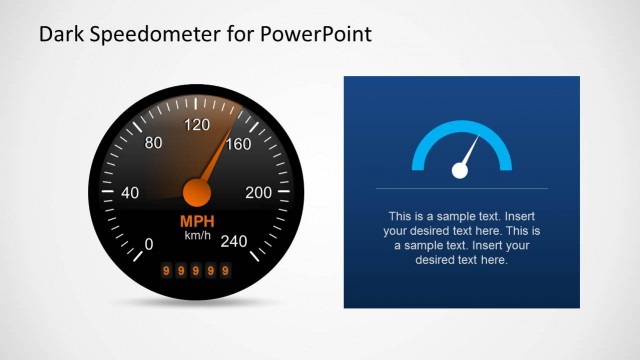
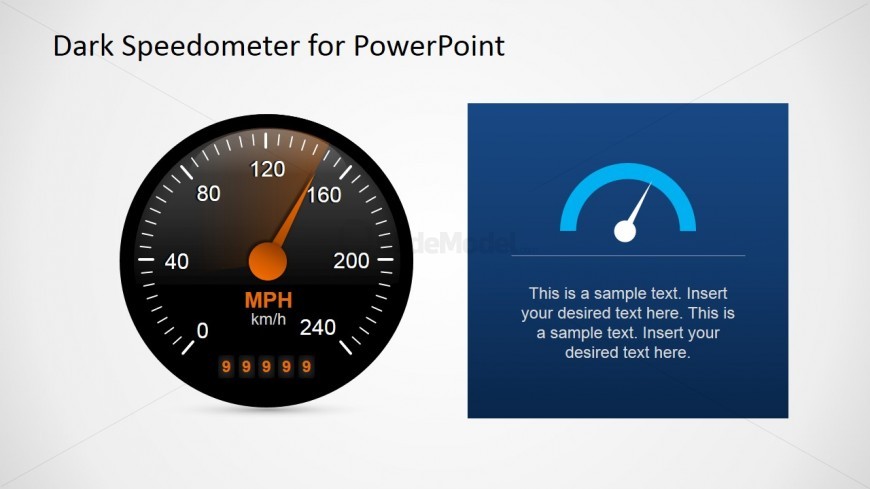
The slide features a large speedometer gauge on the left side, displaying a range from 0 to 240 with an orange needle pointing at 160. Below the gauge, there are five numeric placeholders arranged horizontally. On the right side, a blue rectangular panel contains two text placeholders, one at the top and another below it, both centered. The background is light with a subtle gradient, enhancing the visibility of the elements. The overall layout emphasizes the speedometer while providing space for additional text.
How to Use It
This layout serves as a performance indicator, ideal for presenting key metrics or KPIs in a dashboard format. It fits well at the beginning of a presentation to introduce performance data or status updates. This structure is useful in business contexts where visual representation of speed or progress is necessary, such as project updates or sales performance reviews. It can also be adapted for individual reports requiring a clear visual focus on metrics.
Text Placeholders & Capacity
Keep your copy within these limits so it fits without resizing. Node body slots can hold brief numeric values, around 5 characters each.
| Placeholder | Count | Max characters (approx.) |
|---|---|---|
| Slide title | 1 | 30 |
| Item body | 5 | 5 |
| Item body | 2 | 100 |
Slide Keywords
Download unlimited PowerPoint templates, charts and graphics for your presentations with our annual plan.
DOWNLOADReturn to Free Dark Speedometer Shapes for PowerPoint.