Slide 4 of 4 from Free Crosstabs Slide Template for PowerPoint
Presentation Slide Template with Free Crosstabs Diagram
Cross Tabulation Slide Template Overview
- Table
- Comparison Table
- Comparison Slide
- 16:9
- 100% Editable
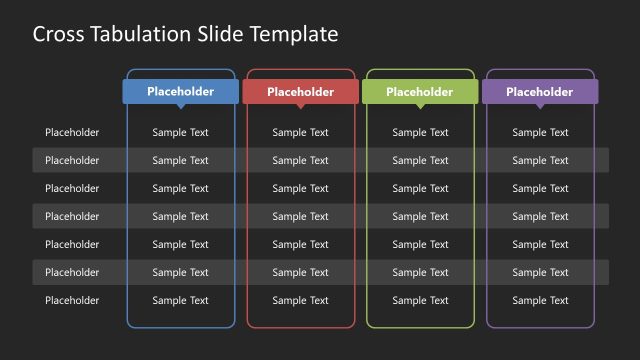
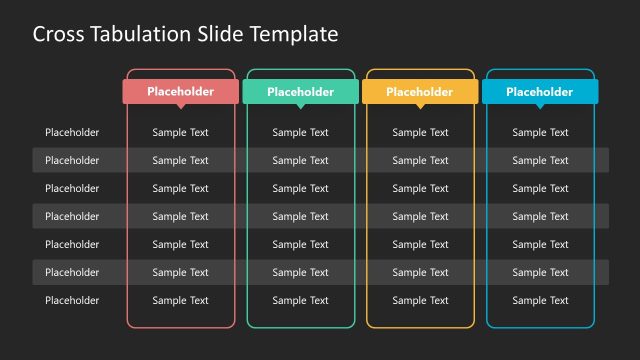
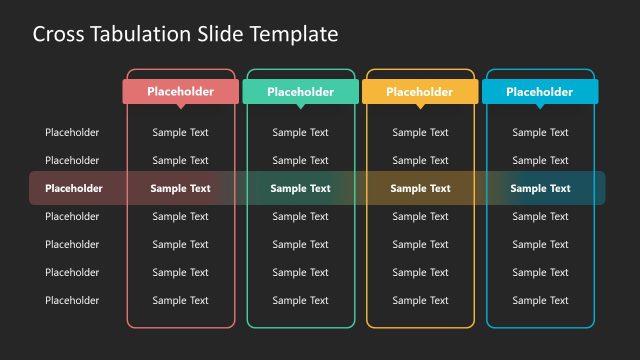
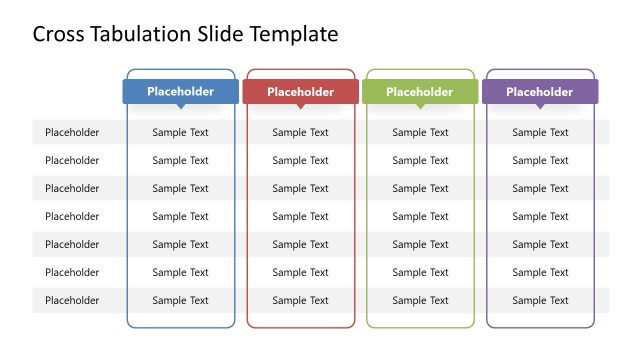
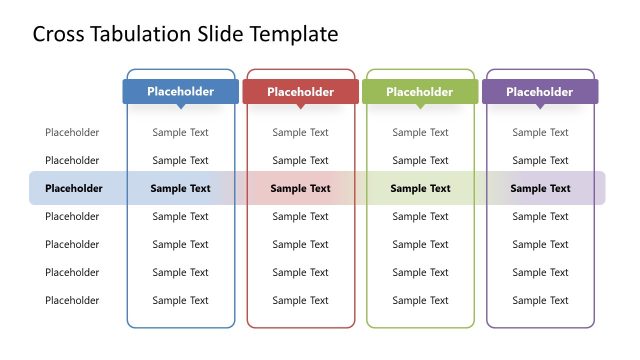
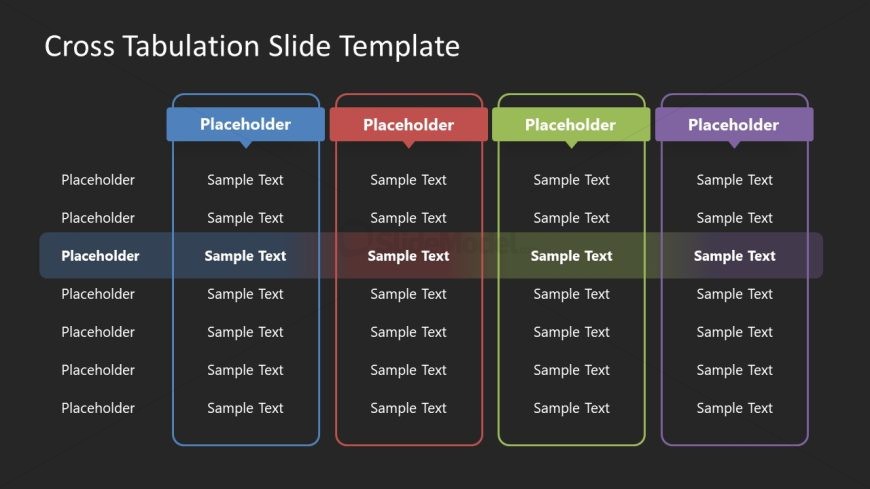
The Cross Tabulation Layout from the Free Crosstabs Slide Template for PowerPoint provides a structured format for effective data comparison. This slide features four vertical sections, each designed for clear presentation of market analysis or feature listings. With its dark background and colored headers, it enhances visibility and emphasizes key information, making it an excellent choice for business presentations.
What’s on This Slide
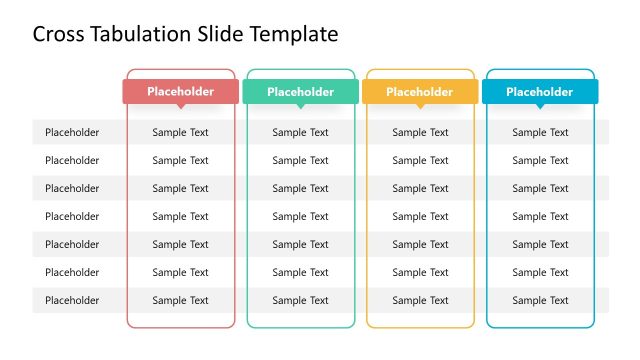
The layout features four vertical sections, each containing a header and multiple rows of placeholders. The sections are arranged side by side, with a consistent height and width. Each section has a colored header with the word 'Placeholder' and a sample text area below. The placeholders are aligned uniformly, creating a structured appearance. The background is dark, enhancing the visibility of the colored headers. The visual hierarchy emphasizes the headers, while the sample text areas are less prominent. There are no images or additional media present.
How to Use It
This layout serves as a cross-tabulation tool, ideal for comparing multiple categories or data sets. It fits well in presentations that require a clear display of relationships between variables. Common scenarios include market research findings, survey results, or product feature comparisons. The structured format allows for easy reading and interpretation of data. It is best used in the middle of a presentation to analyze data after presenting findings or insights.
Text Placeholders & Capacity
Keep your copy within these limits so it fits without resizing. Column headers can hold about 10 characters each, while cells can accommodate roughly 15 characters.
| Placeholder | Count | Max characters (approx.) |
|---|---|---|
| Column header | 4 | 10 |
| Cell | 32 | 15 |
Slide Keywords
Download unlimited PowerPoint templates, charts and graphics for your presentations with our annual plan.
DOWNLOADReturn to Free Crosstabs Slide Template for PowerPoint.