Slide 2 of 2 from Free Creative Sliced Diagram for PowerPoint
Presentation of Creative Sliced Diagram
Creative Sliced Diagram for Presentations
- Diagram
- Segmented Wheel
- Process Slide
- 16:9
- 100% Editable
The Creative Sliced Diagram slide from the Free Creative Sliced Diagram for PowerPoint template offers a segmented wheel layout ideal for illustrating processes, project phases, or product features. This editable slide uses vector icons and pie slice shapes arranged around a central node, making it suitable for business presentations and pitch deck templates that require clear category breakdowns and visual flow.
What’s on This Slide
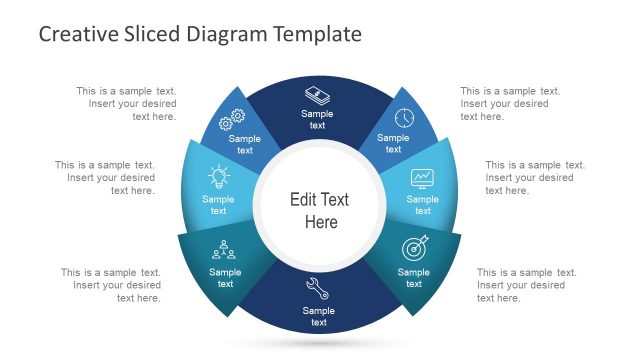
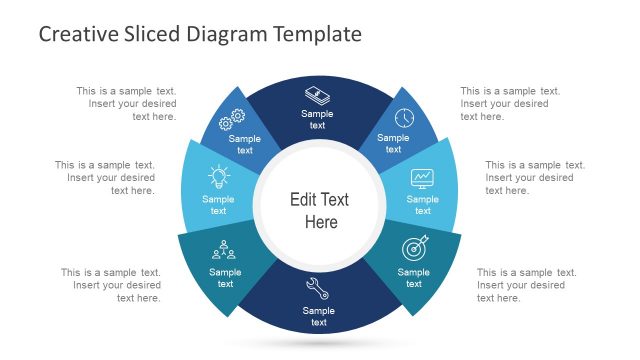
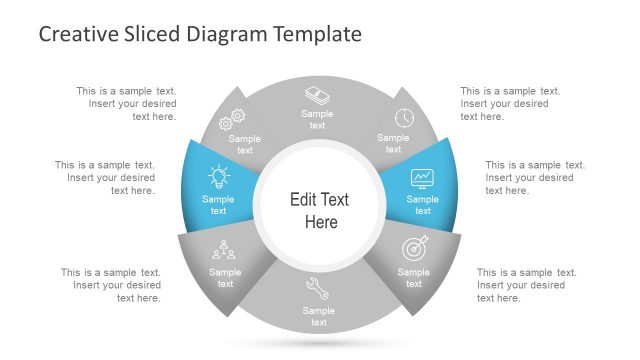
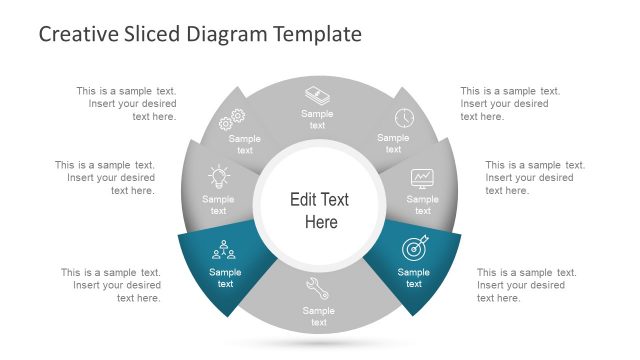
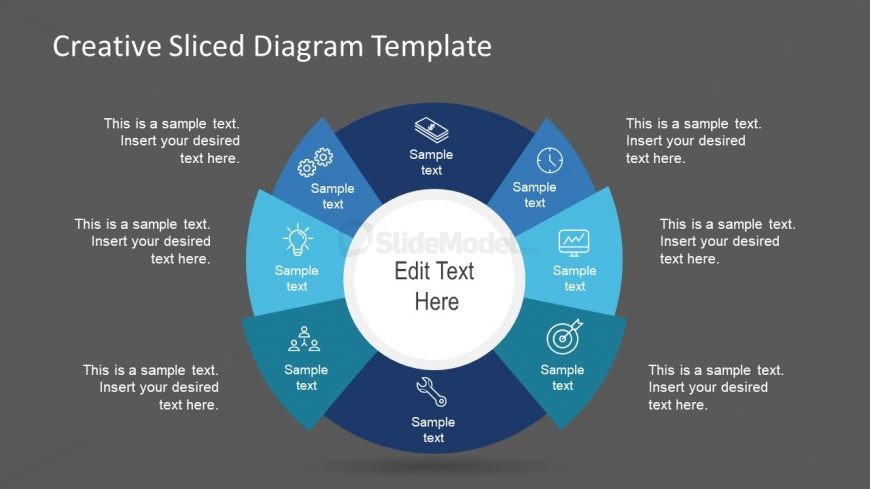
The layout features a central circular node labeled 'Edit Text Here' surrounded by eight equally sized segments. Each segment is a pie slice shape, colored in various shades of blue, with icons representing different concepts. Text placeholders are positioned within each segment, aligned to the center, allowing for customization. The background is a solid gray, providing contrast to the colorful segments. The overall composition is circular, emphasizing a flow or connection between the segments, which are evenly spaced around the central node.
How to Use It
This layout serves as a segmented diagram, ideal for illustrating processes or categories in a visually engaging manner. It fits well in presentations that require a clear breakdown of steps or components, such as project phases or product features. This structure is particularly useful in business contexts, such as strategy discussions or product launches, where clarity and organization are essential for audience understanding.
Text Placeholders & Capacity
Keep your copy within these limits so it fits without resizing. Each segment can hold roughly 8-10 words comfortably.
| Placeholder | Count | Max characters (approx.) |
|---|---|---|
| Item body | 8 | 50 |
| Item body | 1 | 50 |
| Slide title | 1 | 30 |
Slide Keywords
Download unlimited PowerPoint templates, charts and graphics for your presentations with our annual plan.
DOWNLOADReturn to Free Creative Sliced Diagram for PowerPoint.