Slide 1 of 2 from Free Creative Sliced Diagram for PowerPoint
Free PowerPoint Diagram Creative
Creative Sliced Diagram for Presentations
- Diagram
- Segmented Wheel
- Process Slide
- 16:9
- 100% Editable
The Creative Sliced Diagram slide from the Free Creative Sliced Diagram for PowerPoint template offers a segmented wheel layout ideal for process presentations and project overviews. This slide uses editable shapes and vector icons arranged in a circular pattern to clearly illustrate interconnected phases or features, making it a practical choice for business presentations and pitch deck templates requiring visual clarity and structure.
What’s on This Slide
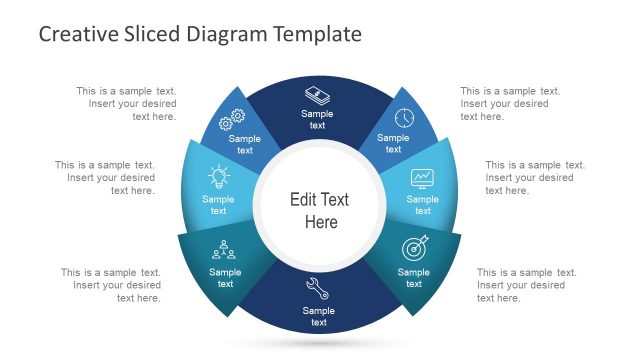
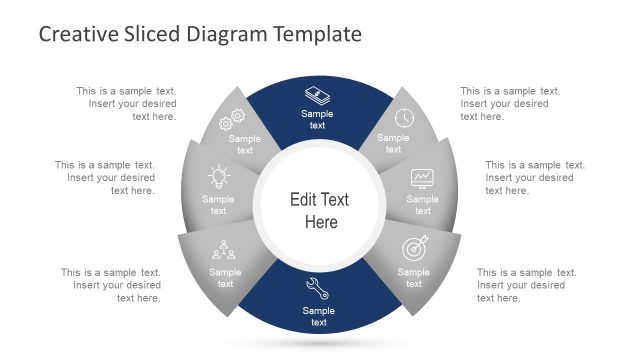
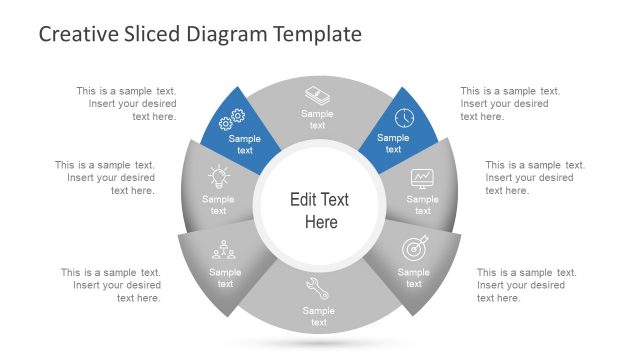
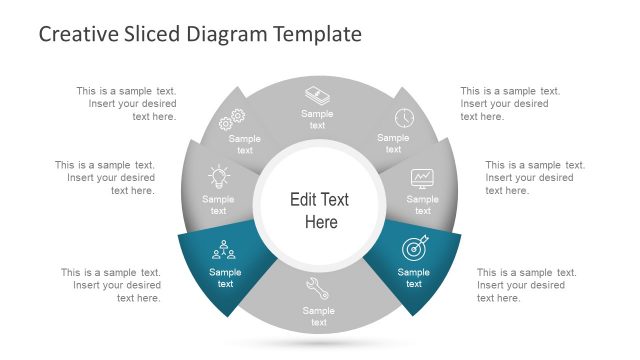
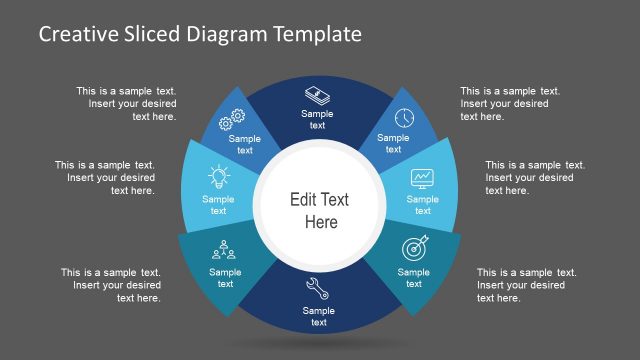
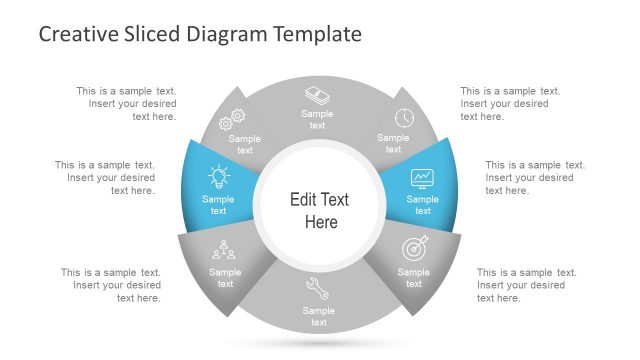
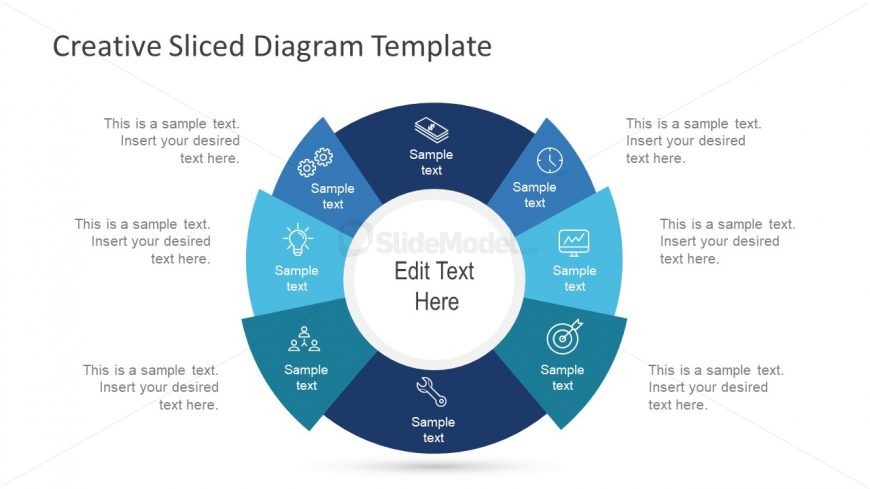
The layout features a central circular node labeled 'Edit Text Here,' surrounded by eight equally sized slices arranged in a circular pattern. Each slice contains a sample text placeholder aligned at the top and bottom, with icons positioned above the text. The slices alternate in color between dark blue and light blue, creating a visually distinct separation. The overall composition is balanced, with the central node providing a focal point. The background is white, enhancing the clarity of the diagram and its elements.
How to Use It
This layout serves as a segmented diagram, ideal for presenting processes or steps in a circular format. It fits well in presentations that require a visual breakdown of components or phases. Common scenarios include project planning, product features, or strategic initiatives. The circular arrangement allows for easy understanding of interconnected elements, making it suitable for both team discussions and client presentations.
Text Placeholders & Capacity
Keep your copy within these limits so it fits without resizing. Node text slots can accommodate about 30 characters each.
| Placeholder | Count | Max characters (approx.) |
|---|---|---|
| Item body | 8 | 30 |
| Item heading | 8 | 30 |
| Slide title | 1 | 40 |
Slide Keywords
Download unlimited PowerPoint templates, charts and graphics for your presentations with our annual plan.
DOWNLOADReturn to Free Creative Sliced Diagram for PowerPoint.