Slide 2 of 2 from Free Creative Process Flow Diagram Template for PowerPoint
Editable Free Creative Process Flow Diagram for PowerPoint Presentation
Creative Process Flow Diagram Slide
- Diagram
- Process Flow
- Process Slide
- 16:9
- 100% Editable
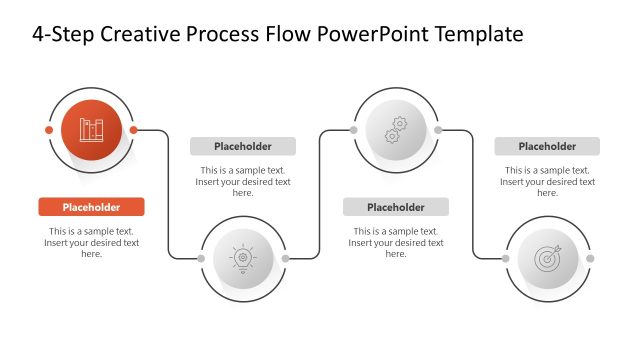
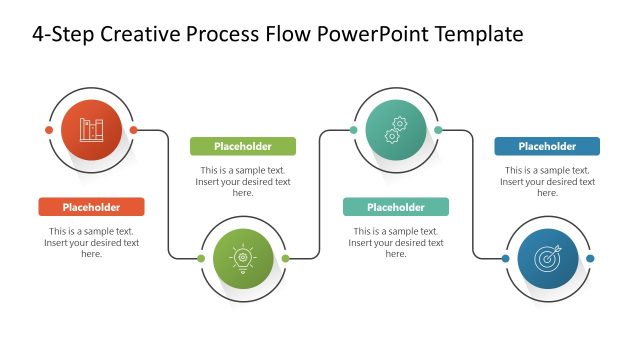
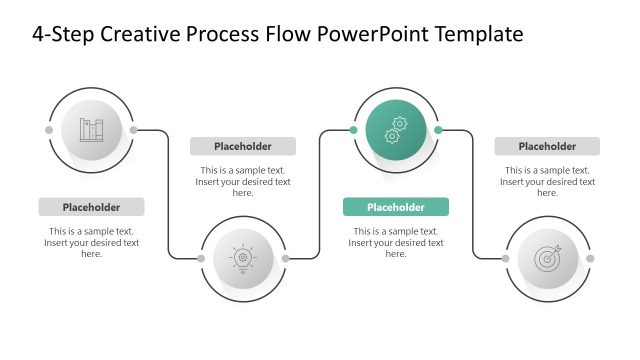
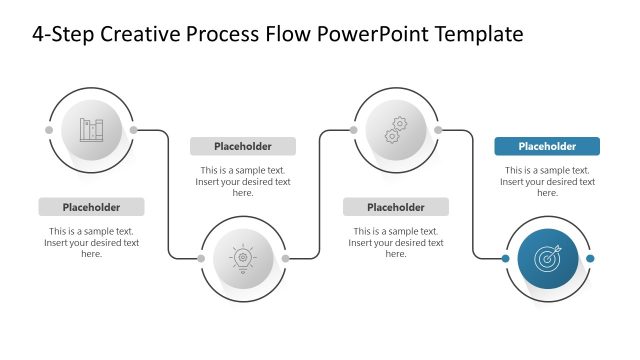
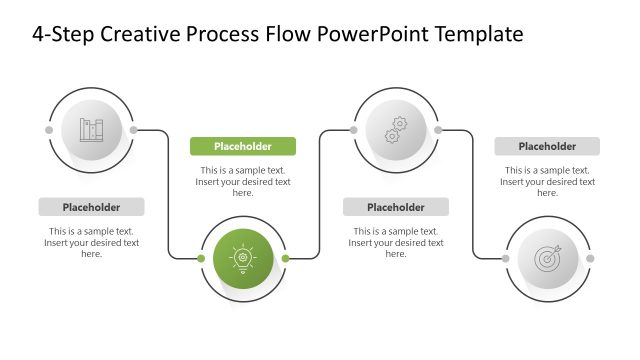
The Creative Process Flow Diagram slide from the Free Creative Process Flow Diagram Template for PowerPoint effectively illustrates workflows and project management. With its structured layout featuring yellow rectangular nodes and a character illustration, this slide is designed to engage audiences while clearly presenting sequential steps in a creative process. Ideal for training materials and business presentations, it offers editable shapes and placeholders for customized content.
What’s on This Slide
The slide features a dark background with a central flow diagram. At the top, a title is prominently displayed. The flow diagram consists of rectangular nodes in yellow, positioned horizontally with connecting arrows indicating direction. Below the main flow, a circular node labeled 'Your question here' is connected by a dashed line. A character illustration is placed on the left side, interacting with the diagram. Text placeholders are aligned within the nodes and a text box is located at the bottom for additional information. The overall layout is structured and visually organized.
How to Use It
This layout serves as a process flow diagram, ideal for illustrating sequential steps or stages in a creative process. It fits well in presentations that aim to explain workflows, project phases, or decision-making paths. This slide can be used in business contexts such as project management, brainstorming sessions, or training materials. It is effective for visually guiding an audience through complex information in a clear and engaging manner.
Text Placeholders & Capacity
Keep your copy within these limits so it fits without resizing. Node labels can accommodate short phrases, roughly 3-5 words each.
| Placeholder | Count | Max characters (approx.) |
|---|---|---|
| Slide title | 1 | 30 |
| Item heading | 5 | 20 |
| Body paragraph | 1 | 150 |
Slide Keywords
Download unlimited PowerPoint templates, charts and graphics for your presentations with our annual plan.
DOWNLOADReturn to Free Creative Process Flow Diagram Template for PowerPoint.