Slide 3 of 3 from Free Creative Meter Shapes for PowerPoint
FF0035-01-meter-shape-3
Creative Meter Shape Slide
- Chart
- Other
- Evaluation Slide
- 16:9
- 100% Editable
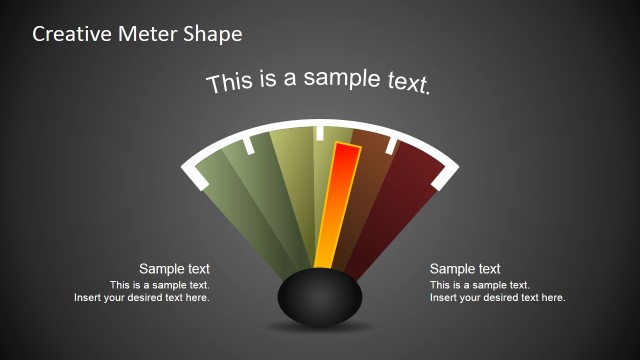
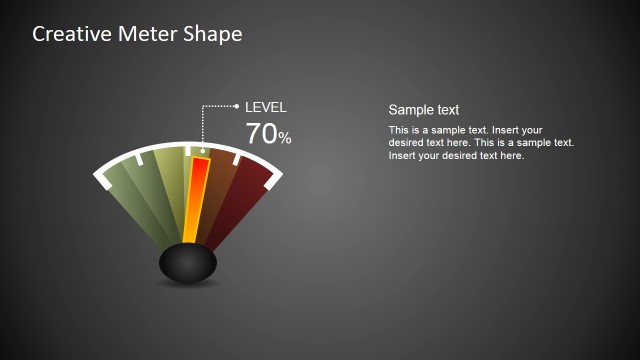
The Dual Meter Visualization slide from the Free Creative Meter Shapes for PowerPoint template offers a clear and effective way to compare KPIs using editable shapes. Designed for business presentations and pitch decks, this slide features side-by-side meter graphics that highlight performance levels, making it ideal for corporate presentation reports and evaluation dashboards.
What’s on This Slide
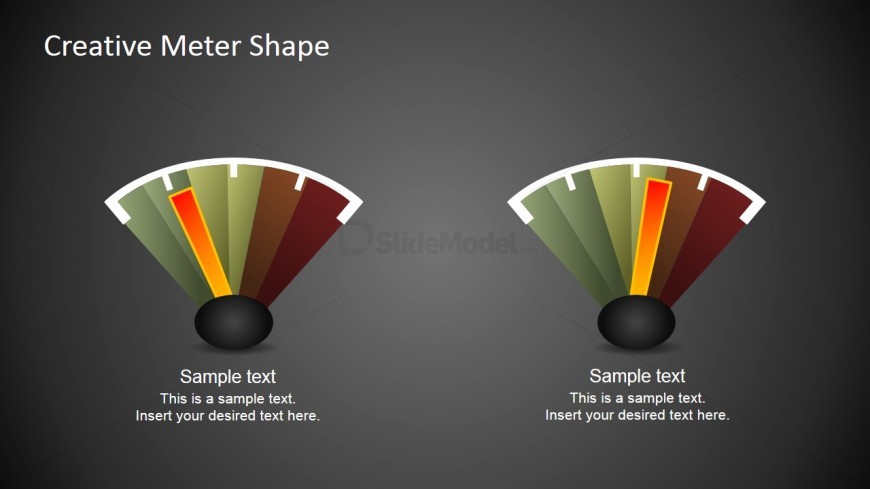
The slide features two meter shapes positioned side by side, each with a black circular base. The meters have a curved design with color gradients transitioning from green to red. Each meter contains a vertical indicator that shows performance levels, with text placeholders below them for descriptions. The background is a dark gradient, enhancing the visibility of the meters. The visual hierarchy emphasizes the meters, with the title at the top center. Text placeholders are aligned centrally beneath each meter, allowing for clear labeling.
How to Use It
This layout serves as a dual meter visualization for comparing performance metrics. It fits well in presentations discussing KPIs or performance levels. Use it in business reports or executive updates to illustrate progress or status. The side-by-side arrangement allows for direct comparison, making it suitable for scenarios where two metrics need evaluation. This layout can effectively communicate performance insights in dashboard presentations.
Text Placeholders & Capacity
Keep your copy within these limits so it fits without resizing. Each meter can hold concise performance labels, roughly 10-15 words each.
| Placeholder | Count | Max characters (approx.) |
|---|---|---|
| Slide title | 1 | 30 |
| Item body | 2 | 50 |
Slide Keywords
Download unlimited PowerPoint templates, charts and graphics for your presentations with our annual plan.
DOWNLOADReturn to Free Creative Meter Shapes for PowerPoint.